

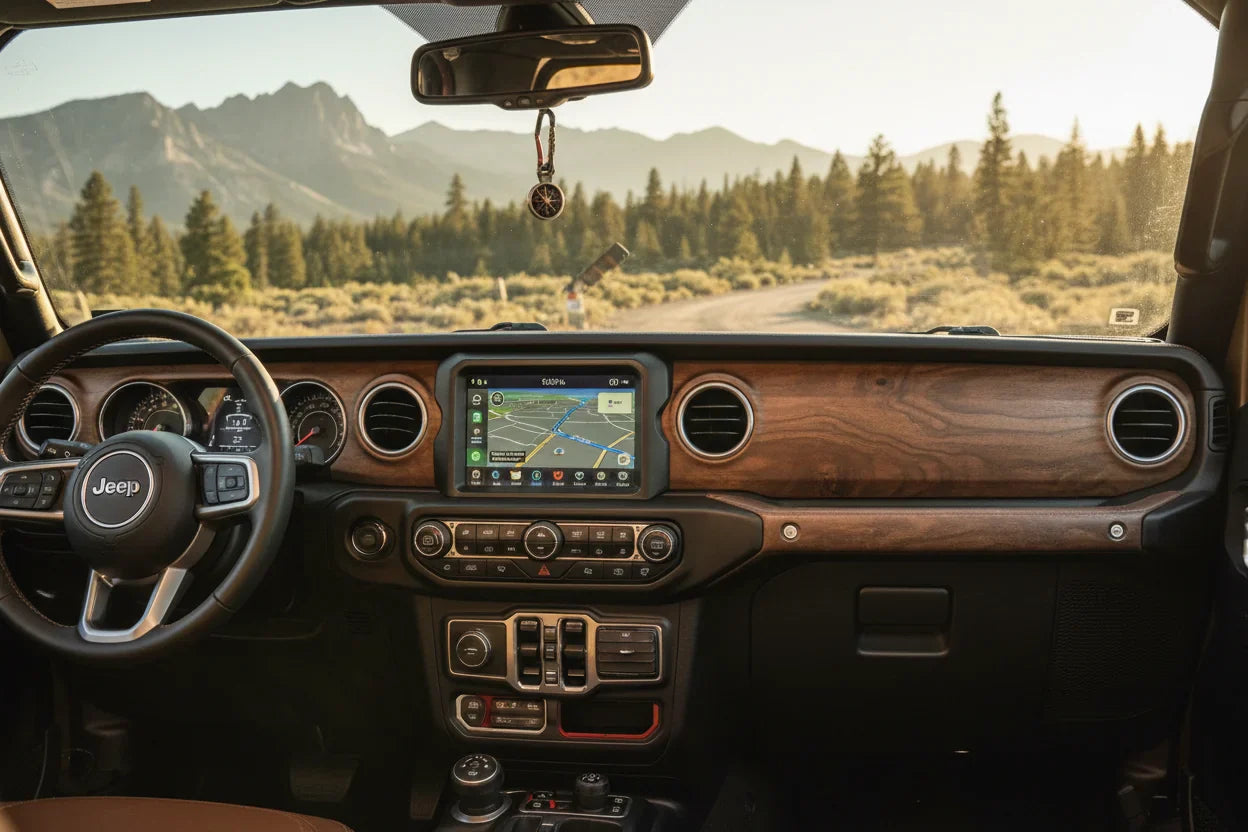
Jeep Wrangler CarPlay Not Connecting? Causes, Fixes, and Upgrade Options
If Apple CarPlay is not connecting in your Jeep Wrangler, the problem usually comes down to one of four areas: your iPhone settings, the USB cable or port, the Jeep Uconnect connection, or vehicle compatibility. The good news is that most CarPlay connection issues can be narrowed down with a simple step-by-step check.
This guide walks through the practical fixes first, then explains when it makes sense to consider a wireless CarPlay upgrade. The important thing to remember: a wireless adapter is an upgrade path, not a repair tool for a broken factory CarPlay system.
Why Jeep Wrangler CarPlay May Not Connect
CarPlay depends on both your iPhone and your Jeep infotainment system working correctly. If either side has a permission issue, software issue, bad cable, wrong USB port, or old pairing record, CarPlay may fail to launch.

Common symptoms include:
- Your iPhone charges, but CarPlay does not appear.
- CarPlay worked before but stopped after an iOS update.
- The Jeep screen says the phone is connected, but CarPlay does not open.
- Wireless CarPlay fails to reconnect automatically.
- Audio works over Bluetooth, but the CarPlay interface does not load.
Bluetooth audio and Apple CarPlay are not the same thing. Your phone can connect for calls or music while CarPlay still fails, especially if the wired USB connection or CarPlay permission is the real issue.
Quick Checks Before You Reset Anything
Start with the simple items before deleting pairings or changing vehicle settings.
- Restart your iPhone.
- Turn your Jeep off, open the door, wait briefly, then restart the vehicle.
- Make sure Siri is enabled on your iPhone.
- Use a data-capable USB cable, not a charge-only cable.
- Try the CarPlay-capable USB port listed in your owner's manual.
- Disconnect other phones from the vehicle while testing.
If CarPlay launches after one of these checks, the issue was likely temporary or related to the cable, port, or competing phone connection.
Fix 1: Check Your iPhone CarPlay Settings
On your iPhone, go to Settings > General > CarPlay. If your Jeep appears in the list, tap it and confirm that CarPlay is allowed. If the connection looks stuck, remove the vehicle and pair it again.

You should also check:
- Siri: CarPlay requires Siri to be enabled.
- Content & Privacy Restrictions: Make sure CarPlay is not blocked.
- VPN or security apps: Temporarily disable them if connection behavior changed recently.
- iOS updates: Install available updates if the issue started after a software change.
Apple also recommends checking CarPlay permissions, restarting your iPhone, and making sure your stereo is in the correct mode when CarPlay does not work.
Fix 2: Use the Right USB Cable and Port
For wired CarPlay, the USB connection matters. Some cables can charge your iPhone but cannot pass the data connection CarPlay needs. If your Jeep Wrangler only charges the phone, try a different high-quality cable.

Also test the USB port. Some Jeep models have multiple USB ports, but not every port may support CarPlay. Use the port intended for smartphone projection or CarPlay, based on your vehicle manual or Uconnect instructions.
If changing the cable or USB port fixes the issue, your iPhone and Jeep system were probably fine. The failure was in the physical connection.
Fix 3: Reset the Jeep Uconnect Connection
If the cable and phone settings look correct, the next step is to refresh the pairing record between your iPhone and the Jeep Uconnect system.
Try this sequence:
- On your iPhone, go to Settings > General > CarPlay and forget the Jeep connection.
- In your Jeep Uconnect phone settings, remove the iPhone from paired devices.
- Restart the iPhone.
- Restart the Jeep infotainment system or cycle the vehicle off and back on.
- Reconnect the iPhone using the CarPlay-capable USB port.
This clears old permissions and pairing records that may prevent CarPlay from launching normally.
Fix 4: Update iPhone and Vehicle Software
If CarPlay stopped working after an iPhone update, check whether another iOS update is available. Apple often addresses connection and app behavior issues through software updates.

You should also check whether your Jeep Uconnect system has available updates. Update steps can vary by model year and infotainment version, so use Jeep, Uconnect, or dealer support resources for your specific vehicle.
Avoid guessing based only on model name. "Jeep Wrangler" covers different model years, trims, and infotainment systems, so the correct update path depends on the actual vehicle configuration.
Wired vs Wireless CarPlay in a Jeep Wrangler
Some Jeep Wrangler setups use wired CarPlay, while newer or higher-trim systems may offer wireless CarPlay depending on model year and equipment. The safest way to confirm support is to check your owner's manual, Uconnect system information, or Apple's official CarPlay vehicle list.
If your Jeep only supports wired CarPlay from the factory, it will normally require a USB connection unless you add a compatible wireless CarPlay adapter. If your Jeep already supports factory wireless CarPlay but it is not connecting, focus on Wi-Fi, Bluetooth, pairing records, and iPhone settings before considering accessories.
When a Wireless CarPlay Adapter Makes Sense
A wireless CarPlay adapter can be useful if your Jeep Wrangler has working factory wired CarPlay and you want to stop plugging in your iPhone every time you drive.

For example, a product like the CARLUEX LINK wireless CarPlay adapter is intended for compatible vehicles with factory wired CarPlay. After setup, it helps turn the wired CarPlay connection into a wireless experience.
Before buying any adapter, confirm compatibility first. You can use the CARLUEX compatibility page as a starting point, then verify your Jeep Wrangler's model year, infotainment system, and factory CarPlay support.
Important: if wired CarPlay does not work at all in your Jeep, fix that first. A wireless adapter depends on the vehicle's existing CarPlay system; it should not be treated as a guaranteed fix for a damaged USB port, unsupported vehicle, or malfunctioning infotainment unit.
When to Contact Jeep or a Dealer
If you have tested the iPhone settings, replaced the cable, tried the correct USB port, reset the pairing, and checked for updates, the issue may be with the vehicle's USB module, Uconnect system, or factory software.
Contact Jeep, Uconnect support, or a dealer if:
- No iPhone can connect to CarPlay in the vehicle.
- The USB port does not recognize any phone.
- The Uconnect screen freezes or restarts during connection.
- CarPlay disappeared after a vehicle service or software update.
- Your vehicle should support CarPlay, but the option is missing.
At that point, a vehicle-specific diagnostic check is safer than continuing to guess.
FAQ
Why is my Jeep Wrangler charging my iPhone but not showing CarPlay?
The cable or USB port may support charging but not data. Try a data-capable cable and the CarPlay-capable USB port listed for your vehicle.
Does every Jeep Wrangler have Apple CarPlay?
No. CarPlay availability depends on model year, trim, and infotainment system. Check your owner's manual, Uconnect information, or Apple's official CarPlay vehicle list.
Can a wireless CarPlay adapter fix Jeep CarPlay not working?
Only if the vehicle's factory wired CarPlay works normally. A wireless adapter is an upgrade from wired to wireless, not a guaranteed repair for a broken USB port, unsupported vehicle, or Uconnect fault.
Why did CarPlay stop working after an iPhone update?
An iOS update can change permissions or connection behavior. Restart your iPhone, check CarPlay settings, forget and re-pair the vehicle, and install any available follow-up updates.
What should I check before buying a wireless CarPlay adapter?
Confirm that your Jeep Wrangler has factory wired CarPlay, verify compatibility, and make sure wired CarPlay works reliably before upgrading.
Final Takeaway
If Jeep Wrangler CarPlay is not connecting, start with the basics: iPhone permissions, Siri, USB cable, correct port, and Uconnect pairing. Most issues come from one of those layers. Once wired CarPlay works reliably, a compatible wireless CarPlay adapter can be a convenient upgrade for daily driving.
Before upgrading, confirm your Jeep Wrangler's compatibility and avoid assuming that every Wrangler uses the same CarPlay setup.


留言
此網站已受到 hCaptcha 保護,且適用 hCaptcha 隱私政策以及服務條款。