

Checking the IMEI number is often required when you want to determine which SIM card you can purchase from your local carrier. To find the IMEI number on your CARLUEX PRO+, follow these steps:
- Access the "Settings" menu.
- Use the search function to look for information related to "IMEI."
- Locate the section that provides your device's IMEI number.
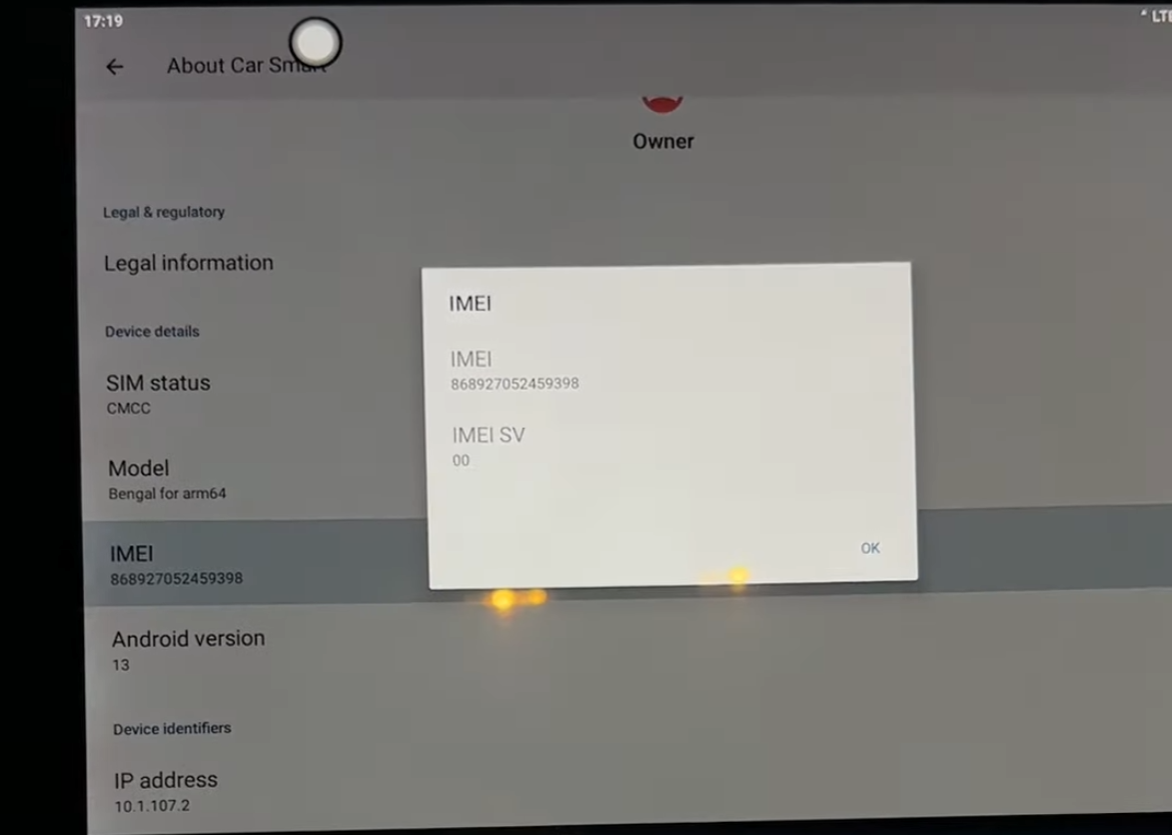
For a visual guide, you can also refer to this video tutorial: IMEI Number Check Tutorial for CARLUEX PRO+


Lämna en kommentar
Denna webbplats är skyddad av hCaptcha och hCaptchas integritetspolicy . Användarvillkor gäller.