

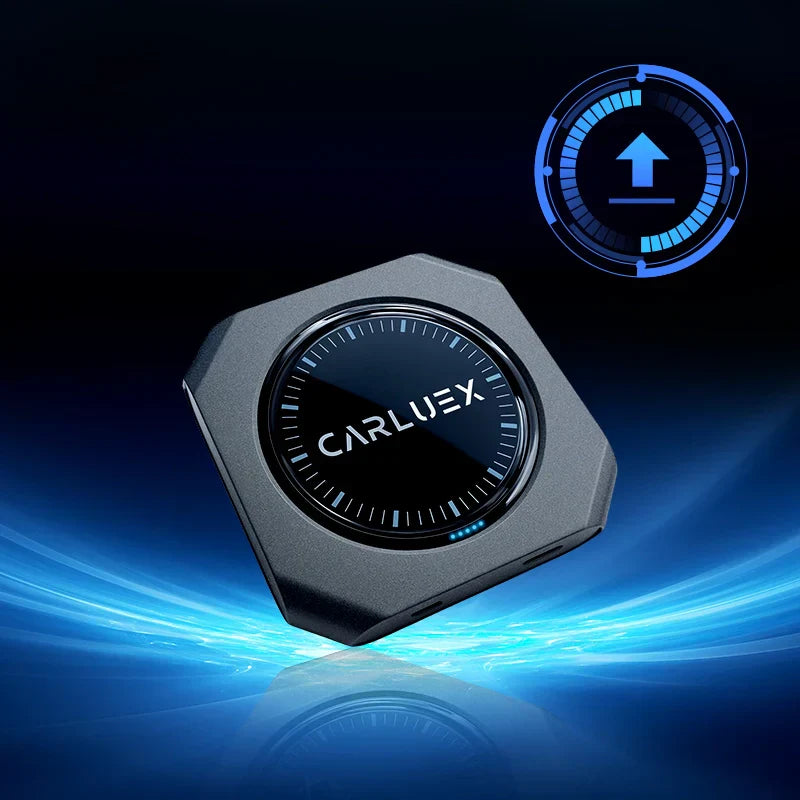
CARLUEX PRO+ 2.0 Software Update (Version 20251219)
We’re pleased to announce the release of the latest software update for CARLUEX PRO+ 2.0, Version 20251219.
This update focuses on improving system stability and compatibility to ensure a smoother and more reliable user experience. See all CARLUEX product updates for the latest news. Browse CARLUEX wireless adapters to find the right fit for your car.
What About 📥 Download Link?
Click the link below to download the software update file:
👉 CARLUEX PRO+ 2.0 Software Update – Version 20251219
https://drive.google.com/drive/folders/1wtFpQvzaof1SCto7ZzrQi7HmTzhalA-a?usp=drive_link
What About 🔧 Software Installation Guide?
Please follow the steps below carefully to ensure the software update is completed successfully.
1. Prepare the Software Update File
-
Download the software update file and save it directly to a blank TF card
-
Do not rename the file
-
Do not place the file inside any folder
2. Insert the TF Card
-
Insert the TF card into your CARLUEX PRO+ 2.0 device
-
The system will automatically detect the software update file within 10 seconds
3. Install the Software
-
When prompted, tap “Install”
-
The device will begin the software update automatically
-
Estimated update time: 12–15 minutes
-
⚠️ Do not power off the device or remove the TF card during the update
4. Complete the Software Update
-
After the system reboots and the home screen appears:
-
Remove the TF card
-
Delete the software update file from the TF card to prevent automatic reinstallation the next time it is inserted
-
5. Verify the Software Version
-
Go to Settings and confirm the system shows:
6. Perform a Factory Reset (Recommended)
To ensure optimal performance after the software update, we strongly recommend performing a factory reset:
Settings → More settings → System → Reset options →Erase all data (factory reset)
What About Power-On Software Update Method?
(Recommended if the device cannot connect to the head unit)
If you are certain your vehicle supports factory wired Apple CarPlay, but the device cannot connect to the head unit after installation, we recommend using the power-on software update method.
The software update file used in this method is the same as above.
Power Options (Either Method Is Acceptable):
-
Option 1: Connect the CARLUEX PRO+ 2.0 directly to the vehicle head unit and perform the software update
-
Option 2: Use a phone charging adapter + the original CARLUEX data cable to power the CARLUEX PRO+ 2.0 independently for the software update
⚠️ Important Notes
-
Do not use a computer USB port to power the device
-
We strongly recommend using a reliable phone charger to ensure stable power during the update process
Step-by-Step Instructions:
-
Power on the CARLUEX PRO+ 2.0 (via vehicle head unit or phone charger)
-
Wait for the LED indicator to change from red to blue
-
Insert the TF card into the device
-
The LED indicator will begin flashing red, indicating the software update file is being read
-
Once the software update is complete, the LED indicator will return to solid blue
-
Remove the TF card and delete the software update file to prevent automatic reinstallation in the future
⏱ Total update time: approximately 10–15 minutes
If you encounter any issues during the software update process, please feel free to contact CARLUEX Support.


Lämna en kommentar
Alla kommentarer modereras innan de publiceras.
Denna webbplats är skyddad av hCaptcha och hCaptchas integritetspolicy . Användarvillkor gäller.