

Quick Answer: Does Your Jaguar F-PACE Have Apple CarPlay?
Apple lists the Jaguar F-PACE as a CarPlay-supported model beginning with the 2019 model year, but that does not mean every F-PACE has the same hardware, connection type, or upgrade path. Jaguar described Apple CarPlay and Android Auto as part of an optional Smartphone Package for the 2019 F-PACE, while later Pivi Pro vehicles moved toward standard—and eventually wireless—phone integration.
Before buying or installing anything, identify your exact model year, market, infotainment system, screen configuration, and factory CarPlay status. Factory center-screen CarPlay, a wired-to-wireless adapter, and a module for a rear entertainment screen are three different solutions.
Do not remove seats, disconnect vehicle wiring, or install a retrofit module from a general web article. Use the instructions supplied for the exact hardware and vehicle, or ask a qualified installer or Jaguar retailer to verify the configuration first.
Jaguar F-PACE CarPlay Support by Model Year
| Model-year context | What official sources indicate | What you still need to verify |
|---|---|---|
| 2019 F-PACE | Jaguar said Apple CarPlay and Android Auto were available through the optional Smartphone Package. | Whether the vehicle has the required Touch Pro equipment and whether the Smartphone Package is already enabled. |
| 2021-era redesigned F-PACE | Jaguar introduced Pivi Pro with standard Apple CarPlay and market-dependent Android Auto. | Exact production date, market, software level, USB or wireless connection support, and screen configuration. |
| 2024 F-PACE | Jaguar's model-year overview lists Pivi Pro, wireless Apple CarPlay, and wireless Android Auto across the F-PACE range. | Regional specification, active software, phone compatibility, and whether the question concerns the front display or an optional rear system. |
Apple's CarPlay vehicle list is useful for broad model-year confirmation. It is not a VIN-level build sheet and does not verify an aftermarket or rear-screen module.
First Identify the Infotainment System You Are Upgrading
Do not start with the adapter. Start with the screen and system already in the vehicle.
- Touch Pro with an optional Smartphone Package: some earlier vehicles may need the correct factory hardware and Jaguar software activation before CarPlay appears.
- Pivi Pro: later F-PACE vehicles use a newer infotainment platform with different software and connectivity capabilities.
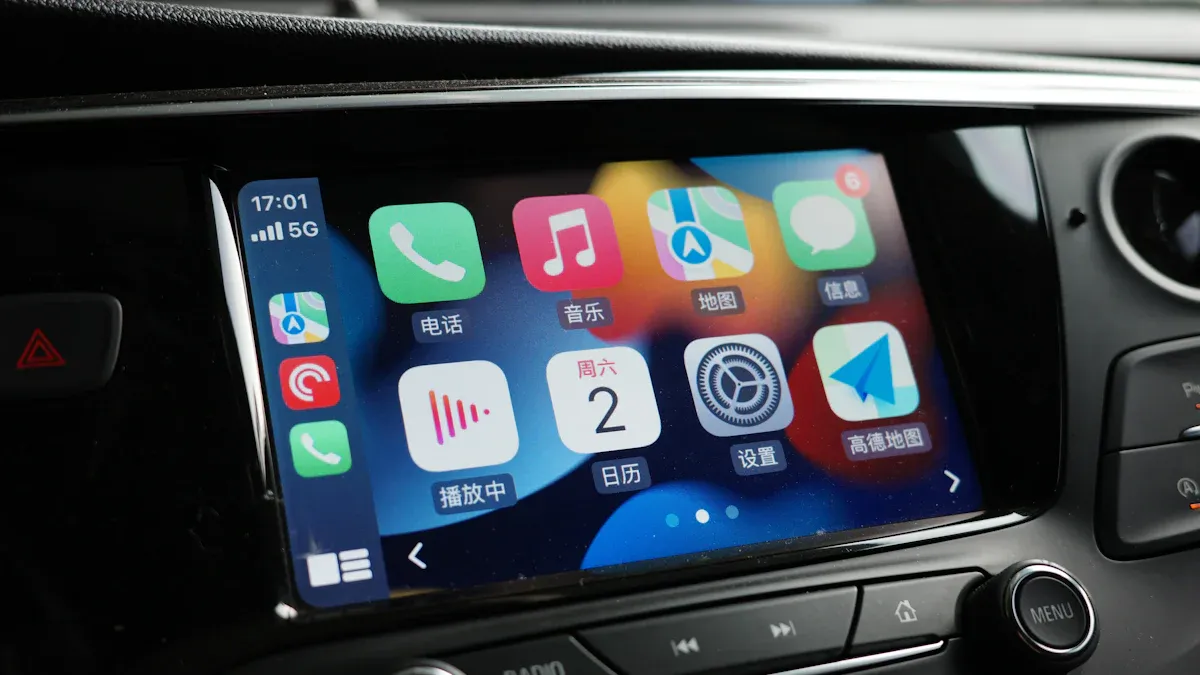
- Factory center-screen CarPlay: this is the driver's main Apple CarPlay interface.
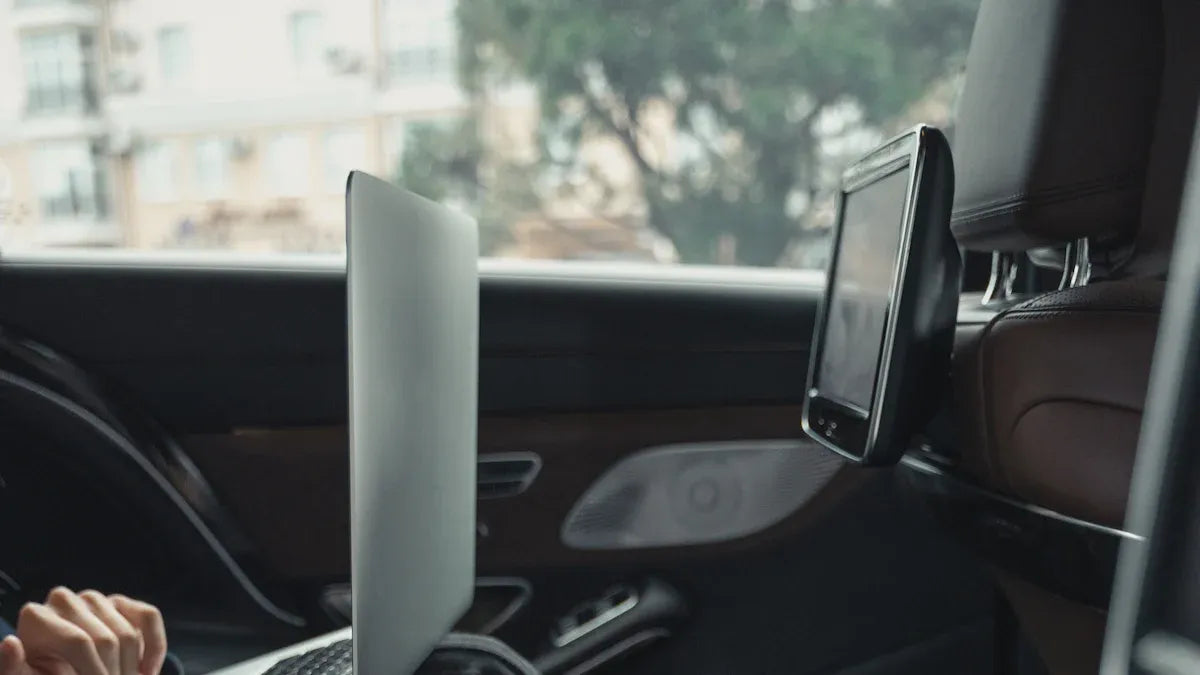
- Rear entertainment display: this is separate hardware. Main-screen CarPlay support does not prove that a third-party module will work with a rear display.
- Aftermarket screen or head unit: CARLUEX compatibility cannot be assumed; the current project rules exclude aftermarket units from the standard adapter compatibility claim.
Check the vehicle menu, owner's information, VIN build specification, USB ports, and current software before deciding which category applies. Jaguar's infotainment overview and a Jaguar retailer can help distinguish Touch Pro from Pivi Pro and confirm available services.
Choose the Correct F-PACE CarPlay Upgrade Path
1. Factory CarPlay Is Missing from the Main Screen
If the vehicle has compatible Touch Pro hardware but CarPlay is not shown, check the installed software and ask Jaguar whether the Smartphone Package can be enabled for that VIN. Jaguar's Touch Pro release notes state that software version 19B enabled the Smartphone Pack for compatible vehicles with specified Touch Pro equipment.
For Pivi Pro vehicles, use the vehicle's software-update menu and the official Jaguar software update guidance. Feature availability can vary by specification, model year, and market.
2. Wired CarPlay Already Works and You Want a Wireless Connection
A compatible wired-to-wireless adapter may remove the daily phone cable after setup. It does not add CarPlay to an unsupported vehicle, activate a missing Jaguar Smartphone Package, or control a separate rear entertainment system.
Apple's current CarPlay setup guide distinguishes USB, mixed USB/wireless, and wireless-only connections. Use the path that matches the vehicle rather than assuming every F-PACE pairs the same way.
3. You Want CarPlay on a Rear Entertainment Screen
This requires exact hardware-level confirmation. The module must match the vehicle year, market, original rear-display hardware, connectors, camera/seat configuration, and software. The former CARLUEX product link used by this article is not enough evidence to confirm current availability or compatibility.
Do not rely on a generic claim such as “2019-2024 F-PACE compatible.” Request the current product page, installation manual, connector photographs, supported system list, and written compatibility confirmation for the exact vehicle before purchase or disassembly.
Compatibility Checklist Before Buying a Module
- Record the VIN, model year, trim, market, and production date.
- Identify Touch Pro, Pivi Pro, or an aftermarket infotainment system.
- Confirm whether factory CarPlay currently works on the center display and whether it is wired or wireless.
- Confirm that the vehicle actually has the rear entertainment hardware targeted by the module.
- Compare the vehicle connectors and system identifiers with the current product manual—not only a marketing title.
- Ask whether cameras, seat electronics, factory audio, steering controls, and rear displays retain their normal functions.
- Obtain the exact installation guide, warranty terms, and rollback procedure before removing trim or seats.
- Confirm who will support the installation if the screen, audio, pairing, or vehicle warnings do not behave as expected.
If any item is unknown, pause the installation. Compatibility should be confirmed before purchase because vehicle incompatibility may not qualify for the same remedy as a verified product defect.
Original Installation Video
Reference only: this video was embedded in the original article. Confirm that its vehicle, connectors, module revision, and safety instructions match the exact hardware being installed. If they do not match, do not follow the procedure.
Installation Safety and Professional Help
Seat removal and work near vehicle wiring can involve heavy components, seat wiring, airbags, restraint systems, cameras, and sensitive electronic modules. The correct power-down and reconnection procedure depends on the vehicle and installation hardware.
This guide intentionally does not provide generic battery-disconnect, seat-removal, cable-routing, or DIP-switch instructions. Use the Jaguar workshop procedure and the exact module manual, or hire a qualified installer familiar with Jaguar infotainment and restraint systems.
Complete all research, pairing, testing, and screen adjustments while parked. Do not change phone or infotainment settings while driving. After installation, verify that seats, restraints, warning indicators, cameras, audio, factory controls, and displays operate normally before driving.
Where a CARLUEX Adapter May Fit
If your F-PACE already has working factory wired CarPlay and your goal is only to make the phone connection wireless, compare the current requirements in the CARLUEX wireless CarPlay box collection. A standard USB adapter is not a substitute for a vehicle-specific rear entertainment module.
CARLUEX compatibility depends on the adapter model and the vehicle's factory infotainment system. Check the compatible vehicles information and obtain confirmation for the exact F-PACE configuration before purchase. Do not assume that Apple listing the F-PACE for CarPlay proves compatibility with every CARLUEX product.
Frequently Asked Questions
Does every 2019 Jaguar F-PACE have Apple CarPlay?
No. Jaguar described CarPlay and Android Auto as part of an optional Smartphone Package for the 2019 F-PACE. Verify the vehicle's Touch Pro equipment, software, and activated options by VIN.
Does a 2024 Jaguar F-PACE need a wireless CarPlay adapter?
Jaguar's 2024 model-year information lists wireless Apple CarPlay with Pivi Pro. If factory wireless CarPlay works, a basic wired-to-wireless adapter is unnecessary. Regional and vehicle-specific confirmation still matters.
Can a USB wireless adapter add CarPlay if my F-PACE has no CarPlay?
No. A wired-to-wireless adapter normally requires an existing compatible factory wired CarPlay connection. It does not activate unsupported vehicle hardware or install Jaguar's Smartphone Package.
Can I install a rear-screen CarPlay module myself?
Only follow a DIY procedure when the current manufacturer documentation explicitly matches the vehicle, screen, connectors, and module revision, and when you are qualified to perform the work safely. Otherwise, use a professional installer.
Will installing a module preserve every factory feature and the vehicle warranty?
That cannot be guaranteed from this article. Ask the module supplier and Jaguar retailer for written information about retained functions, warranty implications, installation responsibility, and rollback before modifying the vehicle.
Why does my F-PACE appear on Apple's CarPlay list but CarPlay is missing?
Apple's list is model-level guidance, not confirmation of every trim or build. Earlier vehicles may depend on optional hardware, software, region, or activation. Check the VIN and infotainment version with Jaguar.
Bottom Line
The correct Jaguar F-PACE CarPlay solution depends on the exact vehicle and the screen you want to upgrade. A 2019 Touch Pro vehicle, a later Pivi Pro vehicle, and a rear entertainment display do not share one universal installation path.
Confirm factory hardware and software first. Use a wireless adapter only when the required wired CarPlay connection already works. Treat a rear-screen retrofit as a separate hardware project that requires the current product manual, exact compatibility confirmation, and safe installation support.


Lämna en kommentar
Denna webbplats är skyddad av hCaptcha och hCaptchas integritetspolicy . Användarvillkor gäller.