

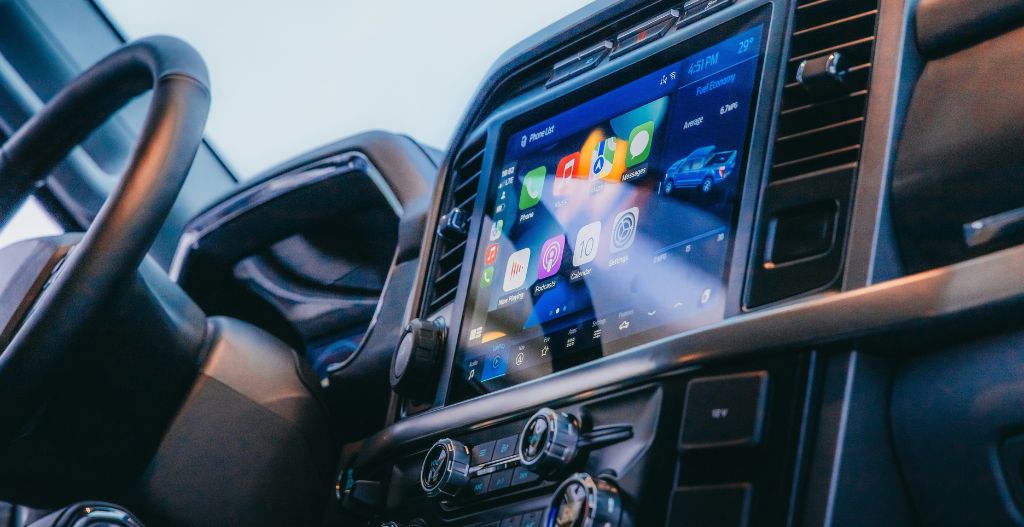
Quick answer: Chevy Equinox CarPlay support depends on the model year and infotainment system. Apple’s current vehicle list includes the Chevrolet Equinox for model years 2018–2025, but that does not mean every vehicle has factory wireless CarPlay. If wired CarPlay already works through your Equinox USB data port, a compatible wireless adapter can remove the daily phone cable. If the vehicle has no factory CarPlay, a wired-to-wireless adapter will not add it.
Start by checking the exact year, trim, region, and infotainment system. The gas-powered Equinox and Equinox EV also need to be treated separately: Chevrolet states that the 2025 Equinox EV uses Google built-in and does not include Apple CarPlay or Android Auto.
Safety: Change phone, adapter, and infotainment settings only while the vehicle is parked. Do not watch video or adjust settings while driving.
Does the Chevy Equinox Have Apple CarPlay?
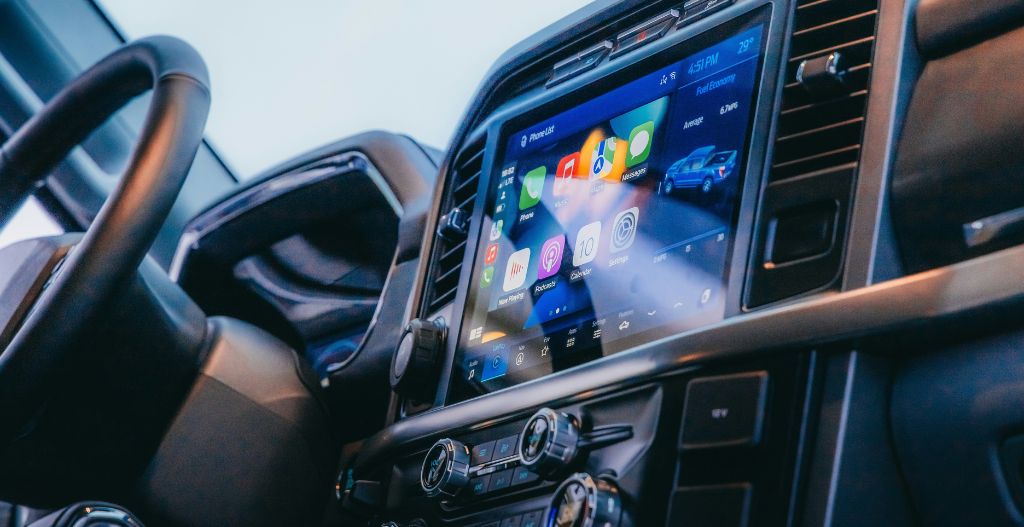
Apple’s CarPlay available-models list currently shows Chevrolet Equinox model years 2018–2025. Use that as a starting point, then verify the exact vehicle through its owner’s manual and infotainment menus. Chevrolet says a compatible vehicle normally shows an Apple CarPlay or Projection icon on the center display.
Equinox version |
What to check |
Can a wireless adapter help? |
|---|---|---|
2010–2017 gas Equinox |
Apple’s current list starts the Equinox at 2018. Check for an aftermarket or retrofitted system rather than assuming factory CarPlay. |
Not unless factory wired CarPlay already launches. A wired-to-wireless adapter is not a CarPlay retrofit kit. |
2018–2021 gas Equinox |
CarPlay is listed, but wired versus wireless operation can vary by year, trim, region, and infotainment system. |
Yes, when factory wired CarPlay works reliably and the adapter supports the vehicle. |
2022–2025 gas Equinox |
Some newer configurations provide factory wireless CarPlay. Test the factory connection before buying an adapter. |
Only if the vehicle has wired CarPlay but lacks a working factory wireless option. |
2025 Equinox EV |
Chevrolet states that this EV uses Google built-in and does not include Apple CarPlay or Android Auto. |
No. CARLUEX LINK requires factory wired CarPlay and cannot add a missing factory protocol. |
For later model years or a vehicle with unusual options, check the current owner’s manual. A model badge alone is not enough to confirm the connection type.
Wired vs Wireless CarPlay in a Chevrolet Equinox
“Has CarPlay” and “has wireless CarPlay” are different claims. Wired CarPlay sends the connection through a USB data port. Factory wireless CarPlay uses Bluetooth for discovery and Wi-Fi for the active session. Chevrolet notes that only select vehicles offer wireless CarPlay, so the correct upgrade depends on what your Equinox already does.
- CarPlay works without a cable: your Equinox already has factory wireless CarPlay. You probably do not need a converter.
- CarPlay works only when the iPhone is connected by USB: your vehicle may be a candidate for a wired-to-wireless adapter.
- The USB port only charges the phone: try the correct USB data port and a reliable cable before assuming the car supports CarPlay.
- No CarPlay or Projection icon appears: verify the owner’s manual and exact system. Do not buy a converter as a substitute for an aftermarket head unit.
Which Wireless CarPlay Solution Fits an Equinox?
1. Use the Factory Wireless Connection When Available
If your Equinox already connects to CarPlay wirelessly, use the vehicle’s built-in pairing flow. Chevrolet’s official Apple CarPlay setup guide says wireless availability is limited to select vehicles and that the first connection should be completed while the vehicle is in Park.
2. Convert Working Wired CarPlay to Wireless
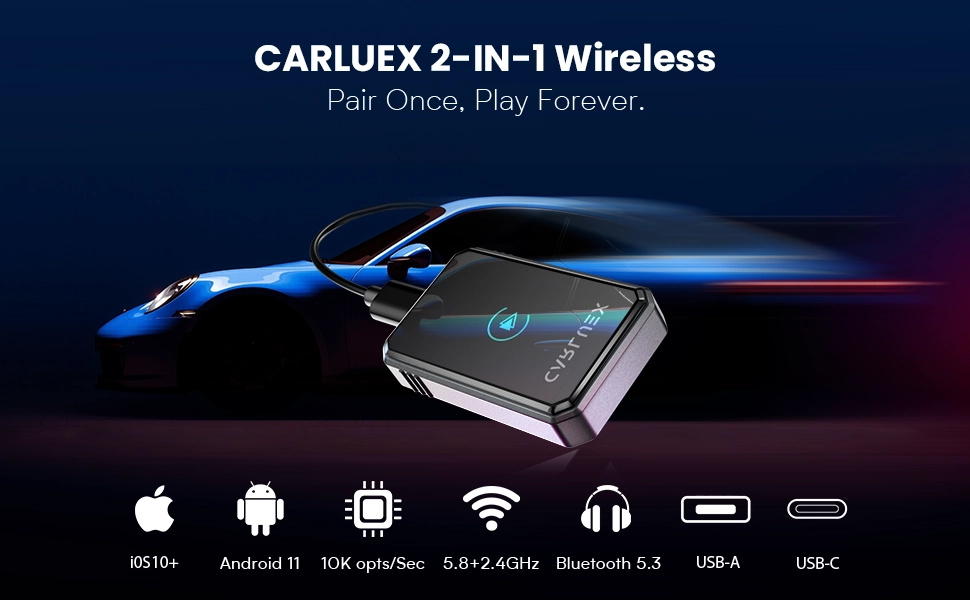
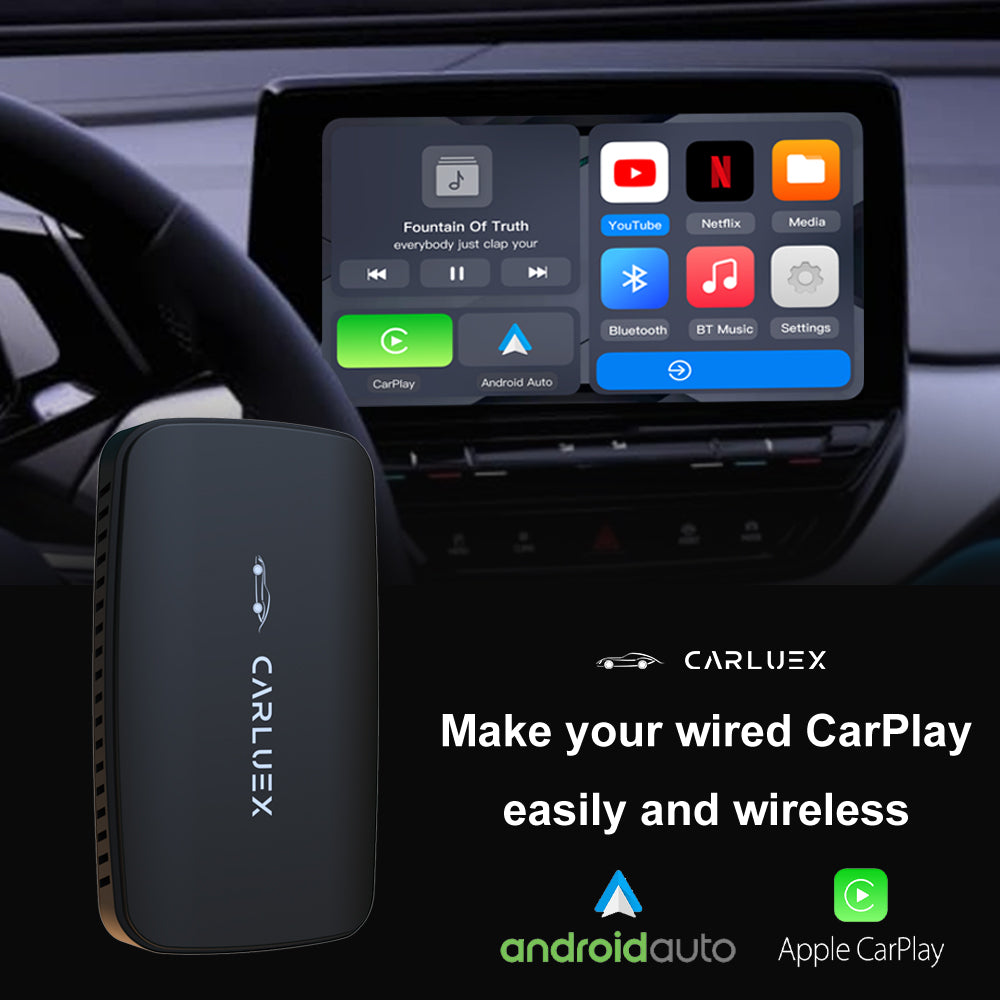
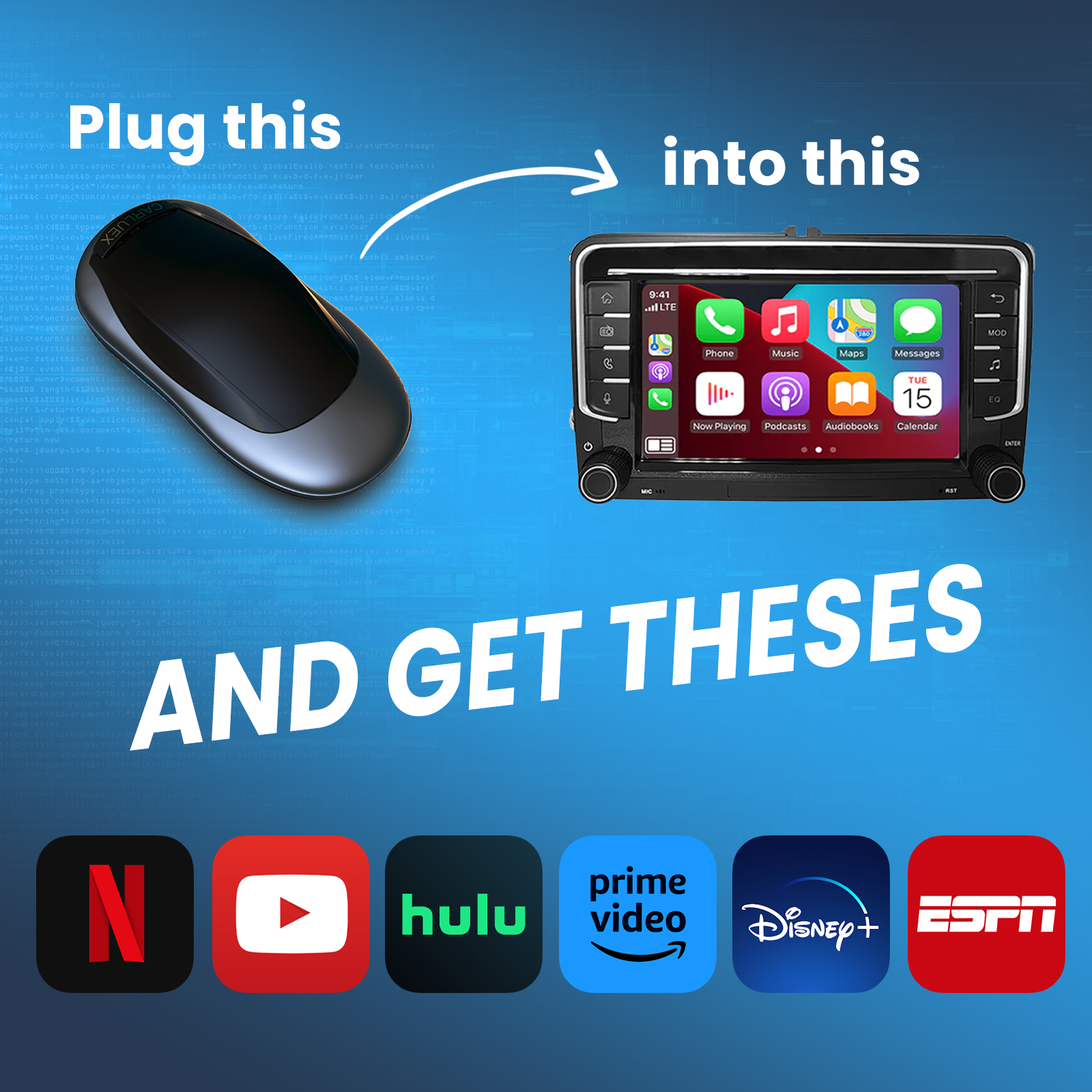
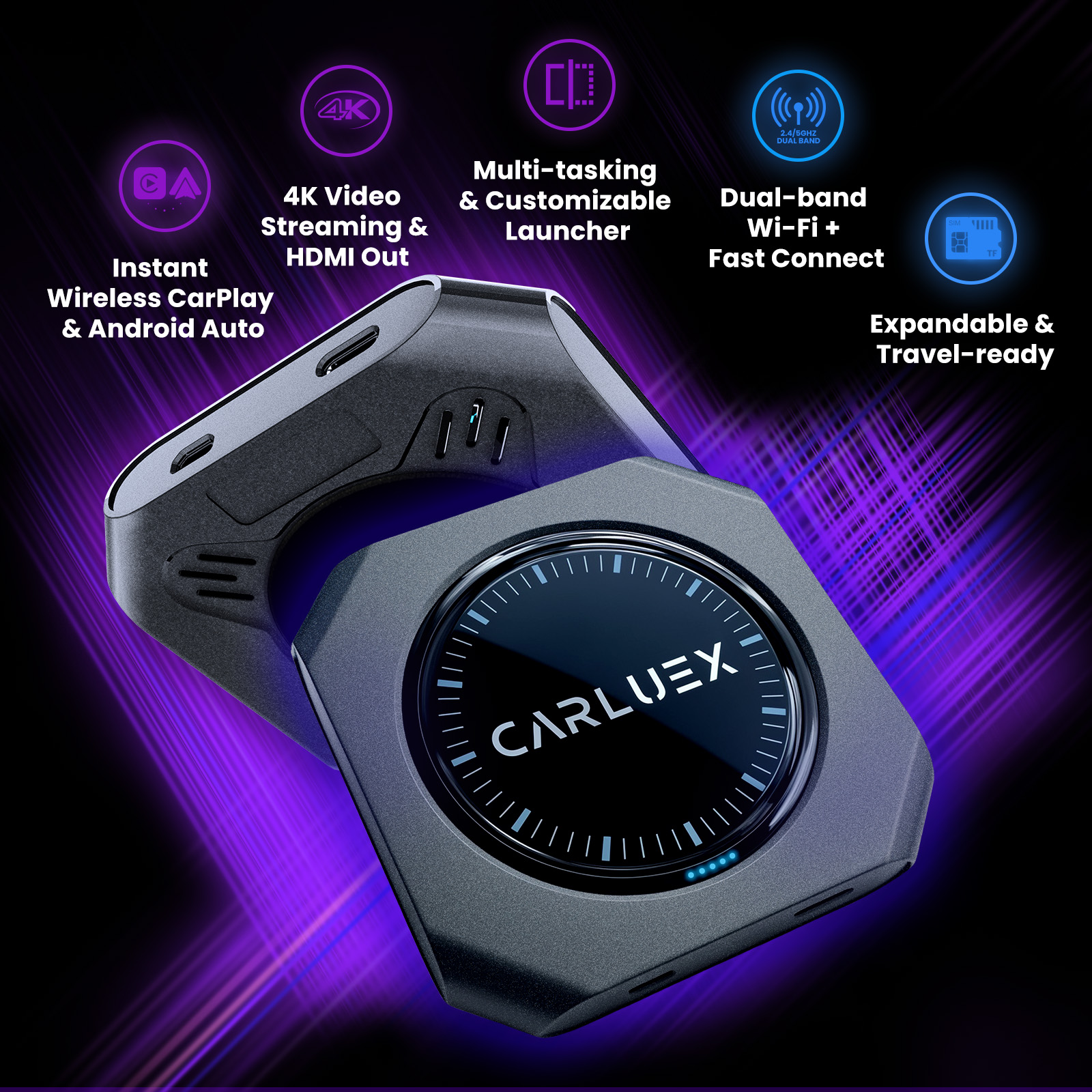
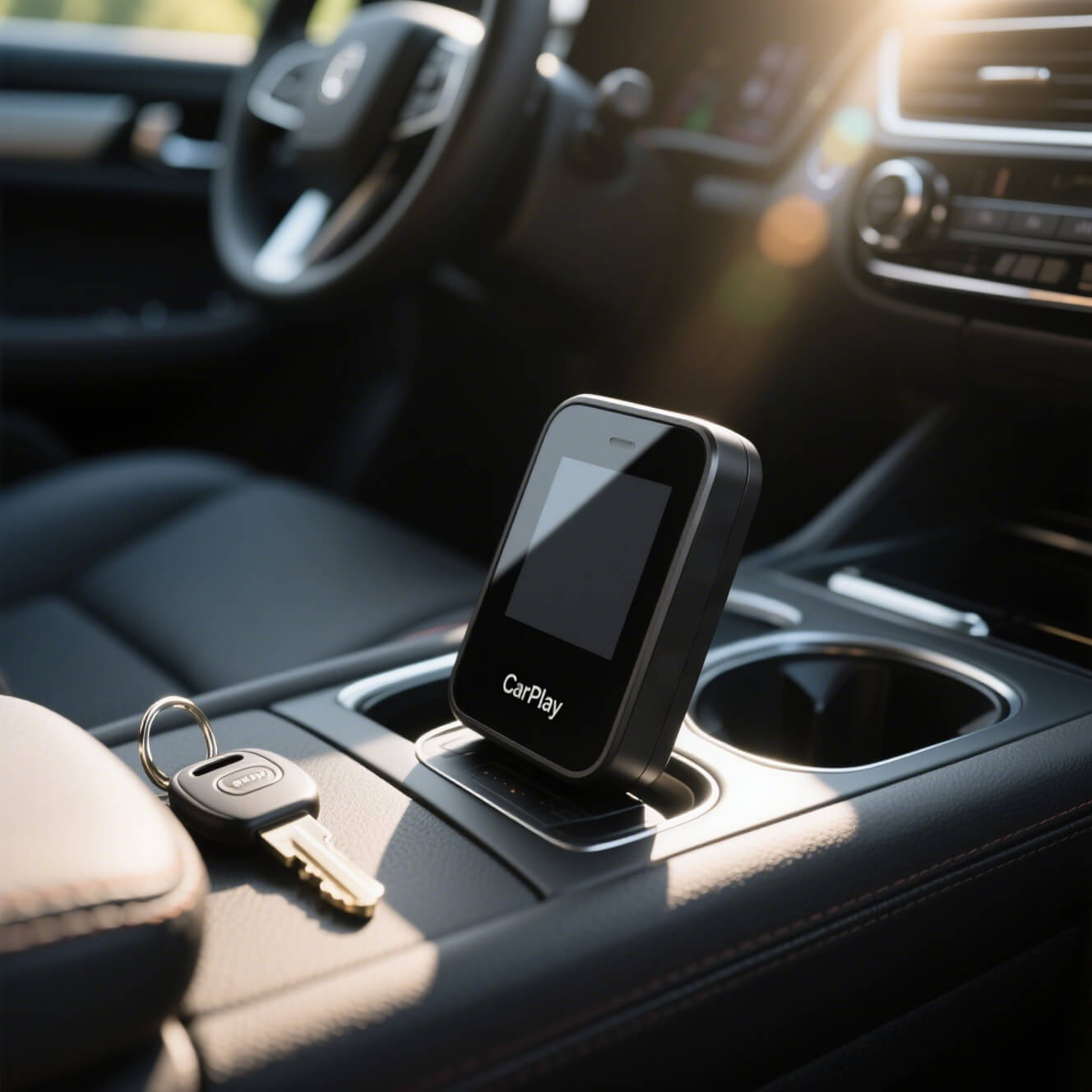
If wired CarPlay works but you want to leave your iPhone in a pocket or bag, a simple converter is the most direct option. CARLUEX LINK is designed to convert factory wired CarPlay to wireless CarPlay. It connects to the vehicle by USB, so “wireless” means the phone no longer needs its own cable after setup.
Before ordering, check your exact vehicle on the CARLUEX compatible vehicles page. CARLUEX LINK is not intended for aftermarket or retrofitted head units, and it will not work when factory wired CarPlay cannot launch.
3. Choose Multimedia Features Only If You Need Them
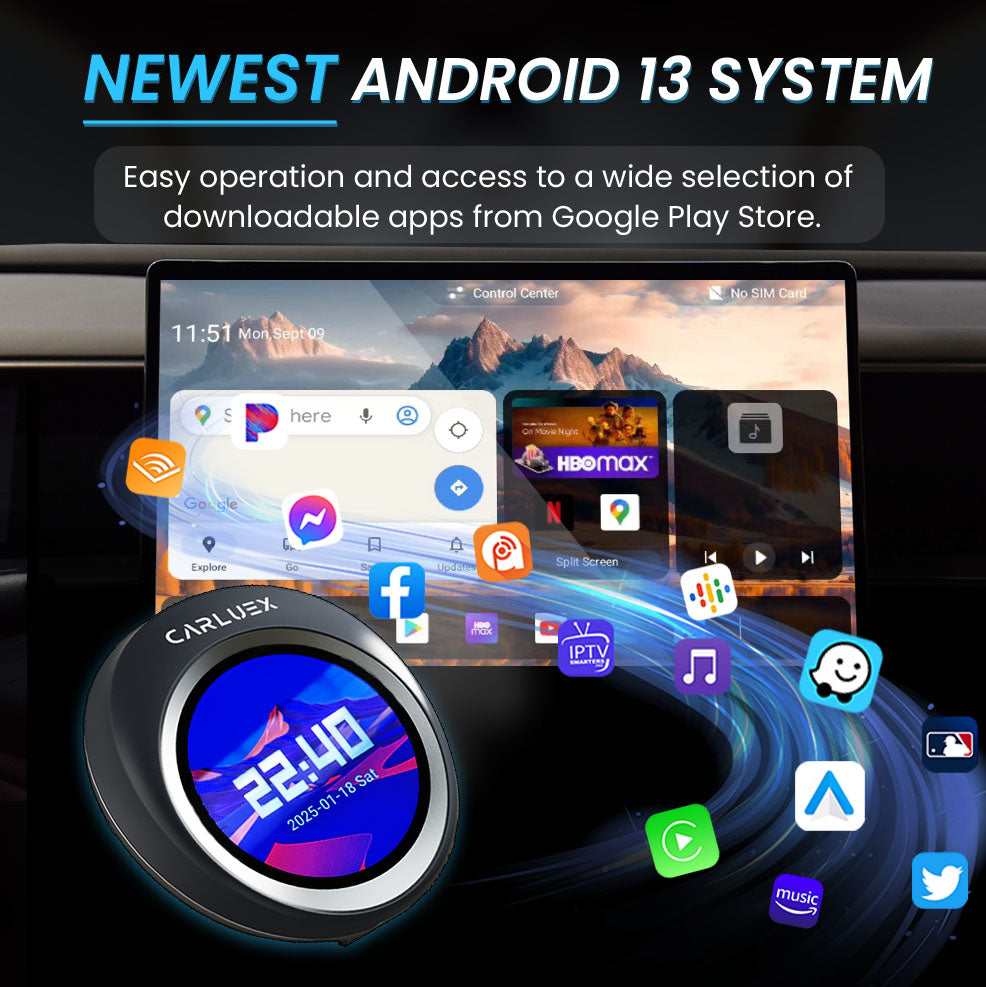
CARLUEX AIR, GO, VISION, and PRO+ 2.0 add different multimedia or Android-system features, but they still depend on a compatible factory infotainment system. Do not choose a larger AI box simply because it has more features. For drivers who only want cable-free navigation, calls, messages, and music, a basic wired-to-wireless converter is the clearer fit.
Use video and entertainment features only while parked or for passengers where permitted. Third-party app availability and performance can change with the app provider.
How to Set Up Wireless CarPlay in an Equinox
For Factory Wireless CarPlay
- Park the vehicle and turn on the infotainment system.
- Make sure Bluetooth, Wi-Fi, and Siri are enabled on the iPhone. The exact settings label can vary by iOS version.
- Open the Equinox phone or device menu and begin Bluetooth pairing.
- Accept the CarPlay prompts on both the center display and iPhone.
- Test navigation, music, calls, and steering-wheel controls while parked.
For a Wired-to-Wireless Adapter
- First connect the iPhone directly by cable and confirm that factory wired CarPlay works.
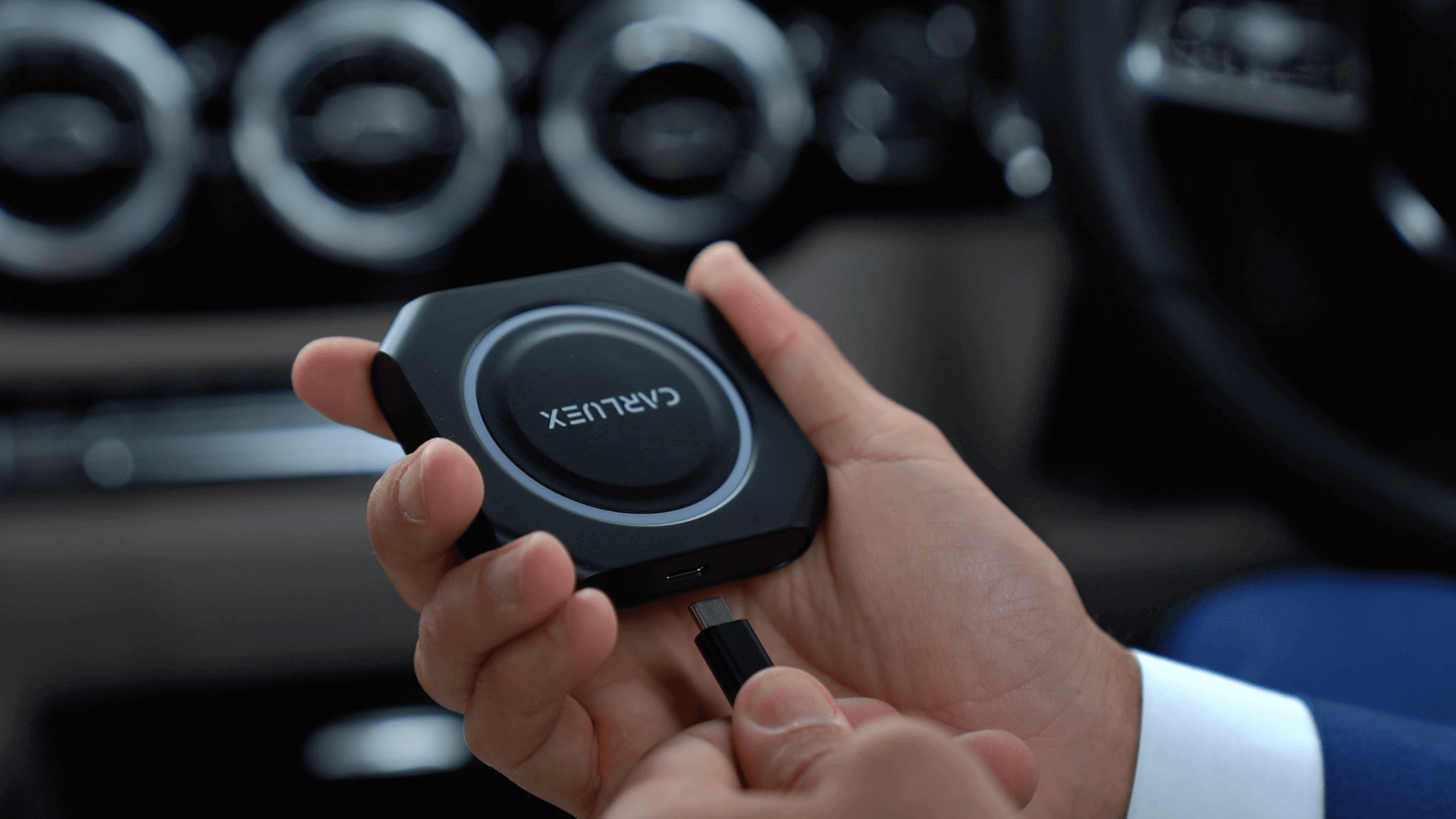
- Disconnect the phone and plug the adapter into the same CarPlay-capable USB data port.
- Wait for the adapter’s pairing screen, then select its Bluetooth name on the iPhone.
- Approve the CarPlay request and keep both Bluetooth and Wi-Fi enabled.
- Turn the vehicle off and back on, then confirm automatic reconnection while parked.
Some Equinox USB ports are charging-only. Chevrolet recommends using the vehicle’s USB data port for wired CarPlay. Port location and labels vary, so consult the owner’s manual if the phone charges but CarPlay does not start.
Troubleshooting: Equinox CarPlay Still Does Not Work
- Check the USB port: use a data-capable port, not a charging-only port.
- Try a different cable: test wired CarPlay directly before troubleshooting the wireless adapter.
- Check iPhone settings: search Settings for CarPlay and Siri, and confirm CarPlay is not blocked by Screen Time restrictions.
- Clear old pairings: forget the Equinox on the iPhone and delete the iPhone from the vehicle, then reconnect.
- Update software: check iOS and, where supported, Chevrolet infotainment software.
- Test without the adapter: if wired CarPlay also fails, the adapter is not the first problem to solve.
Chevrolet’s support guidance says a grayed-out CarPlay icon can indicate a connection or settings issue. If the factory wired connection still fails after cable, port, settings, and re-pairing checks, consult Chevrolet support or a dealer before purchasing an adapter.
For a deeper reset sequence, follow How to Reset Apple CarPlay and Fix Connection Issues. If wired CarPlay works but the adapter connection drops, use the wireless CarPlay adapter troubleshooting guide.
Chevy Equinox CarPlay Buying Checklist
- Confirm whether the vehicle is the gas Equinox or Equinox EV.
- Record the model year, trim, market, and infotainment system.
- Verify that CarPlay launches when the iPhone is connected directly by USB.
- Confirm that you are using a USB data port.
- Check whether the vehicle already offers factory wireless CarPlay.
- Review the adapter’s exact compatibility requirements before purchasing.
- Do not treat a wireless adapter as a repair tool or CarPlay retrofit.
Related CARLUEX Guides
- Cars with Apple CarPlay: models and compatibility
- How to reset Apple CarPlay
- How to troubleshoot a wireless CarPlay adapter
FAQ
Does a 2017 Chevy Equinox have Apple CarPlay?
Apple’s current factory CarPlay list starts the Chevrolet Equinox at model year 2018. A 2017 Equinox may have an aftermarket or retrofitted system, so check the actual infotainment unit. A wired-to-wireless adapter will not add CarPlay unless factory wired CarPlay already works.
Can I make wired CarPlay wireless in a Chevy Equinox?
Often, yes—if factory wired CarPlay already works and the adapter supports the vehicle. Test CarPlay with the iPhone connected directly before buying a converter.
Why does my iPhone charge but CarPlay does not start?
You may be using a charging-only USB port, an unreliable cable, or a blocked CarPlay setting. Try the CarPlay-capable USB data port, another cable, and Chevrolet’s official setup steps while parked.
Does the Chevy Equinox EV have Apple CarPlay?
Chevrolet states that the 2025 Equinox EV does not include Apple CarPlay or Android Auto and instead uses Google built-in. Check the current page or owner’s manual for other model years rather than assuming the gas Equinox and Equinox EV use the same system.
Which CARLUEX adapter is the simplest Equinox upgrade?
For an Equinox with working factory wired CarPlay, CARLUEX LINK is the simplest product path because it focuses on converting wired CarPlay to wireless. Confirm the exact vehicle and factory system on the compatibility page before purchasing.


Lämna en kommentar
Denna webbplats är skyddad av hCaptcha och hCaptchas integritetspolicy . Användarvillkor gäller.