

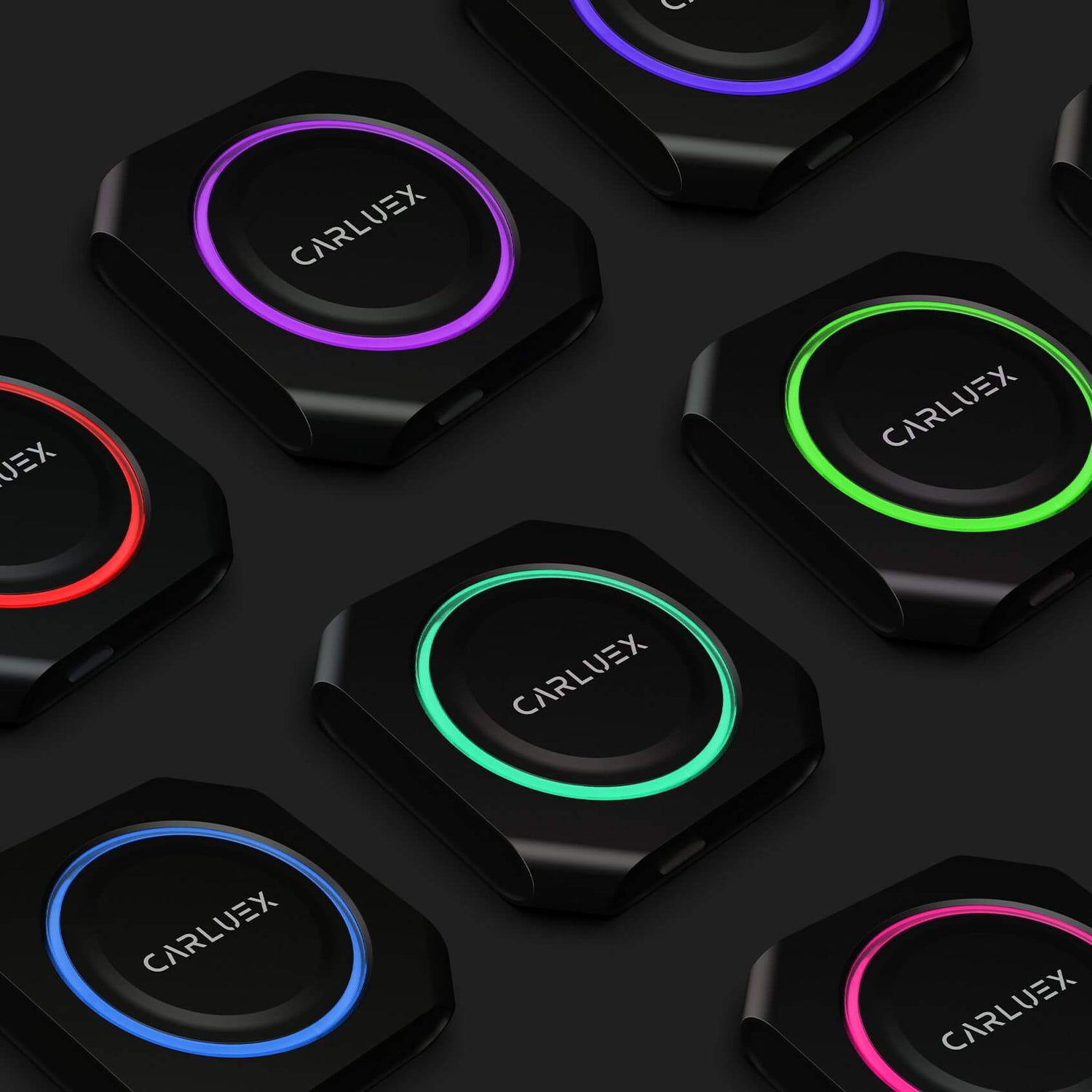
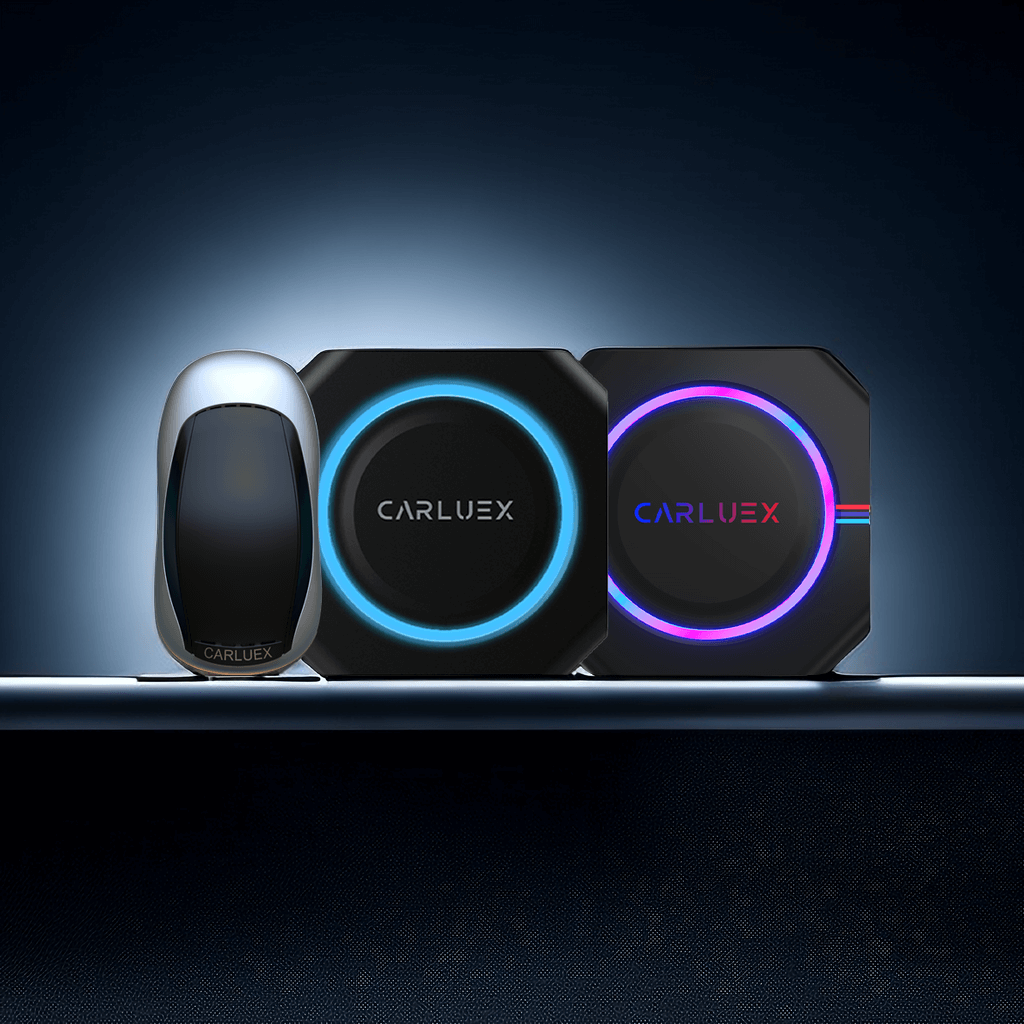
Personalize your driving experience by customizing the LED lighting on your CARLUEX PRO+. This guide walks you through the simple steps to adjust your device's lighting settings.
How to Access the Lighting Settings
To begin customizing your lighting, first access the LED application on your CARLUEX PRO+ device:
- Power on your CARLUEX PRO+ device
- Navigate to the main menu
- Locate and tap the "LED" or "Lighting" app icon
- The light debugging interface will open
How to Change LED Colors
Once you're in the lighting interface, you can choose your preferred color:
- Browse through the color palette or preset themes
- Select your desired color option
- Watch as the lights on your CARLUEX PRO+ synchronously adjust to match
Custom Lighting Modes
CARLUEX PRO+ offers multiple lighting modes to enhance your driving atmosphere:
- Static Color: Choose a single color that remains constant
- Breathing Mode: Lights gradually fade in and out
- Music Sync: Lights pulse to match your music's rhythm
- Dynamic Mode: Colors shift automatically through the spectrum
Tips for Best Lighting Experience
Consider these recommendations when customizing your lighting:
- Choose softer colors for night driving to reduce distraction
- Use dynamic modes for a more immersive entertainment experience
- Match your lighting to your car's interior for a cohesive look
- Save your favorite presets for quick access
Troubleshooting Lighting Issues
If the LED lights aren't responding:
- Ensure the device is properly powered
- Restart the CARLUEX PRO+ device
- Check that the LED app is up to date
- Contact CARLUEX support if issues persist
Frequently Asked Questions
Can I customize the lighting while driving?
Yes, but for safety, we recommend adjusting settings before starting your journey or when parked.
Does the lighting affect battery life?
The LED lights are energy-efficient and have minimal impact on battery consumption.
How many colors are available?
CARLUEX PRO+ offers over 16 million colors through the RGB spectrum, plus various preset themes.


Lämna en kommentar
Alla kommentarer modereras innan de publiceras.
Denna webbplats är skyddad av hCaptcha och hCaptchas integritetspolicy . Användarvillkor gäller.