


Android Automotive OS Update: What It Means for Android Auto
The October 2026 Android Automotive OS bulletin is a platform-level update surface. It can help explain what Google and the Android Open Source Project have documented, but it is not a compatibility list for every car. The useful question is: which system is your vehicle using, and which parts of your own setup can you verify?
This guide separates official platform facts from vehicle-specific questions. It is an informational draft. It does not establish that a particular make, model, trim, head unit, accessory, or CARLUEX product is compatible.
What an Android Automotive OS bulletin actually confirms
The Android Automotive OS bulletin is an official monthly surface for platform security and maintenance information. It describes work that can apply to the Android Automotive platform and its update chain. That is useful context for a built-in vehicle system, but the page does not replace the vehicle maker's own release notes or compatibility documentation.

Read the bulletin as a platform record, then ask what it says about the exact vehicle system. A bulletin entry can establish that a platform component or update surface exists. It does not identify a new phone requirement, a new wireless mode, a model-by-model rollout schedule, or an accessory fitment result.
- Confirmed: Android Automotive OS has an official monthly bulletin surface.
- Not confirmed by the bulletin alone: a change to the Android Auto projection path in every vehicle.
- Still variable: how a manufacturer integrates, validates, and delivers the platform update to a particular vehicle system.
Android Auto and Android Automotive OS are different paths
Google's Android for Cars overview distinguishes two systems. Android Auto is phone-based: a compatible phone supplies the app experience and projects it onto a compatible car display. Android Automotive OS, often called AAOS, is built into the vehicle and can run compatible apps on the vehicle's infotainment system.

Phone projection through Android Auto
With Android Auto, the phone and the car display form one connection path. Phone software, the car's head unit, the connection type, and the vehicle's supported configuration all matter. An AAOS bulletin does not automatically prove that the projection path in a different vehicle has changed.
A built-in infotainment system with Android Automotive OS
With AAOS, the vehicle's infotainment computer is the Android device. The car maker controls the vehicle integration and can customize the system experience. A platform bulletin therefore belongs to the built-in system context unless a manufacturer documents a wider effect.
What an Android Auto update can and cannot tell you
A platform update can be relevant without answering the driver's exact compatibility question. The official documentation supports a distinction between the platform record and the individual vehicle result.

- Platform question: what does the AAOS bulletin or Android Auto documentation describe?
- Vehicle question: does the exact make, model, year, trim, head unit, region, and firmware support the requested path?
- Accessory question: does a particular accessory have its own verified requirements and fitment evidence?
Those questions need separate sources. Until a manufacturer or product source answers a vehicle or accessory claim, the correct label is NEEDS_SOURCE.
A safe verification checklist
Use this sequence while the vehicle is parked:
- Identify whether the car uses phone-projected Android Auto, built-in Android Automotive OS, or another infotainment path.
- Write down the phone model, Android version, vehicle year and trim, head-unit version, and connection type.
- Check the vehicle or stereo manufacturer's documentation for the exact configuration.
- Read Google's Android Auto requirements for wired and wireless prerequisites.
- For wired setup, use a known-good data cable. For wireless setup, verify the phone, Bluetooth, Wi-Fi, and vehicle requirements listed by the manufacturer.
- Pair and test while parked, then record the exact error or missing feature instead of assuming the bulletin caused it.

Google's setup instructions say to complete pairing with the car in Park and the infotainment system turned on. Keep the first test stationary. Record whether the failure occurs during pairing, projection, audio, navigation, or a particular app.
Common Android Auto and AAOS misconceptions
A bulletin is not a universal feature rollout
An AAOS bulletin can document a platform update surface without documenting a universal Android Auto feature change for every phone-projection setup. A vehicle manufacturer may control timing, validation, and distribution.
A USB port is not compatibility proof
A USB port, an Android phone, or a current app version alone does not prove Android Auto support. The car or stereo must support the path, and the exact wired or wireless requirements still apply.
Hardware and platform support are separate questions
An adapter or other accessory may change a connection path only when the vehicle, phone, and accessory requirements are independently satisfied. It cannot turn an AAOS bulletin into proof that a car supports Android Auto or Android Automotive, and this article does not claim that any accessory adds a missing platform.
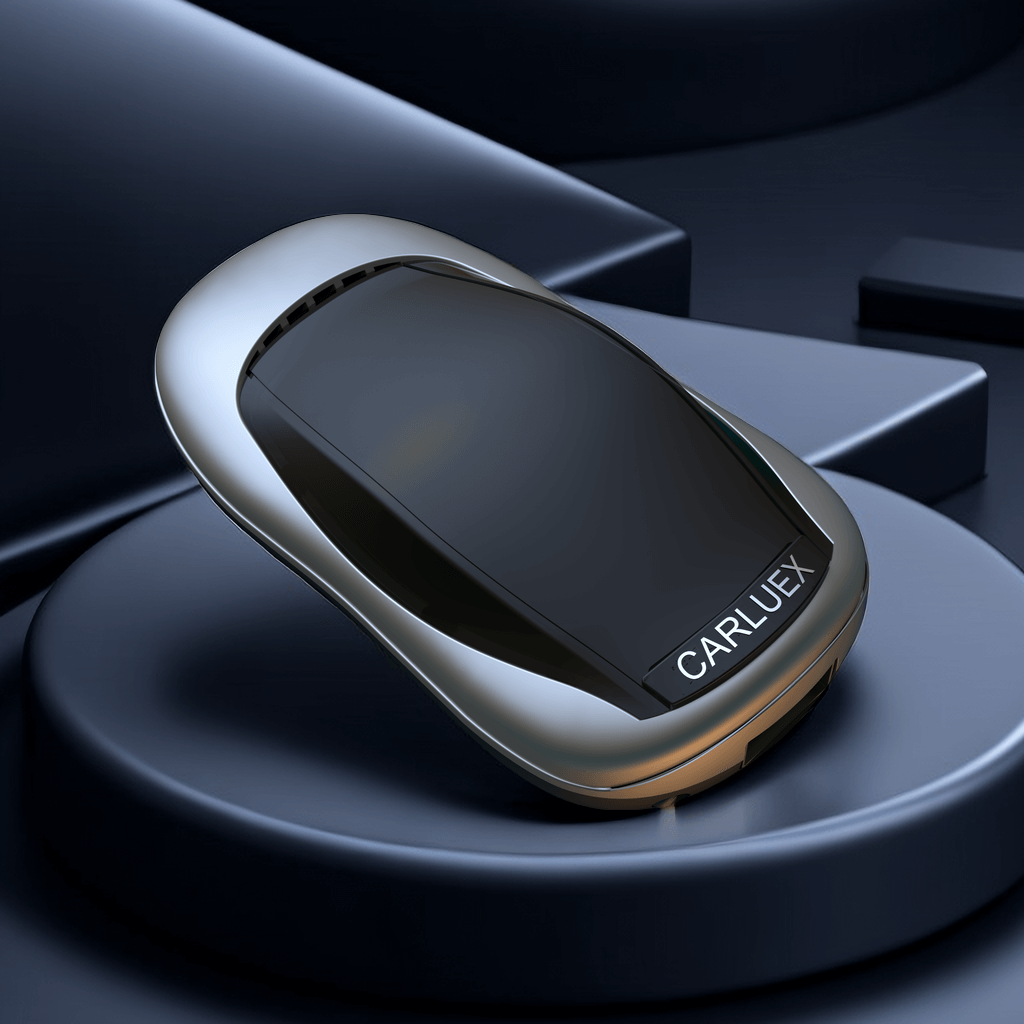
This article is not a recommendation. Only evaluate an accessory after the vehicle's own compatibility path is verified. For reference, you can review the CARLUEX wireless Android Auto adapter collection, the CARLUEX compatible-vehicles page, or the CARLUEX Help Center; those links do not establish fitment, performance, or a purchase decision.
For related reading, see Android Auto voice control and Android Auto app guidance. These internal references do not replace the vehicle manufacturer's compatibility evidence.
Frequently asked questions
Is Android Automotive the same as Android Auto?
No. Android Auto is phone-based projection onto a compatible car display. Android Automotive OS is built into the vehicle. A particular vehicle can support one, the other, or both only according to its own manufacturer documentation.
Does an Android Automotive bulletin approve my car?
No. It is platform evidence, not a make, model, trim, head-unit, region, or firmware approval. Check the vehicle manufacturer's documentation for the exact configuration.
Can an adapter add Android Auto to any car?
No general claim is supported here. The car, stereo, phone, connection type, and accessory all need their own compatibility evidence. Check the exact vehicle and accessory documentation before testing.
Official sources used
- Android Automotive OS bulletin — official platform update surface.
- Android for Cars overview — Android Auto and Android Automotive OS distinction.
- Get started with Android Auto — wired and wireless requirements.
- Set up Android Auto — parked setup and manufacturer compatibility guidance.



Zanechať komentár
Táto lokalita je chránená testom reCAPTCHA a vzťahujú sa na ňu pravidlá ochrany súkromia a podmienky poskytovania služby hCaptcha.