

To organize your apps on CARLUEX PRO+, follow these steps:
- Long-press on the app icon you want to organize.
- Drag and drop it onto another app icon. This action will create a folder.
- You can also give the folder a name to categorize the apps within it.
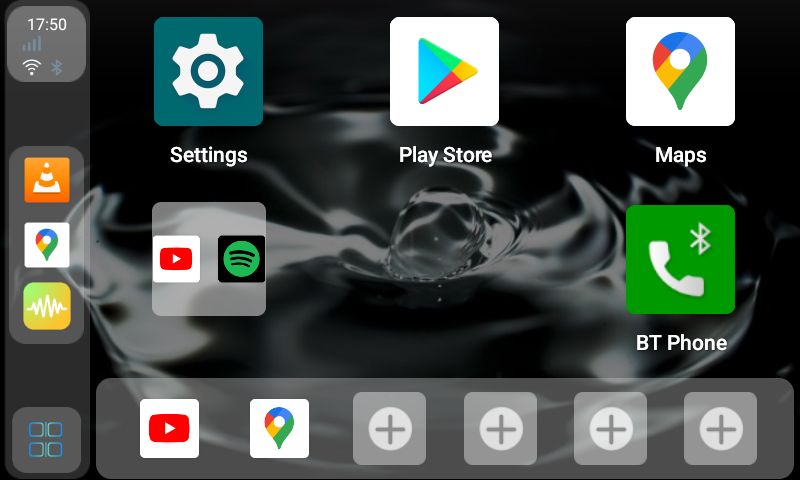
By creating folders and categorizing your apps, you can keep your CARLUEX PRO+ interface neat and well-organized, making it easier to access your desired applications.
You can also check out the tutorial video here ⇒ https://youtube.com/shorts/9GlMc1vAK34?feature=share






Zanechať komentár
Táto lokalita je chránená testom reCAPTCHA a vzťahujú sa na ňu pravidlá ochrany súkromia a podmienky poskytovania služby hCaptcha.