

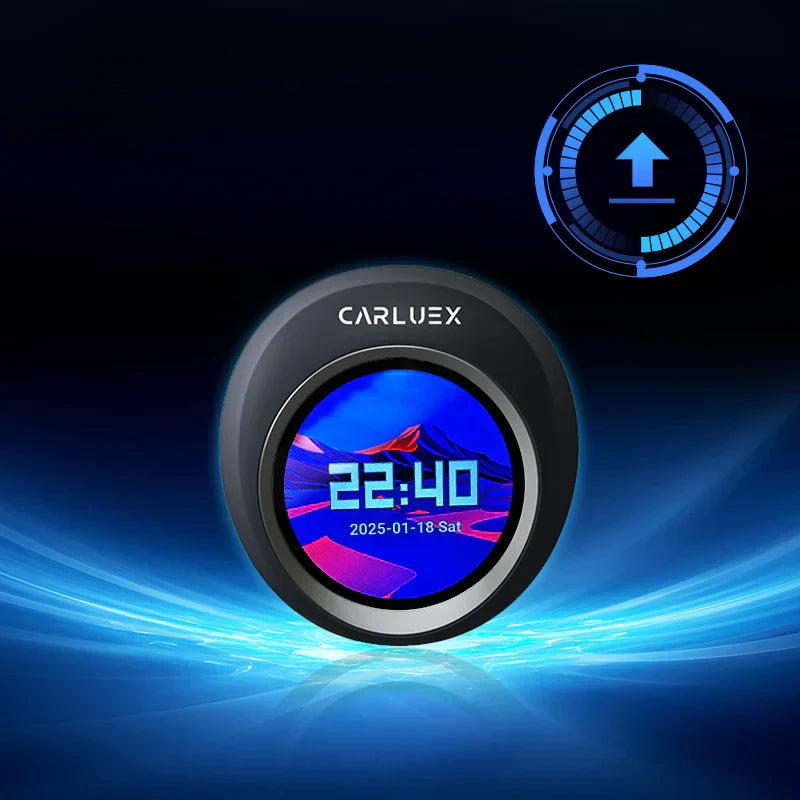
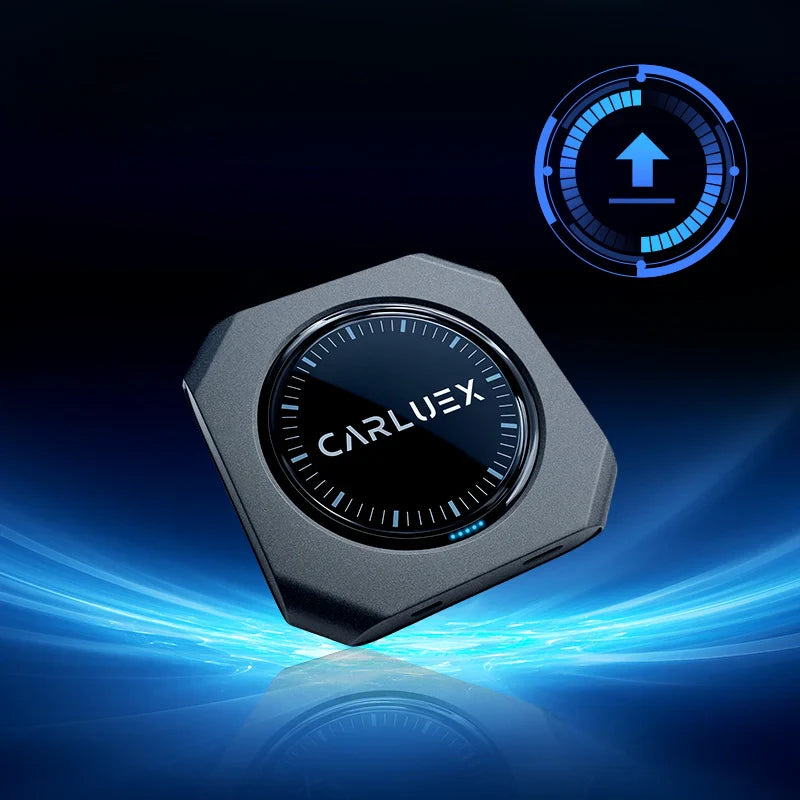
We’re excited to announce a new system update for the CARLUEX VISION, bringing improved performance and enhanced compatibility. See all CARLUEX product updates for the latest news. Browse CARLUEX wireless adapters to find the right fit for your car.
What About 🚀 What’s New in Version 2026-03-17?
This update includes the following improvements:
-
Updated Android Auto (AA) protocol
Enhances connection stability and overall performance when using Android Auto. -
Updated Apple CarPlay protocol
Improves compatibility and provides a smoother CarPlay experience. -
Bug Fix
Fixed an issue where, after a factory reset, wireless/wired Android Auto could not return to the previous mode.
What About 📥 Download Link?
You can download the latest update file here:
🔗 https://drive.google.com/drive/folders/1RTjlxZP0S93fCClA5bKoYDzrJP41VRFN?usp=sharing
What About ⚙️ How to Install the Update?
Please follow the steps below carefully to ensure a successful installation:
Step 1: Prepare the Update File
- Download the update file from the link above
- ❗ Do NOT unzip or rename the file
Step 2: Copy to TF Card
- Save the downloaded file directly to a TF (microSD) card
Step 3: Insert TF Card
- Insert the TF card into your CARLUEX VISION device
- Make sure the device is connected to your car and fully powered on
Step 4: Start Installation
- The system will automatically detect the update within about 10 seconds
-
A prompt will appear:
“Found the OTA file, start the upgrade?”
- Tap “YES” to begin
Step 5: Wait for Completion
- The device will automatically restart and begin installing the update
- Please wait patiently and do not power off the device during the process
- This process typically takes 10–15 minutes
What About ✅ After Installation?
- Once the system has rebooted, remove the TF card
- Delete the update file to prevent accidental reinstallation
Verify the Update
Go to:
Settings → CARLUEX Version
You should see:
✅ CARLUEX Version 2026-03-17
Recommended Step
For optimal performance after the update, we recommend performing a factory reset:
Settings → More settings → System → Reset options → Erase all data (factory reset)


Zanechať komentár
Všetky komentáre sú pred zverejnením moderované.
Táto lokalita je chránená testom reCAPTCHA a vzťahujú sa na ňu pravidlá ochrany súkromia a podmienky poskytovania služby hCaptcha.