

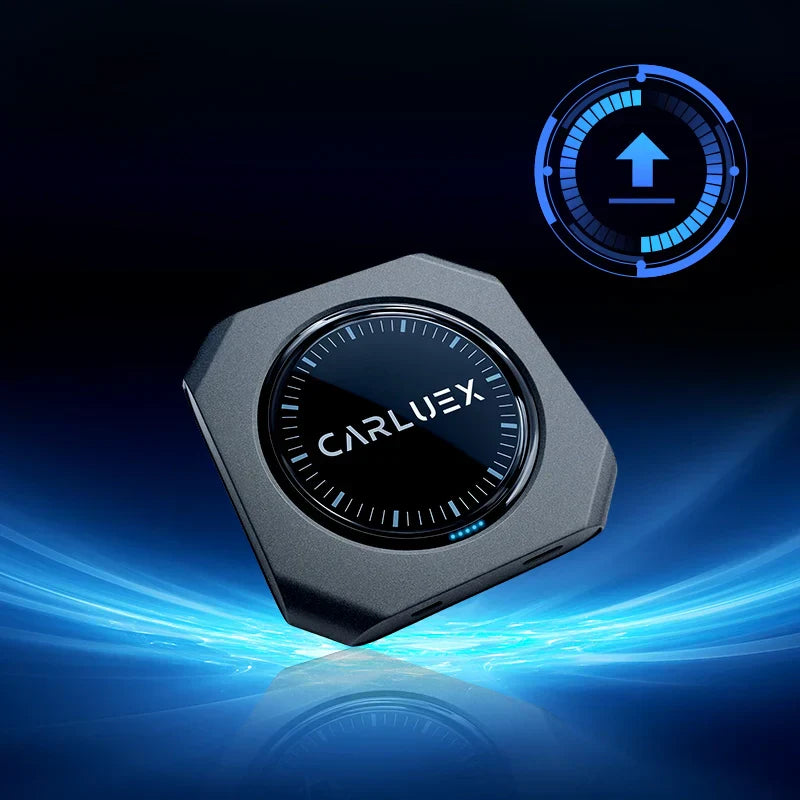
We are excited to announce the release of the latest system version 20250818 for CARLUEX PRO+2.0!
This update improves system stability and compatibility, delivering a smoother in-car experience. Follow the steps below to update your device. See all CARLUEX product updates for the latest news. Browse CARLUEX wireless adapters to find the right fit for your car.
What About 📥 Download Link?
Click here to download the update file
What About 🔄 Update Steps?
-
Download the update file
Download the update file from the link above (no need to unzip). Save it to the root directory of a TF card. Do not rename the file. -
Connect to the device
Insert the TF card into your CARLUEX PRO+2.0. The system will automatically detect the update within 10 seconds. -
Install the update
When prompted, tap Install. The device will restart and begin installing the update. -
Finalize the update
Once the system reboots and the home screen appears, remove the TF card and delete the update file.
⚠️ Important: If the update file remains on the TF card, reinserting the card will trigger another installation attempt. To avoid this, always delete the file after the update. -
Verify the version
Go to Settings > About Device and confirm it shows CARLUEX Version 20250818.
What About 🛠️ Recommended: Perform a Factory Reset?
For the best performance after the update, we recommend performing a factory reset.
Navigation path:
Settings > More Settings > System > Reset Options > Erase All Data (Factory Reset)
What About ✅ Update Complete!?
You have now successfully updated your CARLUEX PRO+2.0 to the latest version.
Enjoy a more stable and smoother driving experience with this firmware upgrade!


Lasă un comentariu
Toate comentariile sunt moderate înainte de a fi publicate.
Acest site este protejat de hCaptcha și hCaptcha. Se aplică Politica de confidențialitate și Condițiile de furnizare a serviciului.