

To customize the app toolbar on your CARLUEX PRO+ screen, follow these steps:
1. Tap the "+" icon on the screen.
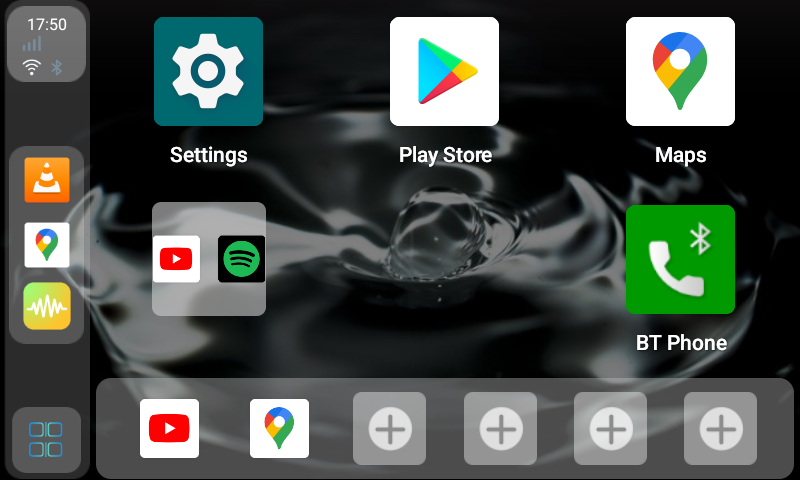
2. Add the apps you want for quick access to the toolbar
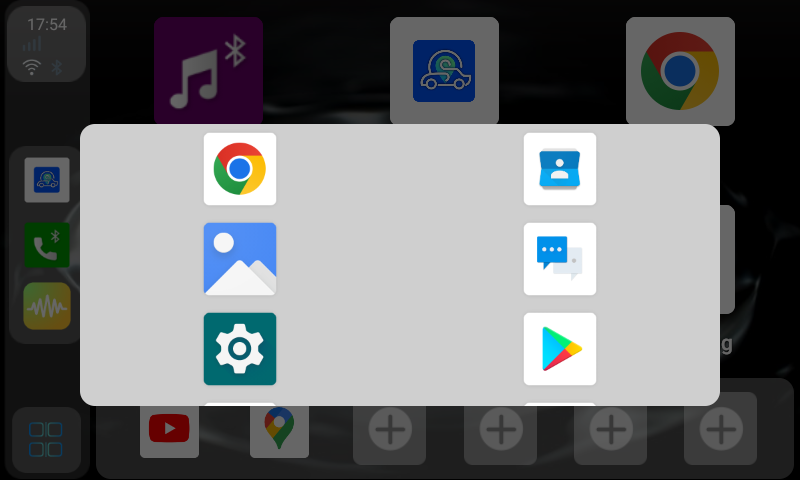
3. Done!
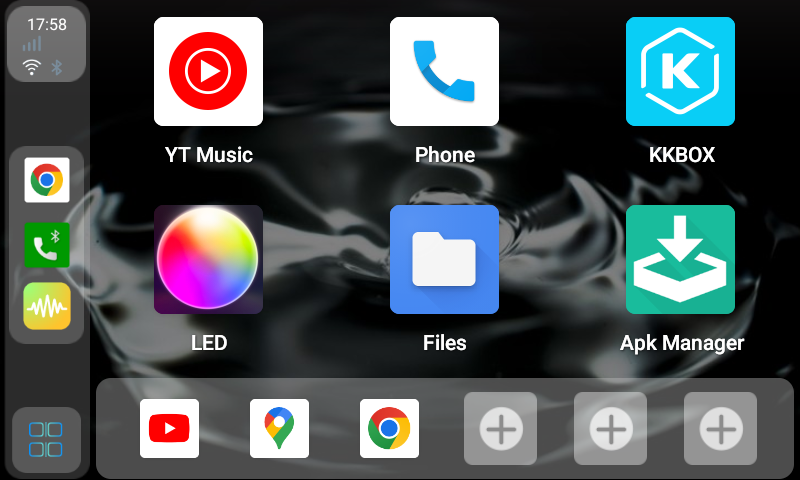
This allows you to personalize the app toolbar by adding your frequently used apps, making it more convenient for quick access to your favorite applications.
You can also check out the tutorial video here ⇒ https://youtube.com/shorts/sITcCWmG16o?feature=share






Lasă un comentariu
Acest site este protejat de hCaptcha și hCaptcha. Se aplică Politica de confidențialitate și Condițiile de furnizare a serviciului.