

2027 Silverado Infotainment: How CarPlay Fits the New UI
The 2027 Chevrolet Silverado keeps Apple CarPlay and Android Auto, but GM is changing how phone projection fits into the truck's own interface. On the new 16.3-inch center display, GM says CarPlay or Android Auto can appear in a large card beside native information such as trailering data, vehicle status or media. Google built-in remains available as a separate native layer rather than replacing phone projection.
That is the verified headline from Chevrolet and GM's current US pages. It is not yet a promise about every phone, connection mode, service plan or production software build. This guide separates the announced 2027 Silverado infotainment design from the details a buyer should still check on the exact truck.
2027 Silverado infotainment at a glance
Chevrolet describes a redesigned digital cockpit across the 2027 Silverado 1500 lineup. The official model announcement says every truck receives a 16.3-inch center display and a 12.2-inch Driver Information Center as standard equipment. The new GM interface is designed to connect those screens with phone projection and truck-specific functions.
| Confirmed by GM or Chevrolet | Still needs an exact production check |
|---|---|
| Standard 16.3-inch center display | The final screen software and feature set on the selected trim |
| Standard 12.2-inch Driver Information Center | Which views depend on equipment such as trailering or driver-assistance packages |
| Apple CarPlay and Android Auto integration | Wired or wireless behavior, supported phones and connection requirements |
| Google built-in with Gemini, Maps and apps on Google Play | Account, data-plan, OnStar, region and subscription requirements for each service |
| Split-view layout for navigation and other information | Day-one responsiveness, reliability and over-the-air update behavior |
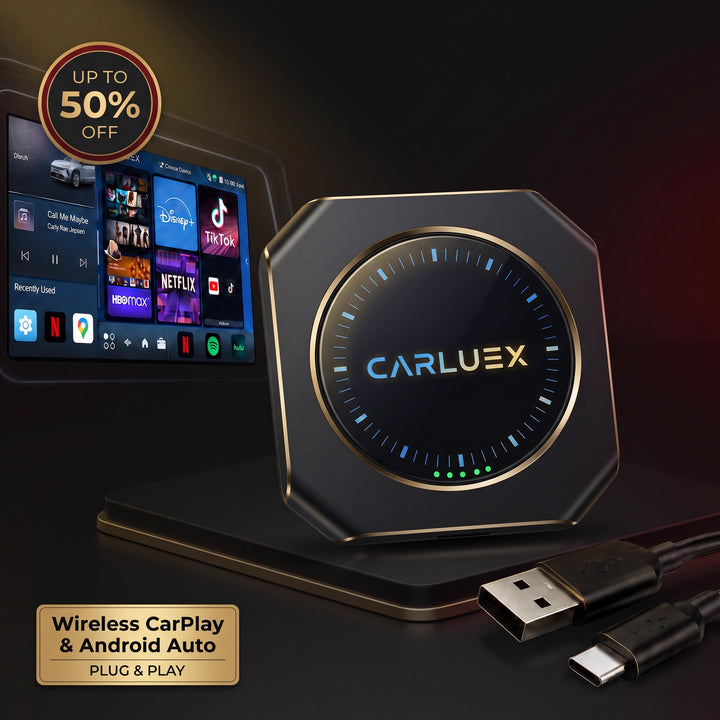
The image below is a generic illustration from CARLUEX's current Shopify Files library. It helps show the relationship between a phone, a center screen and physical controls; it is not a photograph or rendering of the 2027 Silverado and does not prove its production interface.

The headline change: CarPlay beside native truck controls
The most useful part of GM's announcement is not simply that CarPlay and Android Auto remain available. It is the way they are placed inside the broader truck experience. In the official new-interface description, GM says phone-projection content appears in a large card window alongside native apps such as trailering and vehicle status.
That design addresses a familiar tradeoff. A driver may want Apple Maps, Google Maps, messages or familiar phone media, while the truck needs to show functions that do not live inside CarPlay or Android Auto. Those can include trailer information, drive modes, cameras, climate settings and vehicle status. A split layout is intended to reduce the need to jump between two full-screen environments.
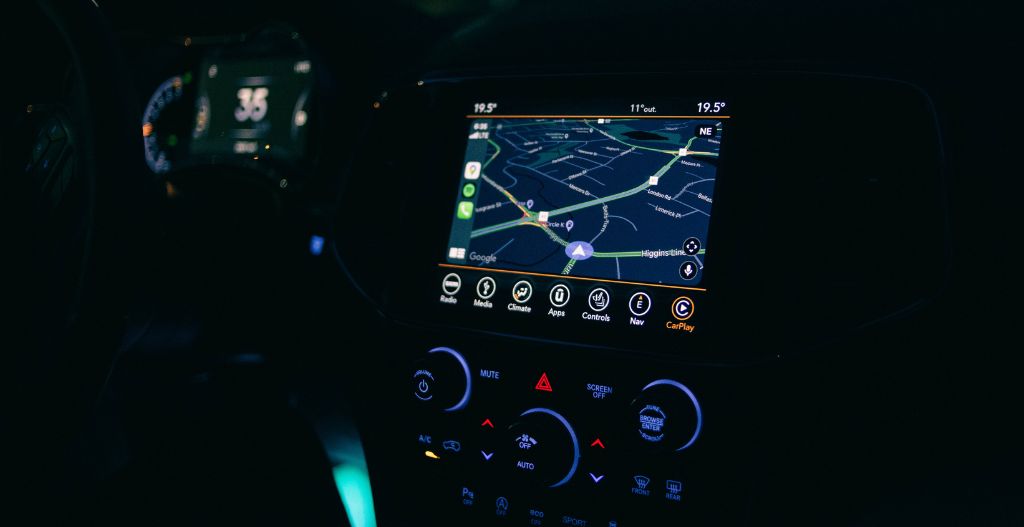
GM also describes a default home screen with a large interactive map and a second area for media, fuel-efficiency information or trailering metrics. The announcement calls the experience simpler and more predictable. Those are manufacturer design goals, not an independent test conclusion. The final production software still needs to be judged in the truck that reaches the customer.
This generic dashboard-map image illustrates the layout concept only. It is not GM's interface and does not show a Silverado screen.

How the 16.3-inch display changes the layout
A 16.3-inch diagonal center display gives the interface enough horizontal space to treat CarPlay or Android Auto as one part of the screen instead of the entire screen. That matters because a pickup has vehicle-specific information that a phone-projection platform does not control. With a large-card layout, the driver can keep phone navigation visible while monitoring another native function.
The 12.2-inch Driver Information Center is a separate standard display in front of the driver. GM says the broader interface supports task-aware views for driving situations such as trailering, off-road use and available Super Cruise. Availability still matters: a display can be standard while the data shown on it depends on the truck's installed equipment.
Chevrolet also promotes more than 60 inches of combined available digital displays and an available passenger screen in some configurations. “Available” is not the same as standard. A buyer should read the exact window sticker and build sheet rather than applying a top-trim demonstration to every Silverado.
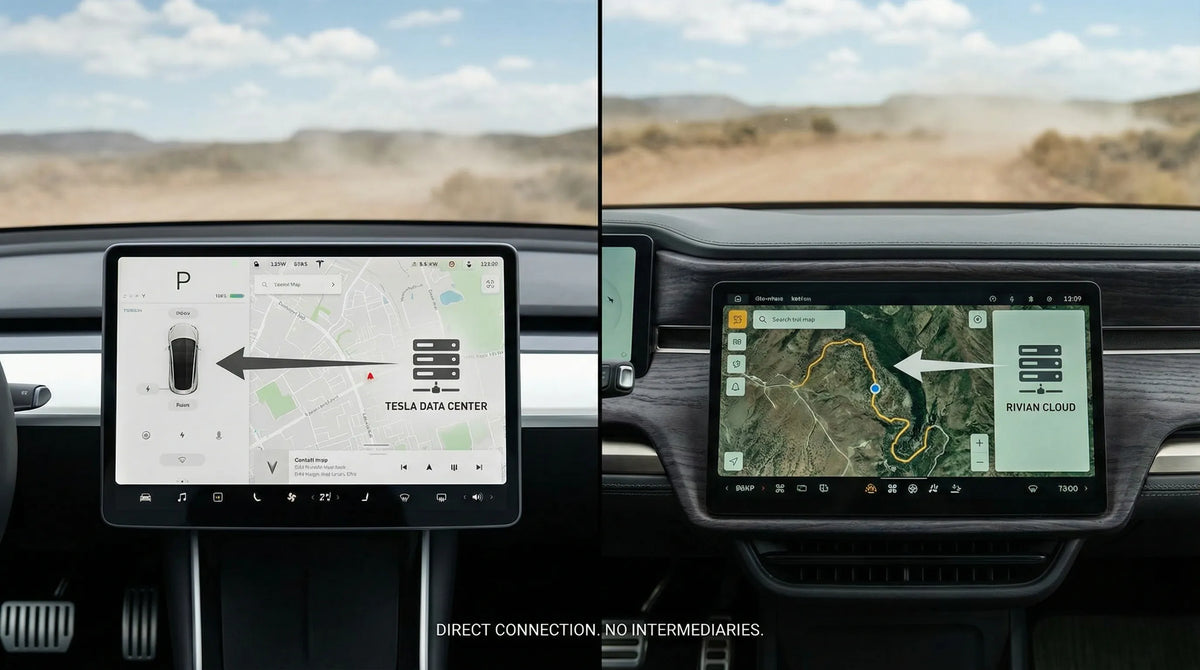
The following generic screen image is used only to explain the difference between screen size and actual software capability. It is not a Silverado interior.

CarPlay, Android Auto and Google built-in are different layers
CarPlay and Android Auto are phone-projection platforms. CarPlay presents supported iPhone functions through a compatible vehicle display and controls, while Android Auto brings supported Android phone functions to the in-car display. The phone, its software and the vehicle connection all remain part of the chain.
Google built-in is different. The services run as native parts of the vehicle system rather than being projected from the phone. Chevrolet's current 2027 Silverado page lists Google Gemini, Google Maps and apps through Google Play. It also lists Apple CarPlay and Android Auto. The official presentation therefore supports coexistence, not a forced choice between native Google services and phone projection.
Each layer has its own conditions. CarPlay depends on a compatible iPhone and the vehicle's supported connection. Android Auto has phone, Android-version and data requirements. Native Google services can have account, connectivity, plan and regional conditions. The vehicle's owner documentation and the service terms available at delivery should decide the details—not a broad feature list alone.
There is also a practical preference question. Some drivers want the same apps and settings they use on their phone. Others prefer a vehicle-native map and voice assistant that can reach truck settings. The 2027 design is notable because GM says both approaches can sit within one interface.
What to verify before delivery or a test drive
Official announcements are useful for understanding the architecture, but the exact truck is the final evidence. Bring the phone you actually use and verify the following items while the vehicle is stationary.
- Match the exact truck: confirm model year, trim, option packages, display hardware and production software version.
- Check the connection mode: ask whether Apple CarPlay and Android Auto use USB, wireless connection or both on that configuration. Do not infer the answer from another GM model.
- Pair both platforms if relevant: test the compatible iPhone or Android phone, including permissions, Bluetooth, Wi-Fi and USB behavior.
- Verify the split view: open phone navigation and confirm which native panels can remain visible beside it.
- Check truck functions: review cameras, trailering screens, climate shortcuts, drive modes, audio and vehicle settings.
- Separate native services: confirm which Google built-in functions work before sign-in, which need an account and which depend on a plan or data connection.
- Ask about updates: record the current software build, available over-the-air settings and the dealer's process if an update fails.
- Test interruptions: make a parked test call, switch audio sources and return to navigation to see how the interface preserves context.
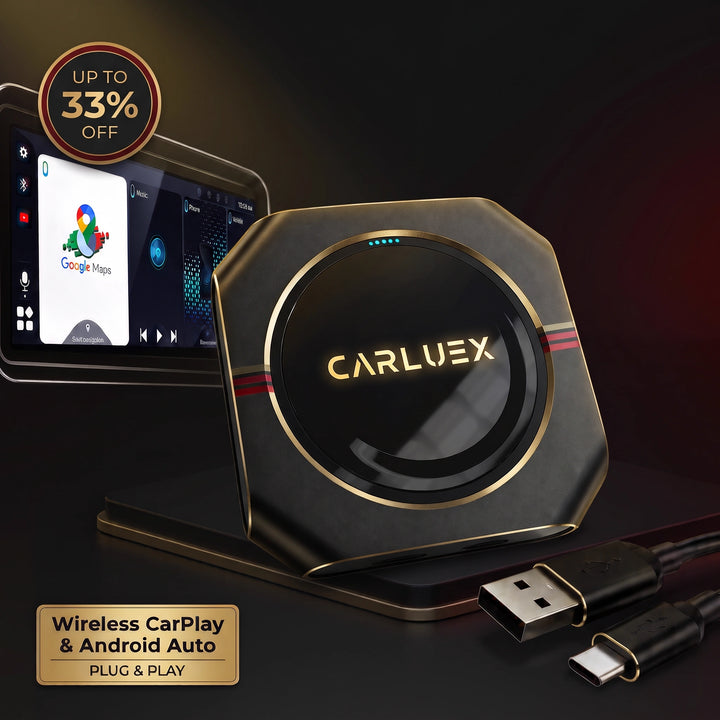
The image below is another generic illustration. It is included as a reminder to test the actual vehicle rather than treating a marketing screenshot as a complete setup guide.

What current announcements do not establish
GM's pages establish the intended design and announced equipment. They do not establish long-term reliability, boot time, wireless-connection stability, update success rate or performance under every phone and network condition. Those questions require production vehicles, current owner documentation and repeated real-world use.
Pre-production images also need a boundary. A screen shown in an announcement can demonstrate the layout concept without proving that every menu, app or graphic will ship unchanged. Likewise, one test vehicle cannot establish a defect across the lineup. This guide therefore does not turn early observations into a universal warning or a buying recommendation.
Feature availability can also change by trim, option, region and service plan. The standard screen dimensions do not make every connected service standard. Buyers should treat the final window sticker, current Chevrolet documentation and the exact truck's settings as the decision evidence.
Does this create a CARLUEX adapter use case?
Not on the evidence currently available. A factory CarPlay listing does not by itself prove that a third-party adapter or AI box will work. Many such products require a verified factory wired CarPlay connection, a compatible USB data path and model-specific validation. The official 2027 Silverado sources used here do not establish those conditions.
For that reason, this is not a recommendation for the 2027 Silverado. Only evaluate a product if a different vehicle already has confirmed factory wired CarPlay and the exact eligibility checks pass. In that separate situation, a reader can use the CARLUEX PRO+ 2.0 specification page, the compatible-vehicles reference and the compatibility-check guidance as research inputs. Those links are conditional references, not a CTA or proof of Silverado compatibility.
Frequently asked questions
Does the 2027 Silverado have Apple CarPlay and Android Auto?
Yes. GM and Chevrolet list both Apple CarPlay and Android Auto for the new 2027 Silverado interface. The current sources do not establish every phone, connection mode or production-software combination.
Are the 16.3-inch center display and 12.2-inch Driver Information Center standard?
Chevrolet's official announcement says both displays are standard across the 2027 Silverado 1500 lineup. Other screens and some interface views remain trim-, option- or equipment-dependent.
Does Google built-in replace CarPlay or Android Auto?
No replacement claim is supported. Chevrolet lists Google built-in together with CarPlay and Android Auto, and GM says phone projection can appear beside native vehicle functions.
Is the new Silverado CarPlay wired or wireless?
This run did not verify a universal wired-or-wireless answer for every production configuration. Confirm the exact truck, current owner documentation and compatible phone at delivery.
Can a CARLUEX adapter or AI box be recommended yet?
No. The official sources do not establish the required wired-CarPlay baseline, USB behavior or exact product compatibility. A recommendation would need separate, model-specific verification.
Related CARLUEX guides
- 2027 Toyota RAV4 infotainment: another new-model verification example
- Ford Mustang Mach-E infotainment, CarPlay and Android Auto
- Google Play in cars and the Google built-in layer



Leave a comment
Este site está protegido pela Política de privacidade da hCaptcha e da hCaptcha e aplicam-se os Termos de serviço das mesmas.