

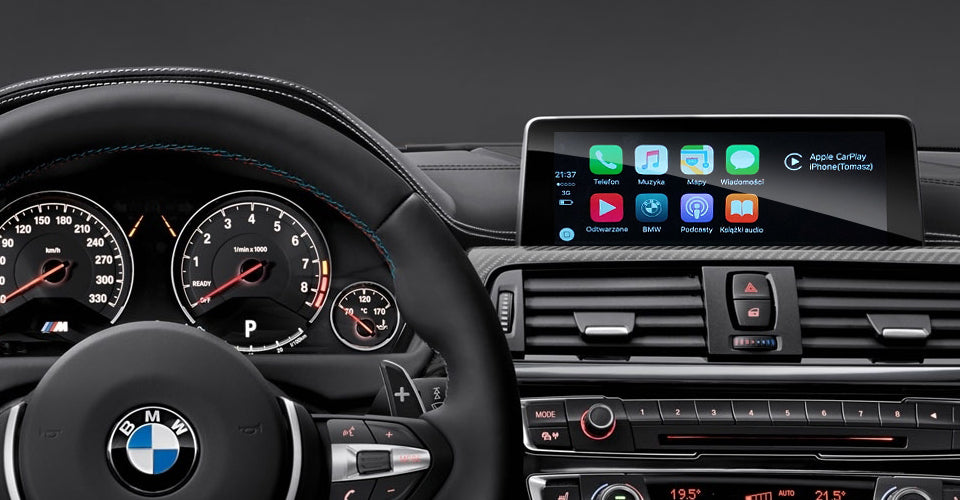
Why Use Android Auto If You Already Have a Car Audio System?
Your car already has speakers, a stereo, and possibly a built-in GPS. So why would you need Android Auto? The answer lies in what your phone can do that a static infotainment system simply cannot — and the safety implications of accessing it while driving.
The Distracted Driving Problem: Why It Matters
According to the National Highway Traffic Safety Administration (NHTSA), distracted driving kills more than 3,000 people in the United States every year. The problem is not just phone calls — it is every moment a driver's eyes leave the road to glance at a GPS, change a song, or read a notification.
Car audio systems were built for listening. Android Auto was built for safety — it puts the most essential phone functions on your car's touchscreen in a way that keeps your eyes where they belong: on the road.
What Android Auto Actually Does
Android Auto is not a replacement for your car stereo. It is a bridge between your phone and your car's screen that surfaces only the features you need while driving:
- Turn-by-turn navigation powered by Google Maps, with real-time traffic data your car's built-in GPS may not have
- Hands-free calling and messaging via Google Assistant — just say "Hey Google, call Mom" without touching your phone
- Music and podcast control for Spotify, YouTube Music, Apple Music, and dozens of other apps through voice commands
- Real-time traffic rerouting that adjusts your route the moment congestion is detected
Android Auto vs. Your Car Built-In Navigation
Factory GPS systems typically suffer from one critical flaw: outdated maps. Car infotainment map updates are often released quarterly at best, and many drivers go years without updating. Google Maps, Apple Maps, and Waze, by contrast, update in real time — every driver on the road is effectively feeding data into the map.
A 2023 INRIX Global Traffic Scorecard report found that Google Maps and Waze users save an average of 15 to 20 percent on travel time compared to factory navigation systems in congested areas. That is not a marginal improvement — it is a meaningful difference in your daily commute.
Voice Control: The Key Safety Feature
Studies from the AAA Foundation for Traffic Safety show that voice-based tasks (like calling or changing music via voice) produce minimal cognitive distraction — roughly equivalent to listening to the radio. Manual tasks like typing on a phone screen produce "very high" cognitive distraction levels.
Android Auto voice integration means you can:
- Send a text message by dictating it aloud
- Get driving directions without looking at a phone
- Control your music without taking your hands off the wheel
- Get real-time weather and traffic updates on demand
Android Auto vs. Simply Using Your Phone
Some drivers ask: why not just mount my phone on the dashboard? The answer is integration. With Android Auto, your car's touchscreen becomes the interface — a larger, better-positioned display that is already ergonomically designed for driving. You also get:
- Better audio quality through your car amplified speakers
- Seamless Bluetooth handover when you enter and exit the car
- Automatic volume adjustment for navigation prompts vs. music
- Integration with steering wheel controls and voice assistant buttons
The Cost-Benefit Summary
Using Android Auto does not require buying a new car or replacing your stereo. If your vehicle was manufactured after approximately 2015 and supports Android Auto (most new cars do), you can start using it today — often with just a USB cable.
What you gain: Real-time navigation, hands-free safety, superior voice control, and seamless music streaming.
What you keep: Your car audio system, speakers, steering wheel controls, and physical buttons.
Android Auto does not replace your car audio system — it upgrades the intelligence of it.
Frequently Asked Questions
Does Android Auto require an internet connection?
Yes. Android Auto requires your phone to have a data connection for navigation, music streaming, and voice assistant features. Offline maps can be downloaded in Google Maps for areas with poor coverage.
Which apps are supported on Android Auto?
Officially supported apps include Google Maps, Waze, Spotify, YouTube Music, Pandora, WhatsApp, Messages, and dozens more. A full list is available in the Google Play Store Android Auto section.
Does Android Auto work with wireless connections?
Many vehicles with Android Auto also support wireless Android Auto via Bluetooth and WiFi. For vehicles with wired-only Android Auto, our wireless adapter provides the same seamless wireless experience.
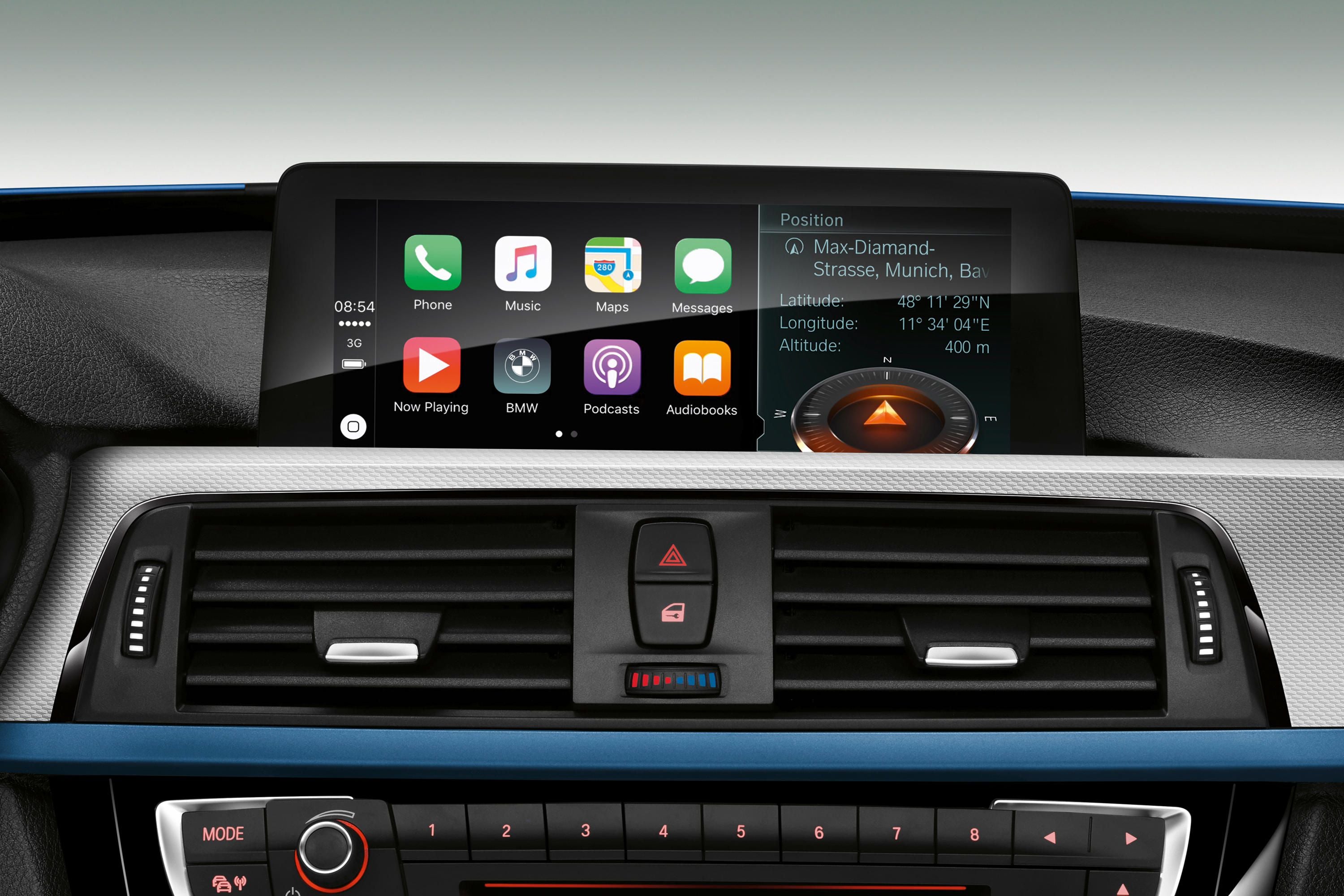


1 comment
Taylor Abrams
I love knowing that because Android Auto mirrors the phone’s screen on the central touchscreen of the vehicle, enabling one-touch app activation, it can communicate with the infotainment system in the vehicle. This is great since I’ve been eyeing an Android Auto system because my daily commute is becoming a hassle with all the phone distractions. Having a hands-free option would make navigating and managing calls much safer and more convenient. https://sunvalleystereo.com/android
Leave a comment
All comments are moderated before being published.
Este site está protegido pela Política de privacidade da hCaptcha e da hCaptcha e aplicam-se os Termos de serviço das mesmas.