

You can easily download apps on your CARLUEX PRO+ using the following methods:

Method 1:
- Tap the "Play Store" app on your device to access the Google Play Store.
- Log in to your Google account if required.
- Search for the app you want to download and select it.
- Click the "Download" or "Install" button to install the app directly from the Google Play Store.
Method 2:
- Download the APK file of the app you want on your computer.
- Transfer the APK file to a TF (microSD) card.
- Insert the TF card into your CARLUEX PRO+.
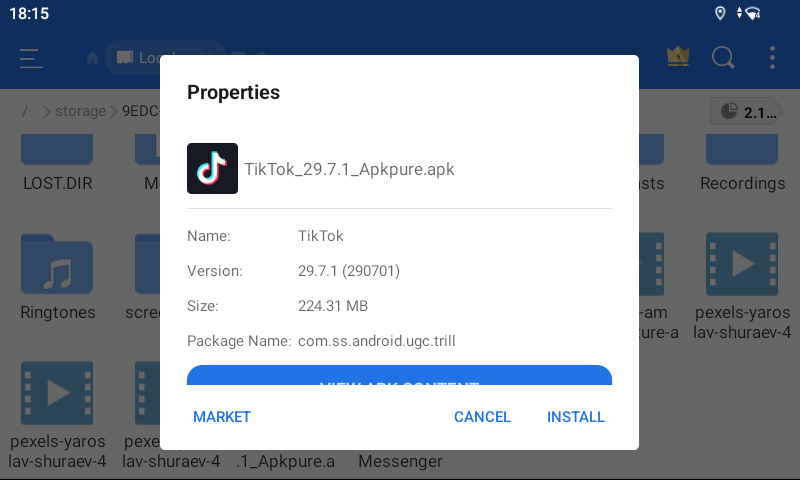
- Open the "ES File Explorer" app on your device.
- Navigate to "SD Card" and find the downloaded APK installation file.
- Click "INSTALL" to initiate the installation process.
Wait for the installation to complete, and the app will be installed on your CARLUEX PRO+. This method is useful for installing apps not available on the Google Play Store.
You can also check out the tutorial video here↓






Zostaw komentarz
Ta strona jest chroniona przez hCaptcha i obowiązują na niej Polityka prywatności i Warunki korzystania z usługi serwisu hCaptcha.