

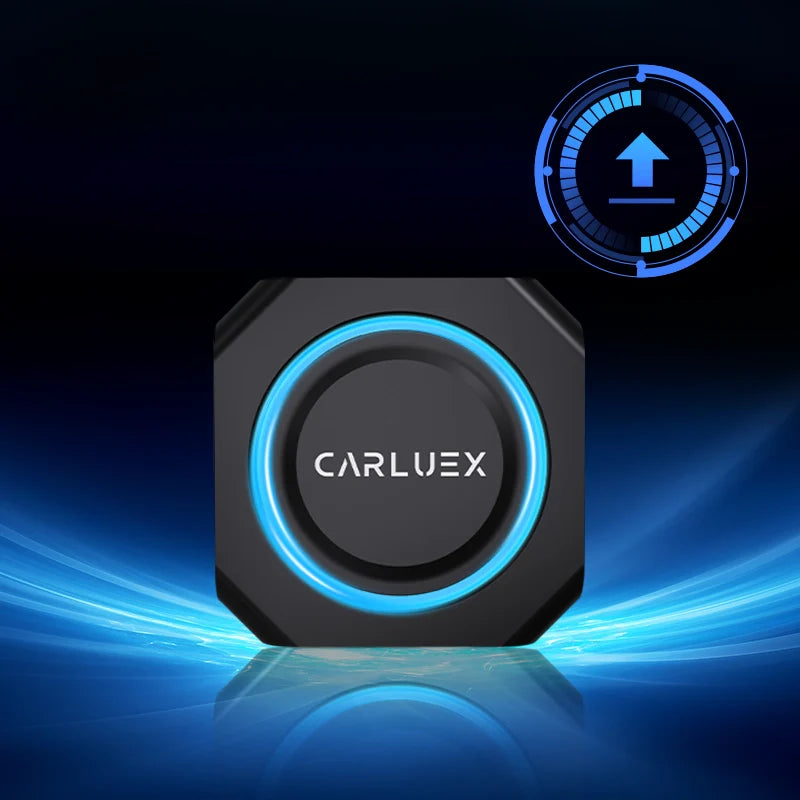
We are pleased to announce the latest software update for CARLUEX PRO+.
This release improves system stability and ensures smoother performance. See all CARLUEX product updates for the latest news. Browse CARLUEX wireless adapters to find the right fit for your car.
Download Update File: CARLUEX PRO+Upgrade (2025-0916)
What About Installation Guide?
Step 1. Download
-
Download the update file from the link above.
-
Do not unzip the file.
Step 2. Prepare TF Card
-
Copy the file directly onto an empty TF card.
-
Do not rename the file or create a folder.
Step 3. Insert and Detect
-
Insert the TF card into your CARLUEX PRO+.
-
The system will detect the update within 10 seconds.
Step 4. Install
-
Tap Install when prompted.
-
The device will reboot automatically.
-
The installation process takes about 12–15 minutes.
Step 5. Clean Up
-
Once the home screen appears, remove the TF card.
-
Delete the update file from the TF card to avoid reinstallation.
Step 6. Verify
-
Go to Settings and confirm version:
CARLUEX Version 20250916.
Step 7. Factory Reset (Recommended)
-
Navigate to:
Settings > More Settings > System > Reset Options > Erase All Data (Factory Reset).
What About Important Notes?
-
Do not power off the device during installation.
-
Do not touch the device (CARLUEX PRO+) or the cable during the update.
-
Always use an empty TF card for the update.
-
Performing a factory reset after updating is recommended for best performance.


Zostaw komentarz
Wszystkie komentarze są moderowane przed opublikowaniem.
Ta strona jest chroniona przez hCaptcha i obowiązują na niej Polityka prywatności i Warunki korzystania z usługi serwisu hCaptcha.