

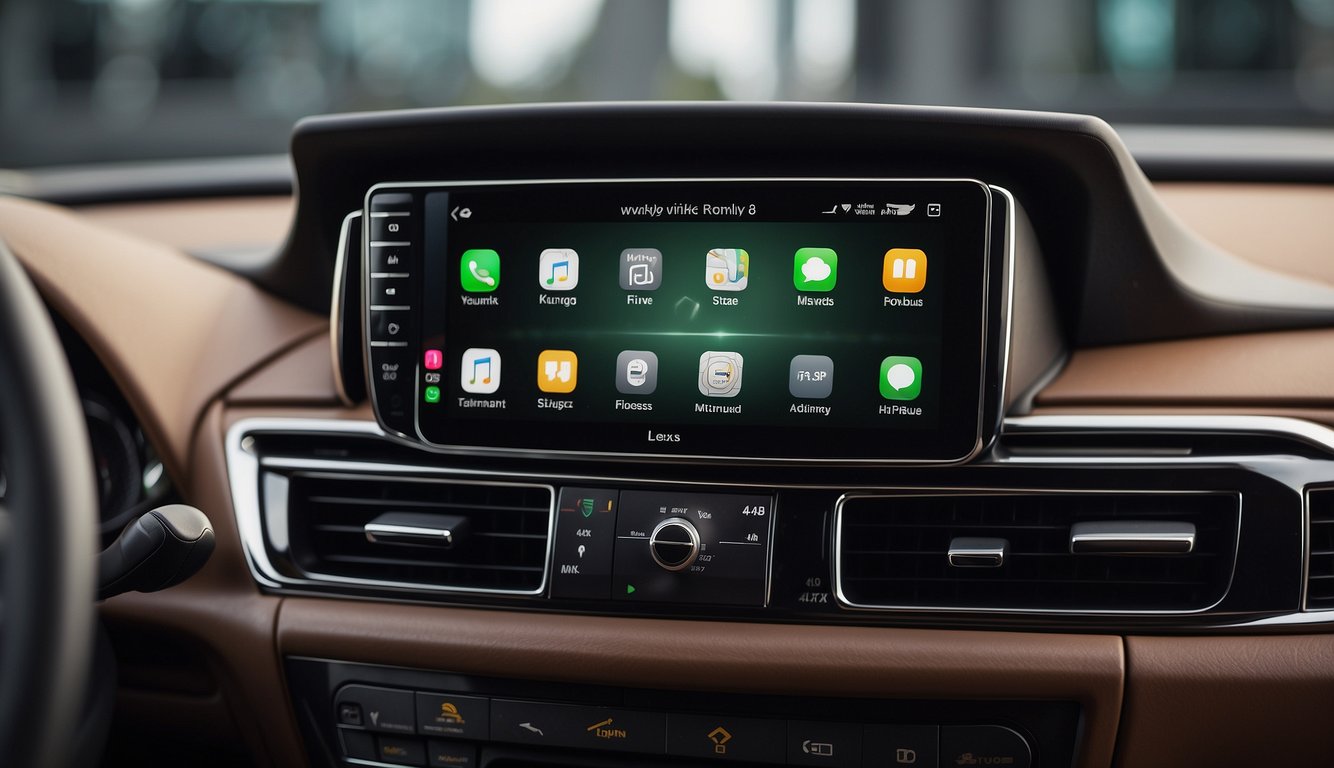
If you're a Lexus owner with an iPhone, you're in luck — Lexus has offered Apple CarPlay integration across most of its model lineup since 2015. This guide covers everything you need to know about using CarPlay in your Lexus: which models support it, how to set it up, common troubleshooting tips, and how to add wireless CarPlay with a CARLUEX Pro+ adapter.
Which Lexus Models Support Apple CarPlay in 2025?
Most Lexus models manufactured from 2015 onward come equipped with Apple CarPlay. According to Apple's official CarPlay documentation, compatibility starts with iOS 7.1 and later on your iPhone 5 or newer. Here's a quick overview of popular Lexus models with CarPlay support:
- Lexus RX (2019–present): The RX SUV lineup offers standard CarPlay on most trims, with a 12.3-inch touchscreen on higher-end models.
- Lexus ES (2019–present): The midsize ES sedan features CarPlay integration through Lexus Enform software.
- Lexus NX (2022–present): The redesigned NX comes with standard wireless CarPlay on select trims.
- Lexus IS (2021–present): The sporty IS sedan offers CarPlay on all trims.
- Lexus GX (2024–present): The new GX supports wired CarPlay, upgradeable to wireless with an adapter.
For a complete and up-to-date list of Lexus models with CarPlay, check the CARLUEX Lexus CarPlay adapter collection.
How to Set Up CarPlay in Your Lexus: Step-by-Step
Setting up Apple CarPlay in your Lexus is straightforward. Follow these steps to get started:
- Check compatibility: Make sure your iPhone runs iOS 7.1 or later (iPhone 5 or newer). Your Lexus model should be from 2015 or newer.
- Connect via USB: Use a genuine Apple Lightning-to-USB cable. Plug the USB end into your Lexus's USB port (usually labeled with a smartphone icon).
- Enable CarPlay on your iPhone: When prompted on your car's infotainment screen, tap "Allow" to enable CarPlay. You may also need to confirm in your iPhone's Settings → General → CarPlay.
- Launch CarPlay: Press the MENU button on your Lexus infotainment system, then select CarPlay from the app menu.
- Use Siri: Hold down the voice control button on your steering wheel and speak naturally — say "Call Mom" or "Navigate to home" without taking your hands off the wheel.
What Can You Do with CarPlay in Your Lexus?
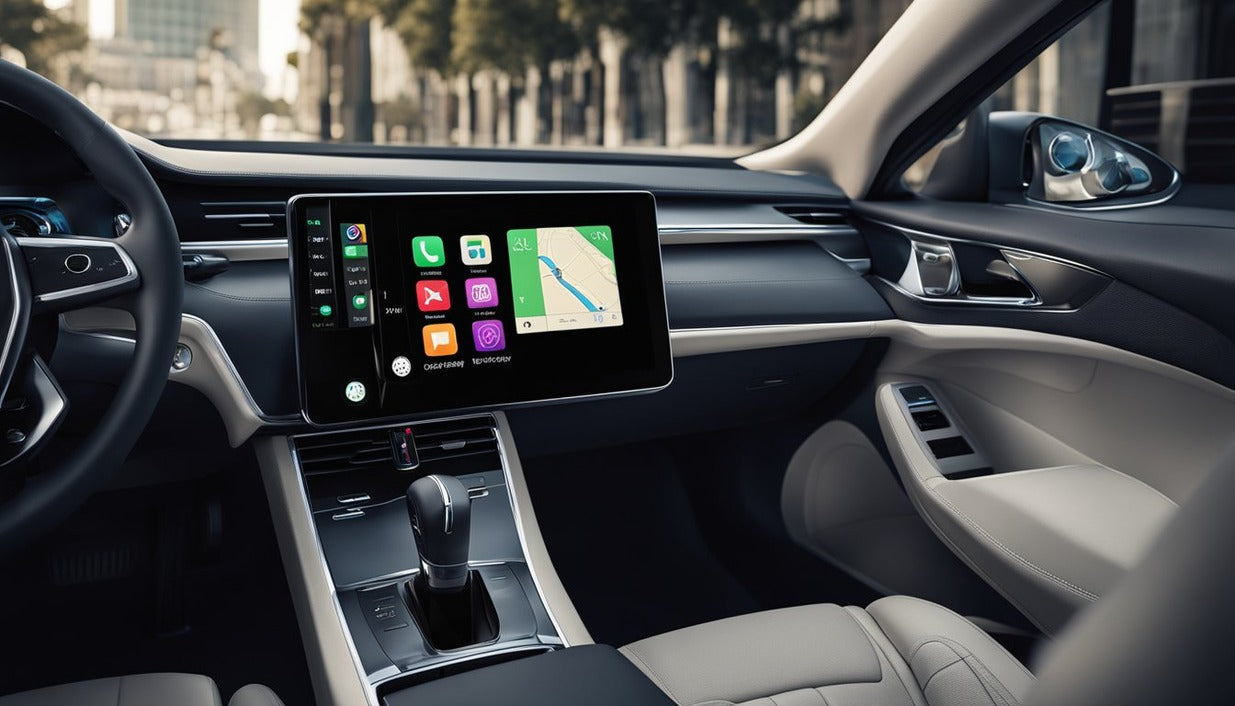
Once CarPlay is running, your Lexus's touchscreen becomes an extension of your iPhone. According to Apple's CarPlay support page, supported apps include:
- Maps: Apple Maps, Google Maps, or Waze for turn-by-turn navigation with real-time traffic.
- Music: Apple Music, Spotify, Pandora — control playback with Siri or the touchscreen.
- Messaging: Send and receive messages hands-free via Siri ("Hey Siri, send a message to John").
- Calls: Make and receive calls through your car's speakers and microphone.
- Podcasts & Audiobooks: Apps like Overcast, Pocket Casts, and Audible work with CarPlay.
How to Add Wireless CarPlay to Your Lexus (No Cables Required)
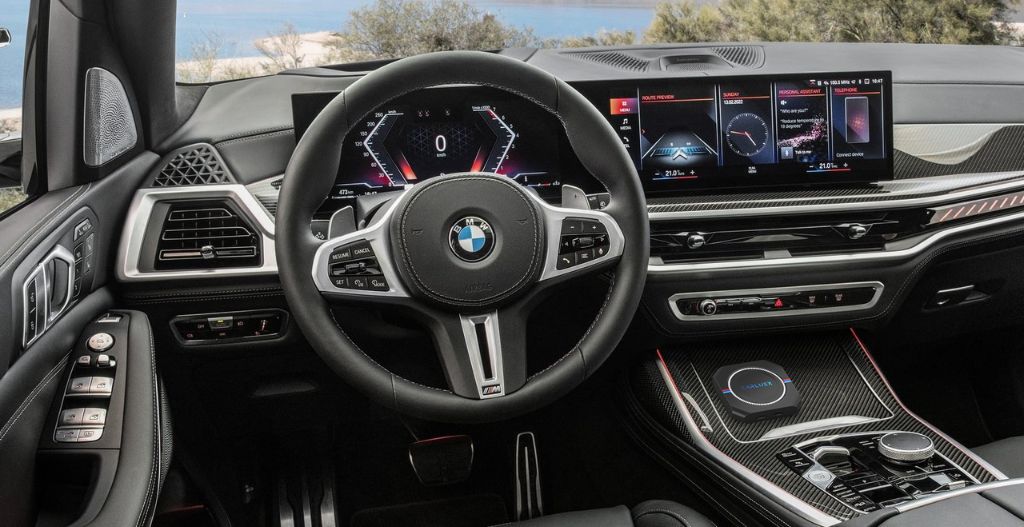
If your Lexus only supports wired CarPlay, you can upgrade to wireless with a CARLUEX Pro+ 2.0 wireless CarPlay adapter. The Pro+ 2.0 features a Qualcomm Snapdragon 6125 chip, 8GB RAM, 128GB storage, and the CARLUEX OS 2.0 system — it boots in approximately 17 seconds and supports 4K video output. Simply plug it into your Lexus's USB port and pair your iPhone once. After that, connection is automatic every time you start the car.
Watch how it works: CARLUEX Pro+ on the 2023 Lexus IS350 F Sport
Common Lexus CarPlay Problems and How to Fix Them
Even in a premium vehicle like a Lexus, CarPlay issues can occur. Here are the most common problems and their solutions:
- CarPlay connected but not showing on screen: Try a different USB cable (Apple's official cable works best). Restart both your iPhone (force restart) and the car's infotainment system (hold the power button for 10 seconds).
- Phone charges but CarPlay doesn't activate: Check that you've allowed CarPlay in Settings → General → CarPlay on your iPhone. Also verify the USB port on your Lexus supports data transfer (not just charging).
- CarPlay disconnects randomly: Update your iPhone to the latest iOS version. Also check for Lexus software updates through the dealership.
- Apps not appearing on CarPlay: Not all apps support CarPlay. Only apps certified by Apple (like Maps, Music, Messages, and those on the App Store with CarPlay designation) will appear.
- Siri not responding: Make sure "Hey Siri" is enabled in Settings → Siri & Search on your iPhone. Also check that the steering wheel voice button is functioning.
For more in-depth troubleshooting, see our guide on fixing wireless CarPlay adapter connection issues.
Is Lexus CarPlay Worth It? The Bottom Line
Apple CarPlay transforms your Lexus driving experience by putting your iPhone's most useful apps directly on the large touchscreen. Whether you're using Apple Maps for navigation, streaming music through Apple Music, or sending messages hands-free via Siri, CarPlay makes every drive safer and more convenient.
And with the CARLUEX Lexus CarPlay adapter collection, you can even go wireless — no cables required. Visit carluex.store to explore your options.
Frequently Asked Questions
Which Lexus models support Apple CarPlay?
Most Lexus models from 2015 onward support Apple CarPlay. Popular models include the RX (2019+), ES (2019+), NX (2022+), IS (2021+), and GX (2024+). Check your specific model's documentation or the Apple CarPlay website for the complete list.
How do I connect my iPhone to Lexus CarPlay?
Use a Lightning USB cable to connect your iPhone to your Lexus's USB port. On your infotainment screen, select CarPlay from the menu. On your iPhone, confirm the connection when prompted. After the first setup, CarPlay should automatically activate whenever you connect your phone.
Can I use wireless CarPlay in my Lexus?
Only select Lexus models from 2022 onward support wireless CarPlay natively. For older models with wired CarPlay, you can upgrade to wireless by adding a CARLUEX Pro+ wireless adapter.
Why is my iPhone charging but CarPlay not working in my Lexus?
This usually happens when the USB cable doesn't support data transfer, or CarPlay isn't enabled on your iPhone. Try using an Apple-certified Lightning cable, and verify that CarPlay is allowed in Settings → General → CarPlay on your iPhone. A restart of both your iPhone and the car's infotainment system can also help.
What iPhone do I need for Lexus CarPlay?
You need an iPhone 5 or newer running iOS 7.1 or later. All models from iPhone 5s onward support CarPlay. For the best experience, keep your iPhone updated to the latest iOS version.


Zostaw komentarz
Ta strona jest chroniona przez hCaptcha i obowiązują na niej Polityka prywatności i Warunki korzystania z usługi serwisu hCaptcha.