

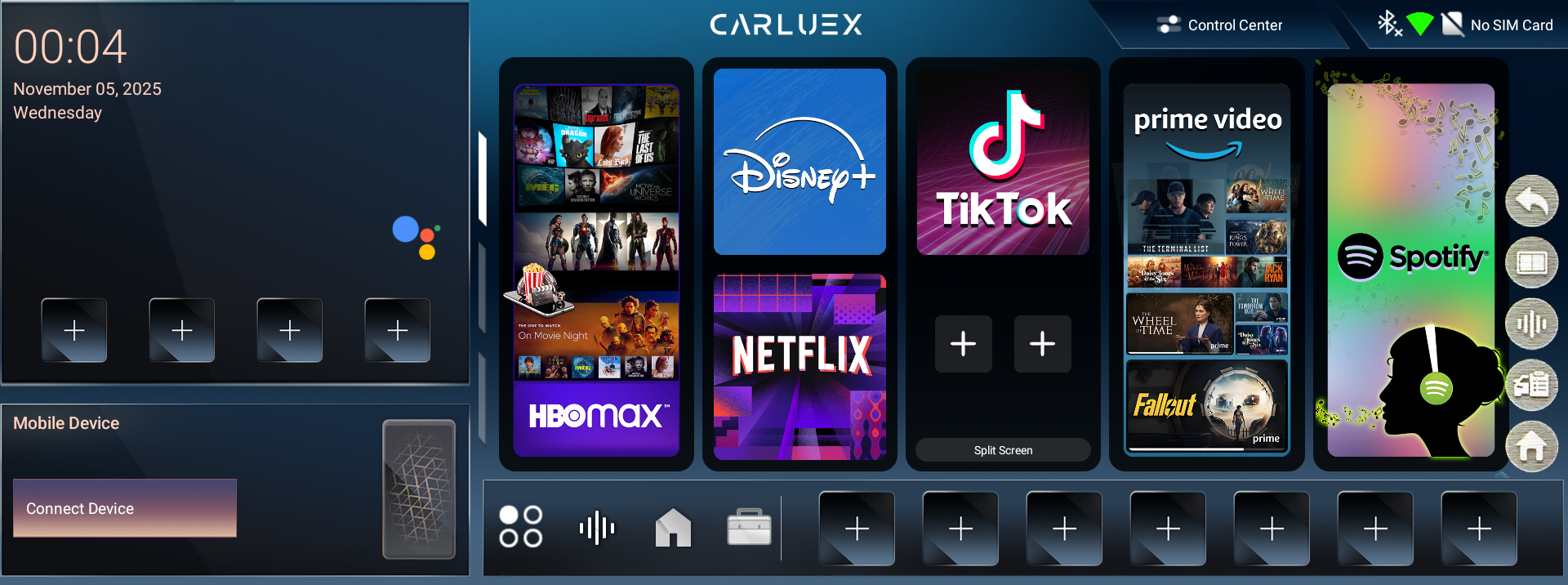
The floating menu on CARLUEX PRO+ 2.0 provides quick access to essential functions for multitasking and system control. To use it, follow these steps:
- Tap the floating menu icon on the screen.
- The floating menu will appear, typically with the following options:
- First icon: Return to the previous screen
- Second icon: Enable split-screen functionality
- Third icon: Activate voice control (Google Assistant)
- Fourth icon: Clear cache or perform maintenance tasks
- Fifth icon: Return to the CARLUEX PRO+ 2.0 home screen
You can quickly access these functions by tapping the corresponding icons in the floating menu, helping you operate the system more efficiently and smoothly.


Zostaw komentarz
Ta strona jest chroniona przez hCaptcha i obowiązują na niej Polityka prywatności i Warunki korzystania z usługi serwisu hCaptcha.