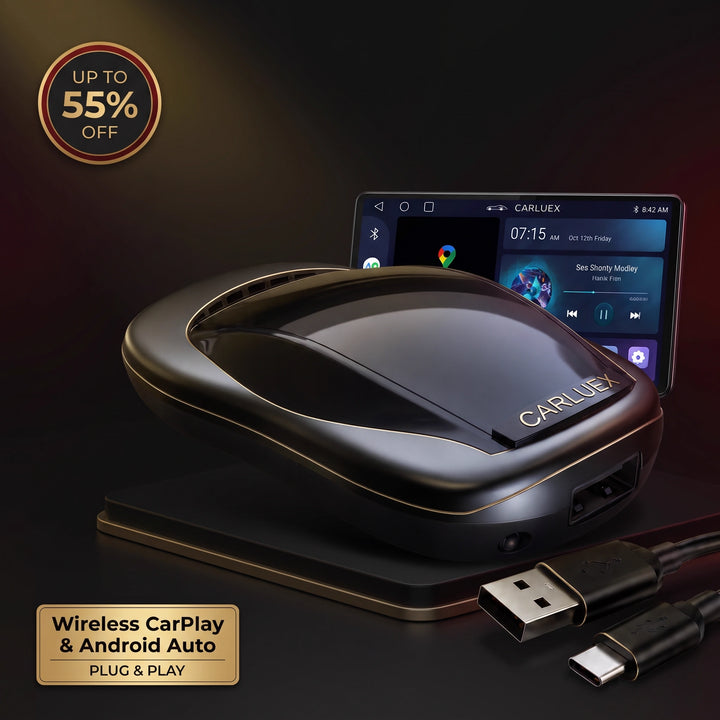
PRO+2.0

How to Avoid Accidentally Setting the Lock Screen on Your CARLUEX PRO+ 2.0

To prevent the lock screen from being accidentally enabled on your CARLUEX PRO+ 2.0, follow these steps:

  1. Open the Settings menu.
  2. Search for and enter the Screen Lock section.
  3. Make sure the screen lock option is set to None.

Unless you have a specific reason, such as preventing children from misusing the device, it is generally recommended to keep the screen lock disabled. Enabling it may cause inconvenience during regular use.

📺 To watch a demonstration, refer to the tutorial video below:
https://youtube.com/shorts/HhaIcGiTwc8?si=L0d-T2B2w3tzgwdd


前後の記事を読む

コメントを書く

このサイトはhCaptchaによって保護されており、hCaptchaプライバシーポリシーおよび利用規約が適用されます。

Recommended CARLUEX products

CARLUEX PRO PLUS 2.0 Black Friday 2026

CARLUEX® PRO+ 2.0 Multimedia AI Box

A multimedia AI box that adds wireless CarPlay and Android Auto, 4K playback, app installation, and OTA updates to compatible vehicles.

セール価格$174.85 USDから 通常価格$339.00 USD
View product
CARLUEX for BMW Black Friday 2026

CARLUEX Multimedia Streaming Box for BMW

A BMW-focused multimedia box with wireless CarPlay and Android Auto, streaming apps, voice commands, and steering-wheel control.

セール価格$247.20 USDから 通常価格$369.00 USD
View product
CARLUEX AIR Black Friday 2026

CARLUEX AIR Wireless CarPlay/Android Auto Adapter

A plug-and-play entertainment adapter that adds wireless CarPlay, Android Auto, built-in apps, and USB media playback to compatible vehicles.

セール価格$62.55 USDから 通常価格$139.00 USD
View product