

To connect your CARLUEX BMW, follow these four steps: Source: Apple CarPlay Developer Documentation. CARLUEX PRO works out of the box — no wiring or tools needed. CARLUEX PRO+ 2.0 adds wireless CarPlay and Android Auto to How-equipped vehicles. Browse CARLUEX wireless adapters to find the right fit for your car.
1. Access the Apple CarPlay connection interface in your car.
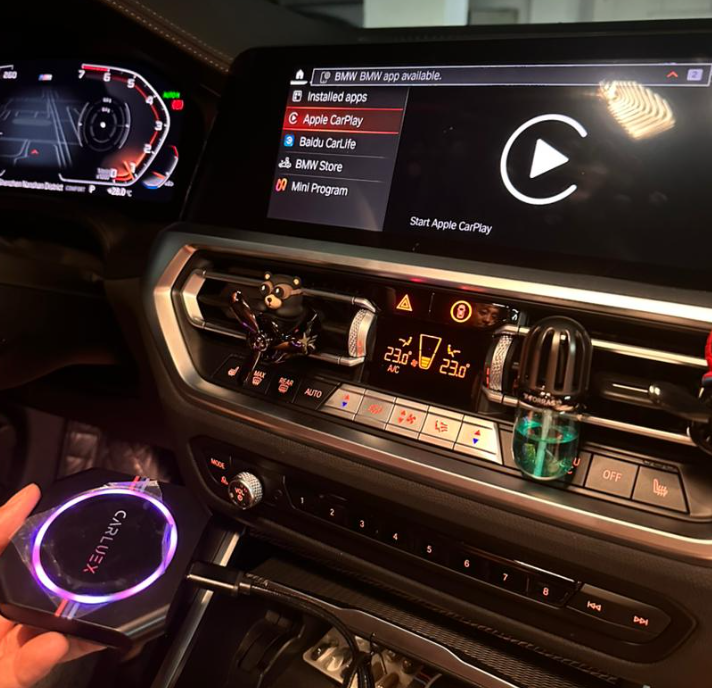
2. Wait for your car to detect the device; it will appear as "BMW-XXXX" (your product number).
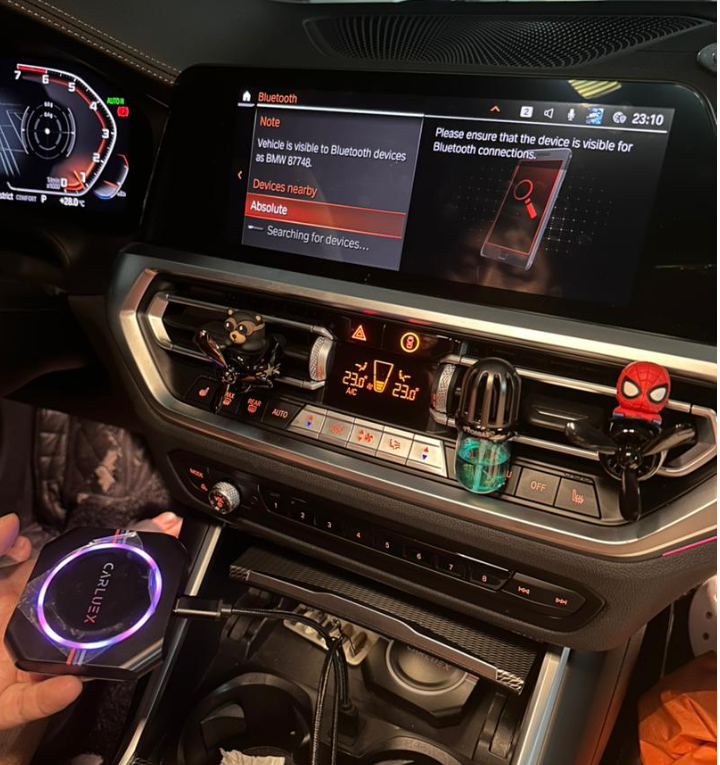
3. Click to confirm the connection.

4. Wait a moment, and the connection will be established successfully.

This straightforward process allows you to connect your CARLUEX BMW and enjoy its features seamlessly with your car's infotainment system.


コメントを書く
このサイトはhCaptchaによって保護されており、hCaptchaプライバシーポリシーおよび利用規約が適用されます。