

iPhone users face a familiar frustration when driving: slippery phone mounts, messy charging cables, delayed Siri responses, and the constant temptation to check your phone at dangerous moments. CarLuex's Apple CarPlay adapter solves these pain points by transforming any car display into a seamless iPhone extension — letting you navigate, call, stream music, and more, all without taking your hands off the wheel.
In this comprehensive guide, we cover everything iPhone users need to know about adding wireless and wired Apple CarPlay to their car with CarLuex.
Why Do iPhone Users Need CarPlay While Driving?
Apple CarPlay was designed with one goal: keep your eyes on the road and your hands on the wheel. Here's how it solves common driving frustrations: hands-free navigation with Apple Maps and Google Maps, voice-activated messaging via Siri, music and podcast control from your car's display, and safe hands-free phone calls with one-tap or voice-answer.
What Makes CarLuex Different from Built-in CarPlay?
Apple CarPlay is available in over 800 vehicle models (Source: Apple Official Website), but millions of cars on the road don't have it built in. CarLuex bridges that gap.
- Works with any car that has a display screen — no need to buy a new vehicle
- 8-core processor for smooth, lag-free performance at all times
- Installs in under 5 minutes — no professional installation needed
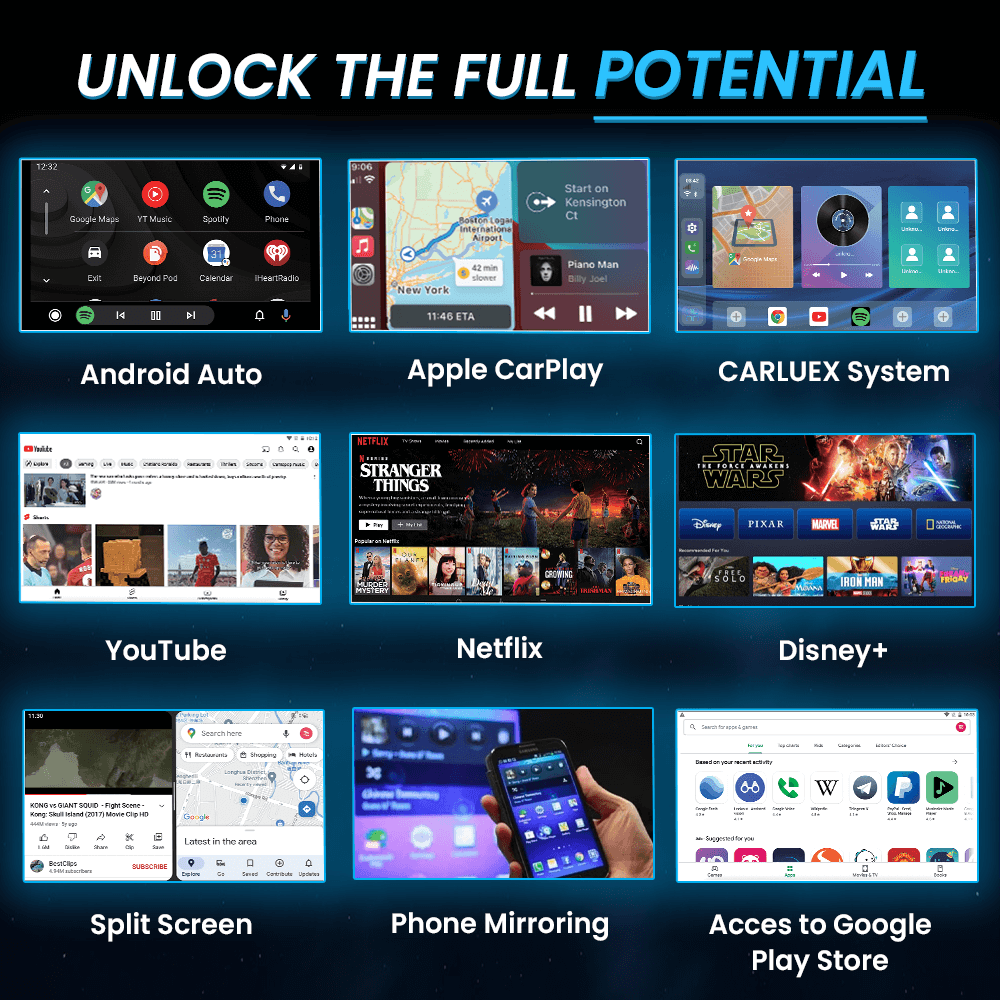
- Supports both wired USB and wireless Bluetooth CarPlay connections
- A fraction of the cost of a new CarPlay-enabled vehicle
How to Set Up CarLuex CarPlay in 5 Minutes
CarLuex is designed for plug-and-play simplicity:
- Connect the CarLuex adapter to your car's display screen via HDMI cable
- Plug the USB power cable into your car's USB port or 12V power adapter
- Connect your iPhone via Lightning cable, or pair via Bluetooth for wireless use
- Follow the on-screen prompts, grant permissions, and start using CarPlay immediately
Which Apps Work with CarLuex CarPlay?
CarLuex supports all Apple-approved CarPlay apps:
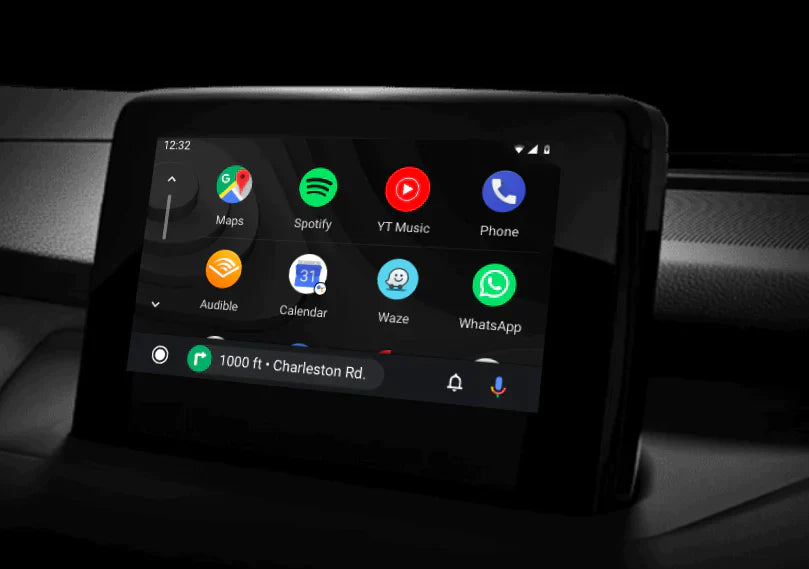
- Navigation: Apple Maps, Google Maps, Waze
- Music and Audio: Apple Music, Spotify, Pandora, Audible, YouTube Music
- Messaging: Messages (via Siri), WhatsApp, Telegram
- Productivity: Calendar, Podcasts, Siri Shortcuts
Is CarLuex CarPlay Worth It? Real User Reviews
CarLuex has helped thousands of iPhone users upgrade their driving experience. Common praise includes: "My old car finally has CarPlay — couldn't be happier!", "Installation took less than 5 minutes and it works perfectly.", "Wireless CarPlay with CarLuex is a game-changer for daily commutes.", and "Worth every penny compared to trading in my car."
Frequently Asked Questions
Does CarLuex work with iPhone 14, 15, and 16?
Yes. CarLuex supports all iPhones running iOS 14 and above, including the entire iPhone 14, 15, and 16 lineup.
Can I use wireless CarPlay with CarLuex?
Absolutely. CarLuex supports both wired (Lightning cable) and wireless (Bluetooth/Wi-Fi) CarPlay connections. Wireless setup takes less than 2 minutes after initial pairing.
How long is the installation process?
Most users install CarLuex and get CarPlay running in under 5 minutes. No tools, no technical expertise, no professional help needed.
What if my car is not on the compatibility list?
CarLuex works with any car that has an HDMI input and a display screen. If you're unsure whether your car is compatible, reach out to our support team for a quick compatibility check.
Does CarLuex support iOS 17 or iOS 18 features?
Yes. CarLuex is regularly updated to support the latest iOS features. We recommend keeping your iPhone updated to the latest iOS version for the best CarPlay experience.
Ready to bring CarPlay to your car? Shop CarLuex CarPlay adapters and join thousands of happy iPhone drivers today. Orders include free shipping, a 12-month warranty, and a 30-day money-back guarantee.


コメントを書く
全てのコメントは、掲載前にモデレートされます
このサイトはhCaptchaによって保護されており、hCaptchaプライバシーポリシーおよび利用規約が適用されます。