BMW

How Can I Get Network Access for My CARLUEX for BMW Product?

You can obtain network access for your CARLUEX for BMW product by using a micro-SIM card with 2G/3G/4G capability. Here are the steps: CARLUEX PRO+ 2.0 adds wireless CarPlay and Android Auto to How-equipped vehicles. Browse CARLUEX wireless adapters to find the right fit for your car.

  1. Insert the micro-SIM card with the chip facing up.
  2. Wait for a moment, and you will see the signal indicator for mobile network connectivity displayed.

This allows your CARLUEX for BMW product to connect to the network and access the internet, enabling various online features and services.


前後の記事を読む

コメントを書く

このサイトはhCaptchaによって保護されており、hCaptchaプライバシーポリシーおよび利用規約が適用されます。

Recommended CARLUEX products

CARLUEX PRO PLUS 2.0 Black Friday 2026

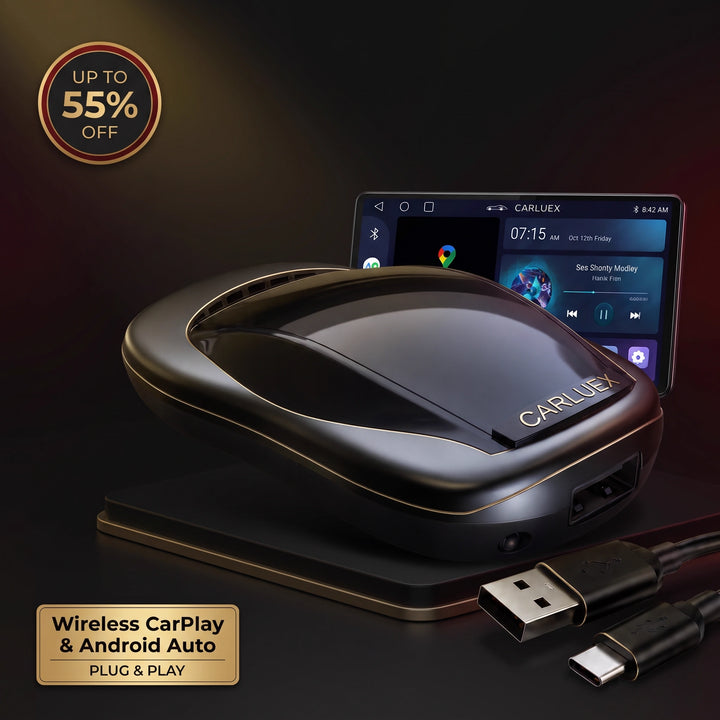
CARLUEX® PRO+ 2.0 Multimedia AI Box

A multimedia AI box that adds wireless CarPlay and Android Auto, 4K playback, app installation, and OTA updates to compatible vehicles.

セール価格$174.85 USDから 通常価格$339.00 USD
View product
CARLUEX for BMW Black Friday 2026

CARLUEX Multimedia Streaming Box for BMW

A BMW-focused multimedia box with wireless CarPlay and Android Auto, streaming apps, voice commands, and steering-wheel control.

セール価格$247.20 USDから 通常価格$369.00 USD
View product
CARLUEX AIR Black Friday 2026

CARLUEX AIR Wireless CarPlay/Android Auto Adapter

A plug-and-play entertainment adapter that adds wireless CarPlay, Android Auto, built-in apps, and USB media playback to compatible vehicles.

セール価格$62.55 USDから 通常価格$139.00 USD
View product