

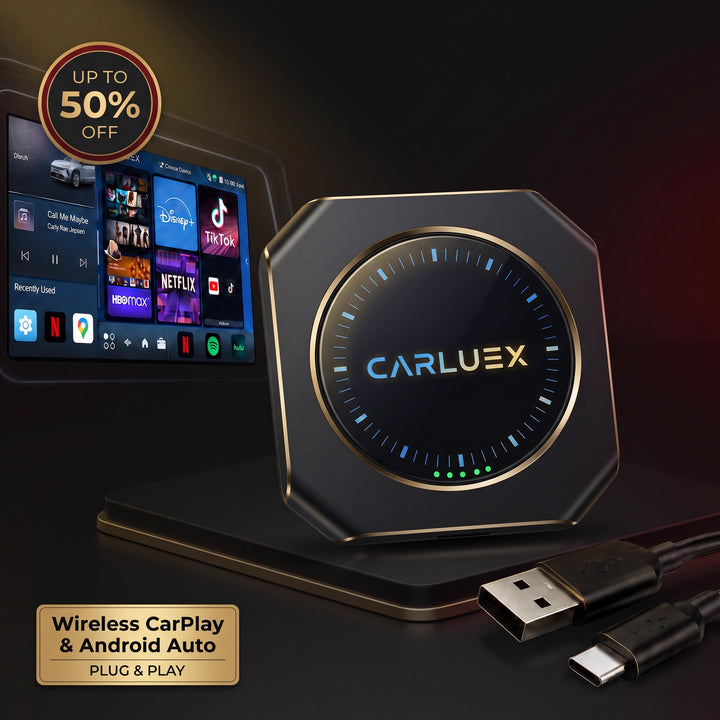
The latest CARLUEX AIR system update (version 2025-07-11) is now available! This update improves stability, compatibility, and overall performance. Below are the detailed update instructions. See all CARLUEX product updates for the latest news. Browse CARLUEX wireless adapters to find the right fit for your car.
📥 Download link: CARLUEX AIR Upgrade(2025-0711)
What About Method 1: Update via Car System?
-
Download the update file — ⚠️ do not rename it or unzip it.
-
Copy the file directly to a USB flash drive.
-
Make sure the drive is empty (best to format it first).
-
-
Connect CARLUEX AIR to your car system, then insert the USB flash drive.
-
Within 10 seconds, the device will detect the update.
-
-
Click Install to begin. The device will restart automatically once the update is complete.
-
After the restart, remove the USB drive.
🔔 Important: After installation, delete the update file from the USB drive to avoid repeat update prompts the next time you plug it in.
⏱️ Duration: about 10 minutes.
✅ After updating, go to Settings and confirm the version: 2025-07-11.
👉 For best performance, perform a factory reset:Settings → System → Reset Options → Erase All Data (Factory Reset)
What About Method 2: Power-On Update (Type-C Power Supply)?
-
Download the update file — ⚠️ do not rename it or unzip it.
-
Save it to a USB flash drive and insert the drive into the CARLUEX AIR USB port.
-
Power on CARLUEX AIR using the provided Type-C cable and a phone charger adapter.
-
⚠️ Do not use a computer USB port, as it may provide insufficient power.
-
-
Red and blue lights will turn on, and the blue light will start blinking.
-
Wait 2–4 minutes until the red light starts blinking — this means the update is in progress.
-
After 2–3 minutes, the red light will stop blinking — this indicates the update is complete.
-
The device will reboot automatically. Red and blue lights will turn on again, with the blue light blinking — this means the device is running normally.
-
Connect CARLUEX AIR to your car system →
Settings → Carluex Settings → Carluex Version-
Confirm the version shows: 2025-07-11.
-
-
For peak performance, perform a factory reset:
Settings → System → Reset Options → Erase All Data (Factory Reset)-
Wait 1–2 minutes for the reset to complete.
-



コメントを書く
全てのコメントは、掲載前にモデレートされます
このサイトはhCaptchaによって保護されており、hCaptchaプライバシーポリシーおよび利用規約が適用されます。