

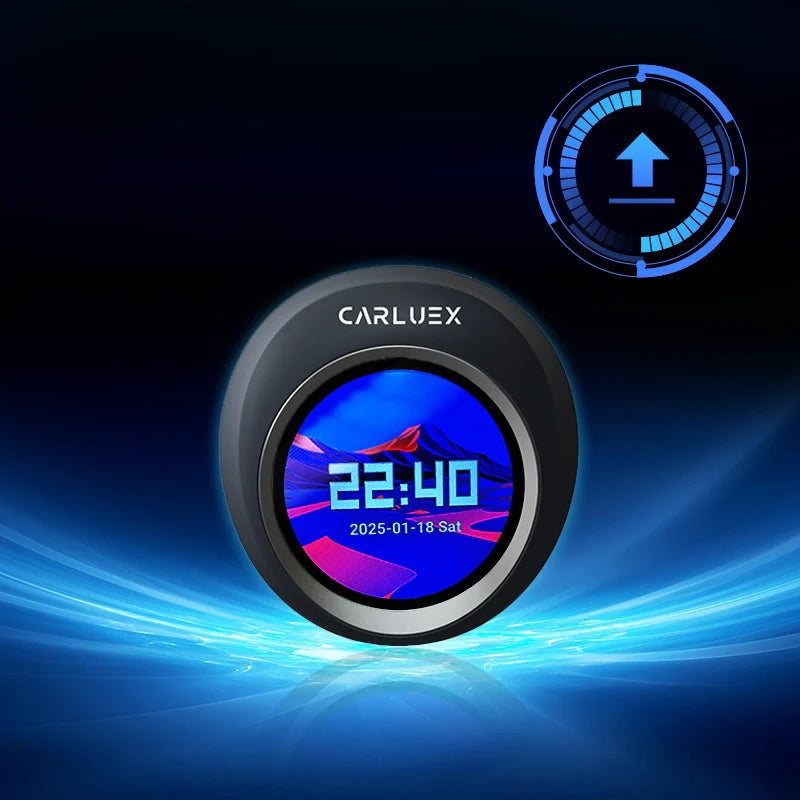
We’re excited to announce a new system update for Carluex Vision, now available for all users! This version brings key improvements to ensure a smoother, smarter driving experience. See all CARLUEX product updates for the latest news. Browse CARLUEX wireless adapters to find the right fit for your car.
🆕 What’s New in Version 20250612:
🔇 Fixed LINE Call Audio Bug
Resolved an issue where the system would go silent after ending a LINE phone call.
📍 Improved GPS Memory Function
Optimized the performance of built-in GPS systems to better retain location memory.
⚙️ Updated Protocols (0603)
Enhanced internal communication protocols for improved compatibility and overall system stability.
📥 Download Link:
🔧 How to Install the Update:
-
Download the update file from the link above.
❗ Do not unzip or rename the file. -
Save the downloaded file to a TF card.
-
Insert the TF card into your Carluex Vision device while it’s connected to your car’s screen and fully powered on.
➤ The system should automatically detect the update within 10 seconds and prompt:
"Found the OTA file, start the upgrade?" -
Tap "YES" when prompted.
The device will restart and begin the installation process. -
If you don’t see the prompt after inserting the TF card:
-
Connect the TF card to your computer.
-
Rename the update file to:
APM1288S(⚠️ make sure the file extension stays unchanged). -
Reinsert the TF card and try again.
-
-
After the system reboots, remove the TF card and delete the update file to avoid accidental reinstallation in the future.
-
To verify the update, go to Settings and check the version:
✅ It should display: CARLUEX Version 2025-06-12


コメントを書く
全てのコメントは、掲載前にモデレートされます
このサイトはhCaptchaによって保護されており、hCaptchaプライバシーポリシーおよび利用規約が適用されます。