

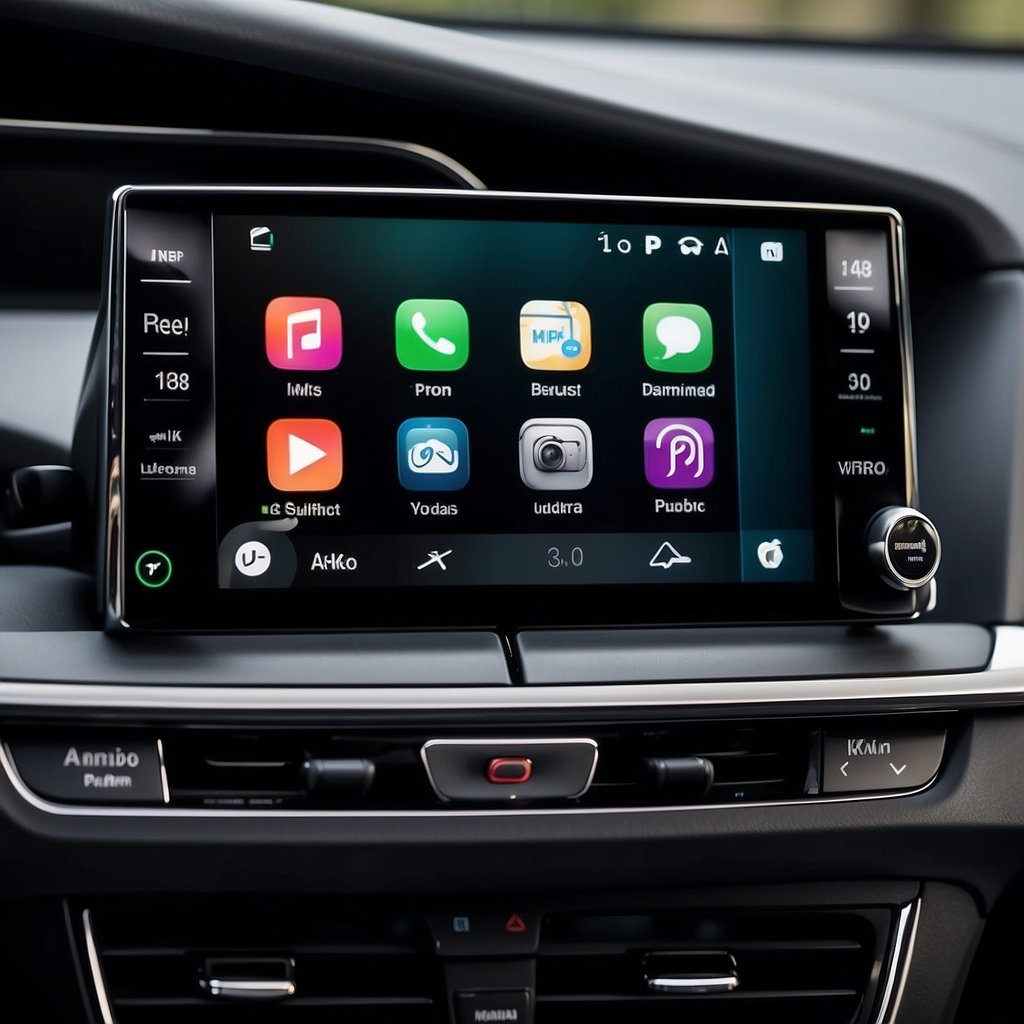
iOS 27 CarPlay: What’s New With App Categories, Video, and Availability
If you are searching for the iOS 27 CarPlay update, the most useful answer is not a promise that every driver will see the same new screen or app. Apple’s iOS 27 materials describe broader capabilities for CarPlay apps, while actual availability still depends on the vehicle, region, language, app, and feature conditions.
This guide separates what Apple has documented from what still needs to be checked. It also keeps developer capabilities separate from guaranteed driver features.

What iOS 27 Changes for CarPlay Apps
Apple Developer says that iOS 27 brings new capabilities to CarPlay app categories. That is broader than a cosmetic update: developers can work with new or expanded CarPlay behaviors while still following Apple’s app and vehicle requirements.
The documented CarPlay categories include audio, communication, and navigation apps. Apple also describes Live Activities and widgets that can provide timely information in the car. The practical takeaway is that “new CarPlay apps” may refer to new app capabilities and categories, not an automatic guarantee that every app will appear on every vehicle display.
For drivers, this means an app announcement should be read as a capability update first. The app developer, Apple’s supported APIs, the vehicle system, and local availability can all affect what appears in a real car.
Review the CarPlay settings guide before changing phone-side settings, and keep that troubleshooting question separate from the iOS 27 feature question.
Voice and Video Capabilities Have Boundaries

Voice-based conversational apps
The Apple iOS 27 CarPlay session describes support for voice-based conversational apps. This does not mean every voice or AI app automatically becomes available in CarPlay. It means developers have a documented category and framework direction to evaluate, and each app still has to meet Apple’s requirements.
Video browsing in supported cars
Apple also describes CarPlay video apps that can let people browse and play video in new cars that support the video-in-car feature. The same documentation frames this around situations in which the vehicle is parked, such as waiting at an airport or charging station. Do not interpret this as permission to watch video while driving or as proof that every CarPlay vehicle supports it.
Apple notes that video apps need to support AirPlay video streaming and use the CarPlay framework for the browsing experience. If you are checking a specific vehicle, verify the vehicle-maker documentation and the exact feature conditions instead of relying on the iOS 27 keyword alone.
How to Check CarPlay Availability Before You Rely on a Feature

Check Apple’s region and language availability
The Apple iOS and iPadOS 27 Feature Availability page lists Apple CarPlay as available on iOS in the United States. The page also reminds readers that some features are not available in every region or language. A U.S. search result therefore supports the market context, but it is not a universal promise for every language or every feature.
Check the exact vehicle or aftermarket system
Apple’s CarPlay information maintains a supported-model list and says that an aftermarket system can add CarPlay to a current car. Use that list and the vehicle or system documentation for the exact model and configuration. If you later evaluate a hardware category, first check vehicle compatibility; this article does not recommend a product based on the iOS 27 announcement.
Do not turn an app announcement into a compatibility claim
An app category change, a supported-car video capability, and a vehicle’s existing CarPlay support are three different checks. They should not be collapsed into a blanket vehicle-compatibility promise. That claim is not supported here and is marked NEEDS_SOURCE in the Fact Source Table.
What U.S. Drivers Should Do Now
Use Apple’s current feature-availability page and developer documentation as the source of truth for the iOS 27 CarPlay update. Then verify the exact car, infotainment system, app, region, language, and parked-use condition that applies to your situation.
- Identify the CarPlay capability you care about: app category, voice, video, widget, navigation, or another function.
- Check whether Apple documents that capability for iOS 27 and whether it has a supported-car condition.
- Check your vehicle-maker or aftermarket-system documentation for the exact configuration.
- If you need help with a CARLUEX setup, open the CARLUEX Help Center. This is a support path, not a product recommendation.
You can also review wireless CarPlay adapter categories only after eligibility is confirmed; this article does not recommend a specific adapter.
FAQ
Is iOS 27 CarPlay available in the United States?
Apple’s iOS and iPadOS 27 Feature Availability page lists Apple CarPlay under availability for the United States. Individual capabilities can still have their own region, language, app, or vehicle conditions.
Does iOS 27 make video available in every car?
No. Apple Developer describes video browsing for new cars that support the video-in-car feature and discusses parked-use scenarios. Check the exact vehicle documentation and never treat the feature as permission to watch while driving.
Are all new CarPlay app capabilities available in every language?
Not necessarily. Apple explicitly states that some iOS and iPadOS features are not available in every region or language. Check the current Apple availability information for the feature you need.
Where should I check my vehicle compatibility?
Start with Apple’s supported-model list and your vehicle or aftermarket-system documentation. You can also review the Siri and CarPlay setup guide for a separate phone-side setup question.
Official Sources Used
- Apple: iOS and iPadOS 27 Feature Availability
- Apple Developer: Rev up your CarPlay app — WWDC26
- Apple: CarPlay and supported models


コメントを書く
このサイトはhCaptchaによって保護されており、hCaptchaプライバシーポリシーおよび利用規約が適用されます。