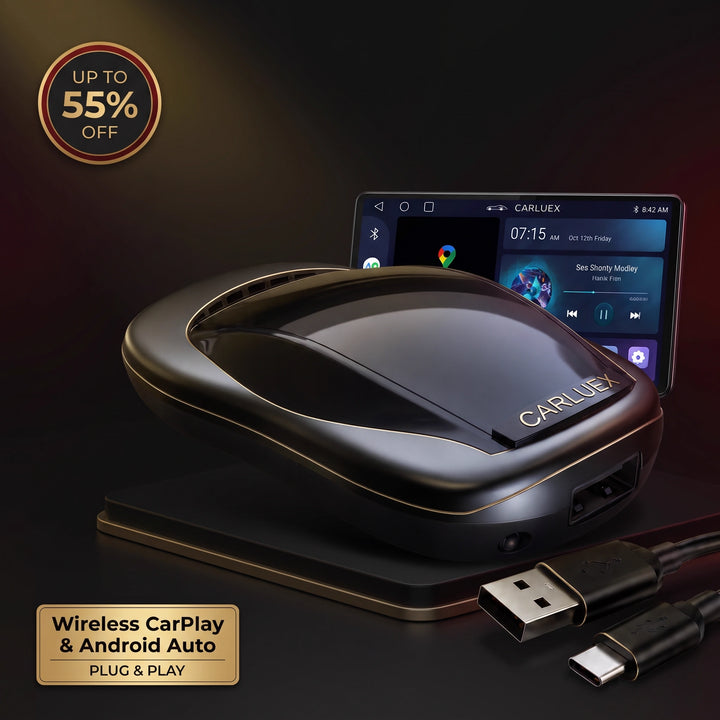
PRO PLUS

How to Enable Dark Mode on CARLUEX PRO+?

To enable dark mode on CARLUEX PRO+, follow these steps:

  1. Access the "Settings" menu.
  2. Use the search function to find the area related to "Dark Theme."
  3. Click to enter the Dark Theme settings.
  4. Toggle the switch to turn on dark mode.

Your interface will now switch to the black-themed dark mode.

For a visual guide, you can also refer to this video tutorial: Dark Mode Activation Tutorial for CARLUEX PRO+

Scopri di più

Commenta

Questo sito è protetto da hCaptcha e applica le Norme sulla privacy e i Termini di servizio di hCaptcha.

Recommended CARLUEX products

CARLUEX PRO PLUS 2.0 Black Friday 2026

CARLUEX® PRO+ 2.0 Multimedia AI Box

A multimedia AI box that adds wireless CarPlay and Android Auto, 4K playback, app installation, and OTA updates to compatible vehicles.

Prezzo scontatoA partire da $174.85 USD Prezzo $339.00 USD
View product
CARLUEX for BMW Black Friday 2026

CARLUEX Multimedia Streaming Box for BMW

A BMW-focused multimedia box with wireless CarPlay and Android Auto, streaming apps, voice commands, and steering-wheel control.

Prezzo scontatoA partire da $247.20 USD Prezzo $369.00 USD
View product
CARLUEX AIR Black Friday 2026

CARLUEX AIR Wireless CarPlay/Android Auto Adapter

A plug-and-play entertainment adapter that adds wireless CarPlay, Android Auto, built-in apps, and USB media playback to compatible vehicles.

Prezzo scontatoA partire da $62.55 USD Prezzo $139.00 USD
View product