

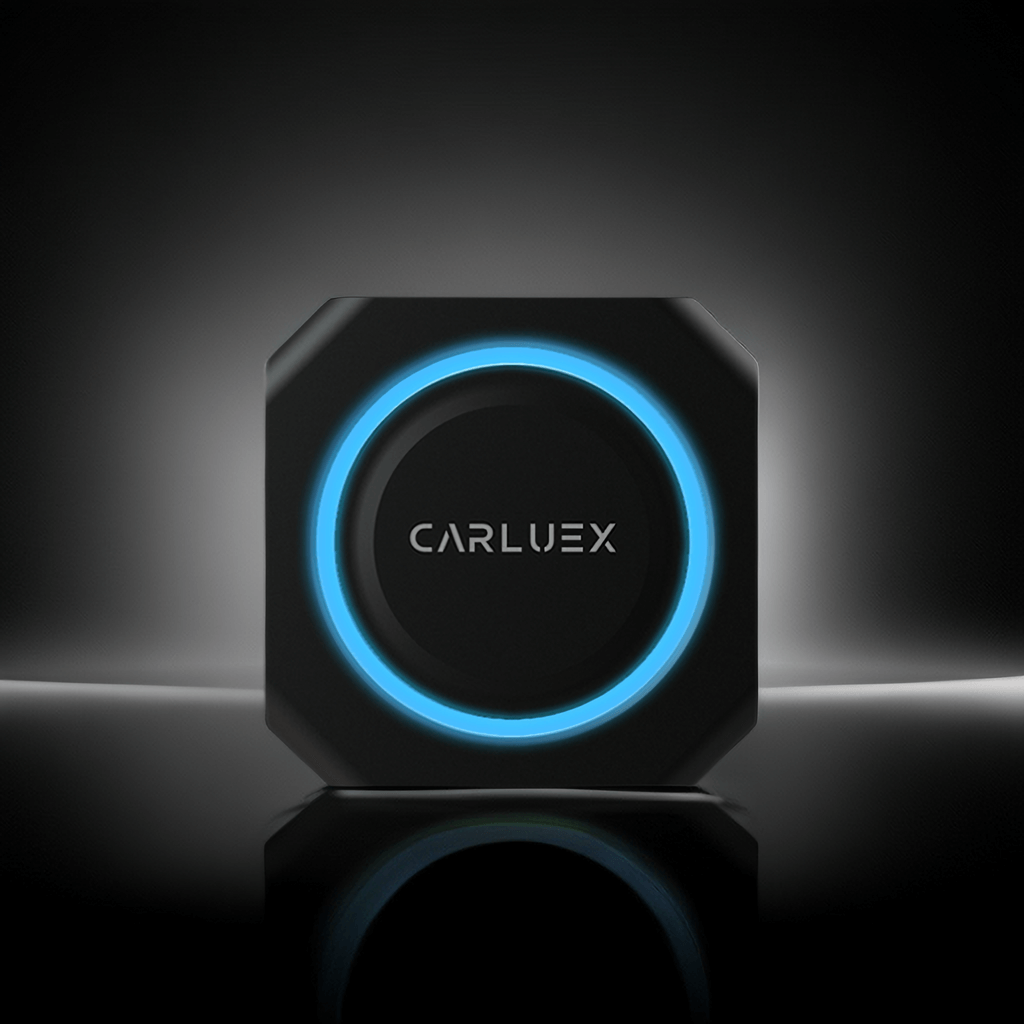
What You'll Need Before Starting
Before setting up your CARLUEX PRO+, make sure you have the following:
- CARLUEX PRO+ adapter
- USB-A or USB-C cable (adapter included)
- Vehicle with Apple CarPlay support (2016-2024 models)
- iPhone with iOS 12 or higher
Step 1 - Locate Your Vehicle's USB Port
Find your vehicle's USB port. Depending on your car model, it may be located:
- In the center console
- Below the infotainment screen
- In the glove compartment
Step 2 - Enable Apple CarPlay
Navigate to your vehicle's Apple CarPlay section. Depending on your vehicle, this section may be located within one of the areas on your Streaming Apps board. Add a new device and select the one that starts with CARLUEX-XXXX.
Step 3 - Pair the Device
When prompted, select "Pair" on the vehicle screen. Your iPhone may ask for Bluetooth pairing confirmation - tap "Accept" to proceed.
Step 4 - Verify the Connection
Wait for the product to establish an automatic connection. Most users complete this process in under 5 minutes. Once connected, you should see the CARLUEX interface on your vehicle's display screen.
Troubleshooting Common Connection Issues
If your CARLUEX PRO+ isn't connecting, try these steps:
- Ensure your vehicle supports Apple CarPlay
- Restart your iPhone and try again
- Check that your iPhone is running iOS 12 or higher
- Try a different USB port if available
- Reset the CARLUEX device by unplugging and replugging
Compatible with 800+ vehicle models. For the full compatibility list, contact our support team.
You can also check out the tutorial video here.
Frequently Asked Questions
Q: How long does it take to connect CARLUEX PRO+?
A: Most users complete the setup in under 5 minutes.
Q: My CARLUEX PRO+ won't connect, what should I do?
A: First, ensure your vehicle supports Apple CarPlay. Then restart your iPhone and try again. If the issue persists, contact our support team.
Q: Which iPhone models are supported?
A: iPhone 5s and newer with iOS 12 or higher.
Q: Can I use wireless CarPlay with CARLUEX PRO+?
A: CARLUEX PRO+ requires a USB connection for initial setup. For wireless solutions, check out our CARLUEX PRO+ product page.
Q: Does CARLUEX PRO+ work with Android Auto?
A: CARLUEX PRO+ is designed for Apple CarPlay. For Android Auto support, please visit our product page for compatible options.
Ready to get started? Shop CARLUEX PRO+ on carluex.store

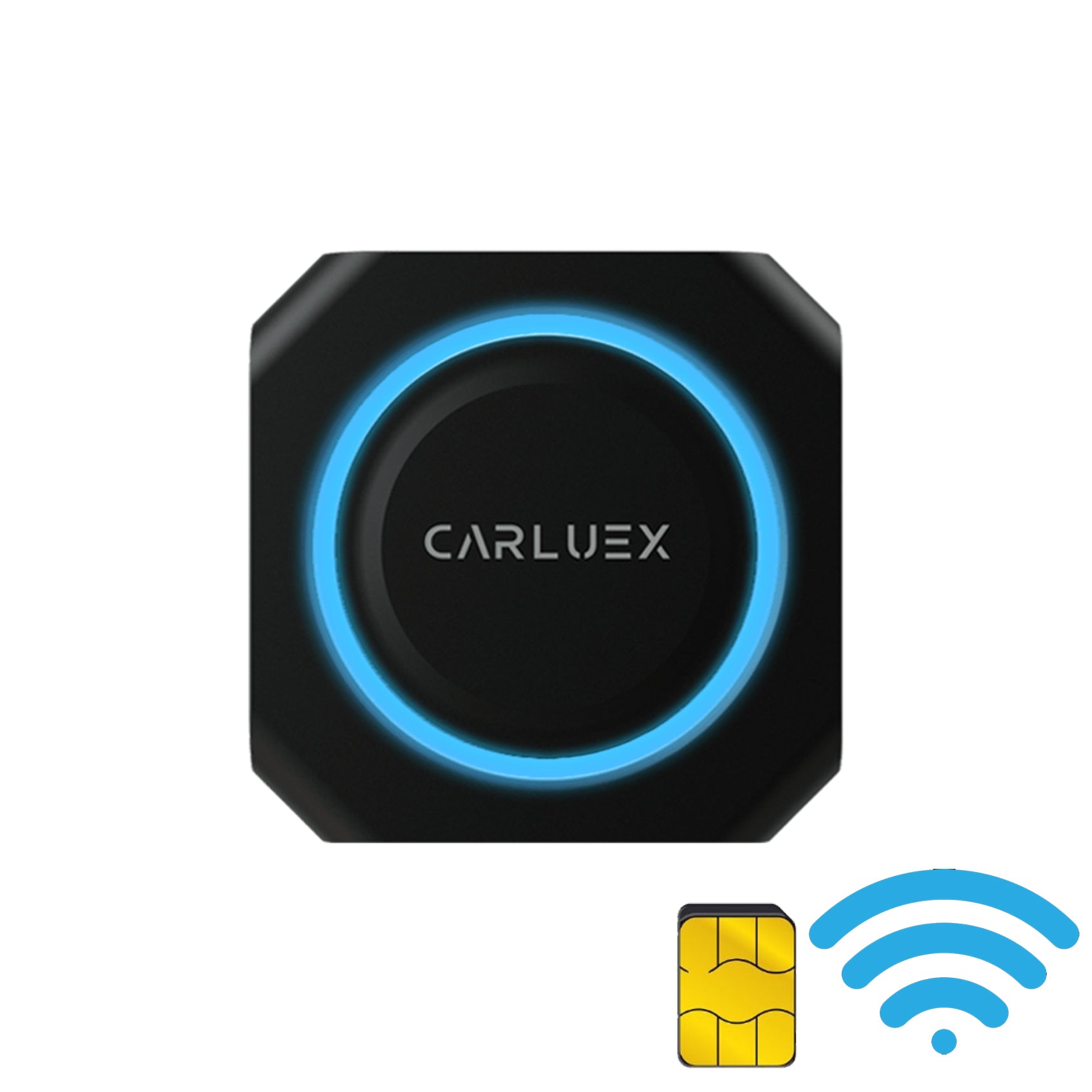


1 commento
Edgar Batista Rodrigues
Gostaria de adquirir um
Commenta
Nota che i commenti devono essere approvati prima di essere pubblicati.
Questo sito è protetto da hCaptcha e applica le Norme sulla privacy e i Termini di servizio di hCaptcha.