

NHTSA Recalls Next 2026: What OTA Remedies Mean for Vehicle Infotainment
Bottom line: NHTSA's official Recalls Next: Technological Innovations & Safety Recalls event page lists a public meeting about recall completion, automated vehicles, and over-the-air (OTA) remedies. It does not announce a new vehicle recall, promise a remote fix for a particular infotainment problem, or confirm compatibility for an aftermarket adapter.
For US drivers, the useful takeaway is a decision rule: treat OTA language as a possible part of a manufacturer-led safety remedy, then verify the exact vehicle and recall status through official channels. Do not treat an agenda item as proof that a dashboard update, wireless adapter, CarPlay connection, or Android Auto issue will be solved remotely.

What NHTSA Recalls Next 2026 actually says
The official NHTSA event listing identifies Recalls Next: Technological Innovations & Safety Recalls as a November 5, 2026 public meeting at USDOT Headquarters in Washington, DC. The page says the meeting addresses consumer outreach, automated driving systems, OTA updates, state initiatives, and heavy-vehicle challenges.
That scope matters because a vehicle software remedy can involve more than the center screen. A recall process may involve a defect or noncompliance, an affected population, an approved remedy, owner communication, and a way to confirm completion. The event page connects technology with the broader goal of completing safety recalls; it does not turn every future software update into a recall remedy.
The agenda is a signal, not a vehicle-specific announcement
The agenda includes a session titled Automated Vehicles & OTA Remedies in the Recall Space. That is enough to support an article about the role of OTA remedies in recall discussions. It is not enough to name a model, trim, model year, infotainment supplier, or specific repair result. Those details require a separate manufacturer or NHTSA record for the affected vehicle.
Why OTA remedies and vehicle infotainment are related—but not identical
An OTA remedy can refer to a software-delivered change, but the official event listing does not say that all safety recalls can be completed over the air. Some problems still require inspection, a physical part, a dealer procedure, or a combination of software and hardware steps. The correct question is not “Does this vehicle have an OTA update?” but “What remedy does the official recall record require for this VIN?”
NHTSA's April 2026 report on improving vehicle safety-recall completion focuses on outreach, comprehension, and incentives. In other words, successful recall completion depends on getting the right information to the right owner and making the remedy understandable—not only on adding more software capability.

Do not confuse an infotainment update with a safety remedy
- OTA update: a software delivery method or capability. The exact content and eligibility still come from the vehicle manufacturer.
- Safety recall remedy: the manufacturer-led action required for a defined safety issue or noncompliance.
- Infotainment troubleshooting: a connection, phone, USB, Bluetooth, app, or vehicle-system problem that may have nothing to do with a safety recall.
- Aftermarket adapter: a connection accessory whose fit depends on the vehicle's factory system. It is not a recall repair tool.
What US drivers should verify before assuming an OTA fix exists
Start with the vehicle, not the headline. The NHTSA recall lookup explains that a VIN or license-plate search can show whether a specific vehicle needs repair, while a year/make/model search provides general recall, investigation, complaint, and manufacturer-communication results. A general infotainment search cannot replace the VIN-level check.
- Record the VIN and exact vehicle context. Keep the model year, build or production context, and current software version available. If you are looking at a used vehicle, confirm the VIN rather than relying on a listing title.
- Read the official recall wording. Look for the affected component, remedy description, interim safety instructions, and whether the remedy is available now or later.
- Separate “update available” from “recall complete.” A software notification may be an ordinary feature update, a service campaign, or part of a recall. Only the official record and the manufacturer's completion process answer which one it is.
- Ask who performs the remedy. If the notice directs you to a dealer or another authorized process, follow that instruction. Do not substitute an adapter, reset, or phone setting for a safety repair.
- Keep driving-safety decisions separate. Review infotainment settings while parked, and follow any interim instruction in the recall notice before continuing to use the vehicle.

What this announcement does not prove
Based on the official event listing and the available NHTSA material, this article does not claim any of the following:
- That a new NHTSA infotainment recall was announced.
- That every vehicle with an OTA-capable system can receive the same remedy.
- That a CarPlay or Android Auto connection problem is a safety defect.
- That the November 5 meeting produced a particular post-event decision or software release.
- That any CARLUEX product is required or compatible with a particular vehicle configuration.
This boundary is important for searchers because “OTA,” “vehicle software,” “infotainment,” and “recall” can appear in the same article while referring to different systems and responsibilities. A careful answer keeps the official announcement, the VIN-specific recall record, and aftermarket compatibility as separate evidence tracks.

Where a CARLUEX reference fits—and where it does not
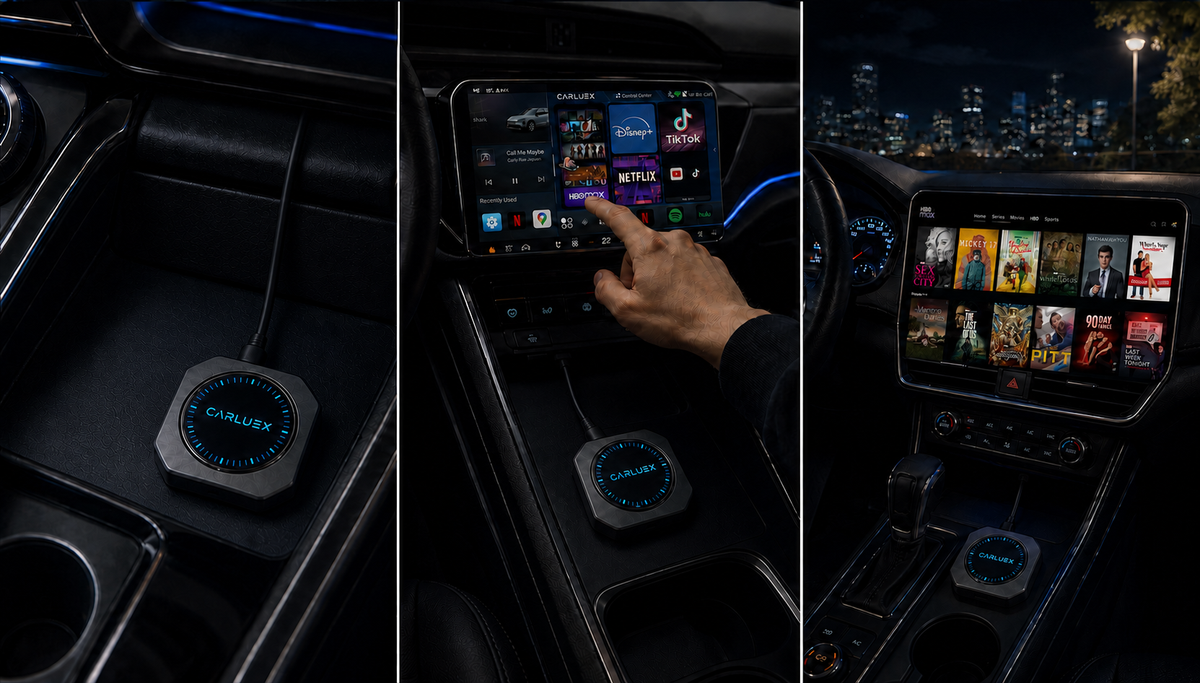
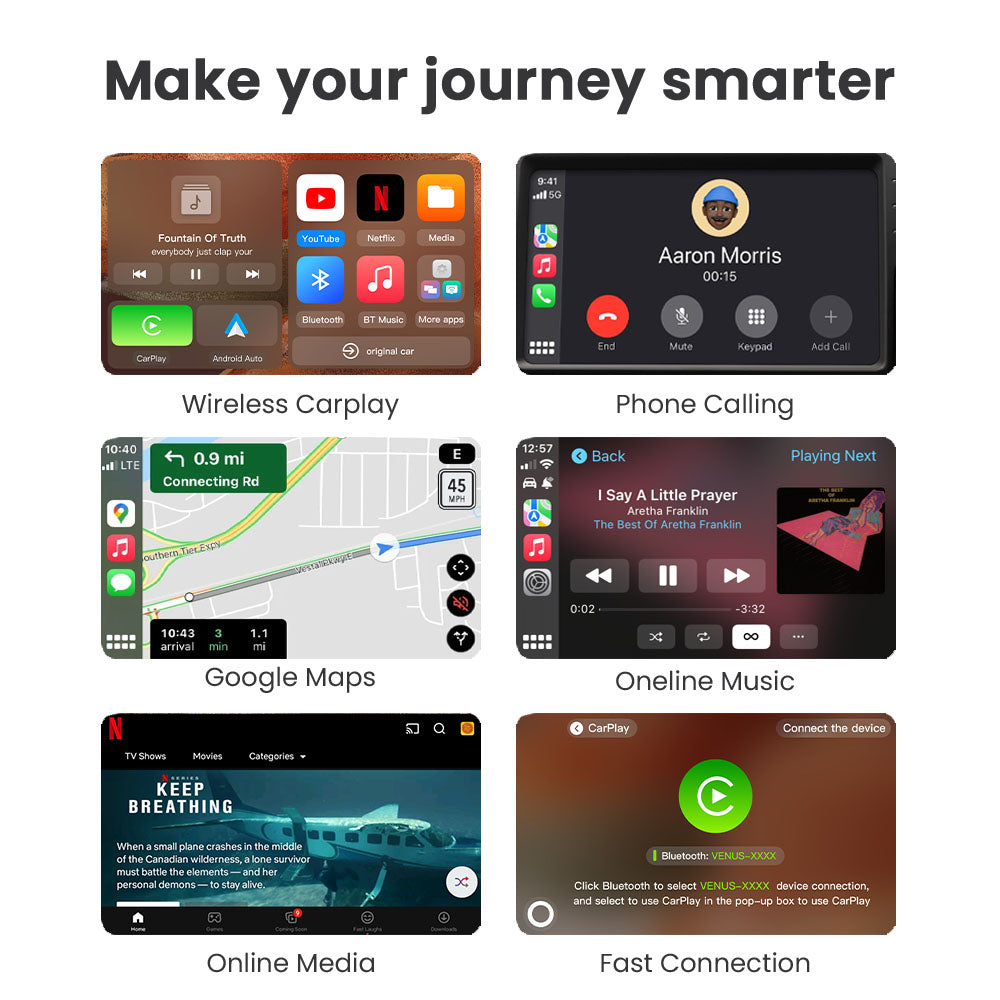
This article does not recommend a CARLUEX adapter for a recall, OTA remedy, or particular vehicle. If you are researching a separate phone-to-car connection project after confirming that the factory system already meets the required conditions, the CARLUEX PRO+ 2.0 product page can be used as a specification reference. Before considering any product, check the CARLUEX compatible vehicles reference and the CARLUEX compatibility page for the exact vehicle and system conditions.
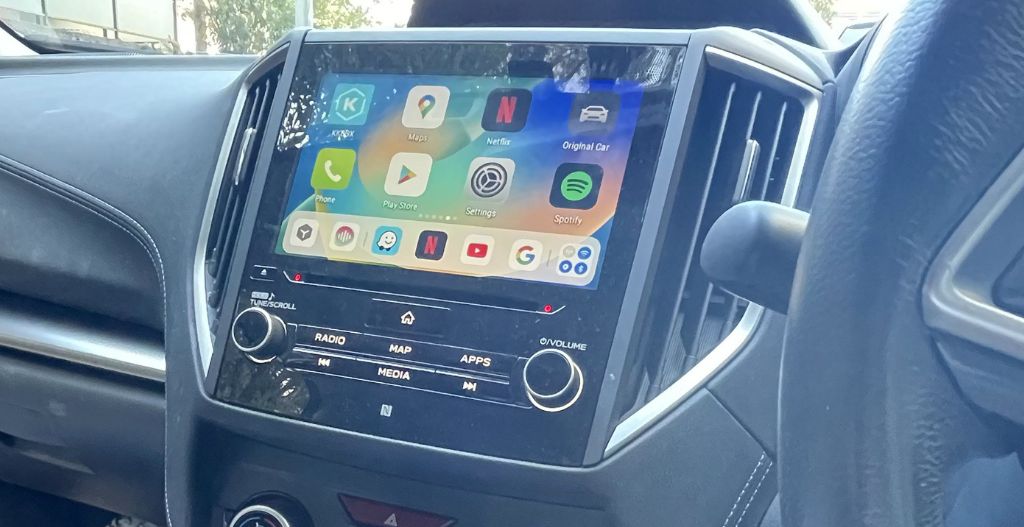
Compatibility depends on the adapter model and the vehicle's factory infotainment system. A wireless adapter may help only after the relevant wired connection already works; it does not repair a damaged USB port, unsupported vehicle, blocked phone setting, vehicle software problem, or open safety recall. The final decision must stay with the official product and vehicle evidence.
Frequently asked questions
Did NHTSA announce a new infotainment recall?
No. The current official page lists a public meeting and its agenda. It does not identify a new model-specific infotainment recall or a completed software remedy.
Does OTA mean a recall can always be fixed remotely?
No. OTA is one possible delivery path for software, while the remedy depends on the official recall record and the affected vehicle. A physical inspection or repair may still be required.
How can I check whether my vehicle needs a recall repair?
Use the NHTSA VIN or license-plate lookup and then read the manufacturer's remedy instructions. A general search by model is useful for context, but it does not replace a VIN-specific result.
Is an Android Auto or CarPlay problem automatically a safety recall?
No. It may be a phone setting, app setting, cable, USB port, pairing, or infotainment issue. Do not label it a safety recall without an official record.
Will an aftermarket adapter solve an OTA or recall problem?
Not as a general rule. An adapter is a connection accessory, not a safety-remedy substitute. Check the vehicle's official recall status first, then evaluate compatibility separately.
What should I do while a recall remedy is unavailable?
Follow the interim safety instructions in the official notice, contact the manufacturer or authorized dealer if the notice directs you to do so, and avoid assuming that an infotainment setting or accessory changes the recall status.
Related CARLUEX guides
- Android Auto music-app troubleshooting guide
- Android Auto music-player guide
- CarPlay AI box compatibility and safety guide


Leave a comment
Ezt a webhelyet a hCaptcha rendszer védi, és a hCaptcha adatvédelmi szabályzata, valamint szolgáltatási feltételei vonatkoznak rá.