
- All posts
- Android Auto
- Apple CarPlay
- Car Accessories
- CARLUEX
- CARLUEX AIR
- CARLUEX BMW
- CARLUEX GO
- CARLUEX PRO
- CARLUEX PRO+
- CARLUEX REMOTE
- Carplay
- CarPlay Basics
- Carplay Converter
- CarPlay Features and Integration
- CarPlay for Different Car Brands
- CarPlay Installation and Upgrades
- CarPlay Troubleshooting
- How to
- Knowledge Hub
- Technology
- Tips
- Troubleshooting
- Wireless Carplay Adapter
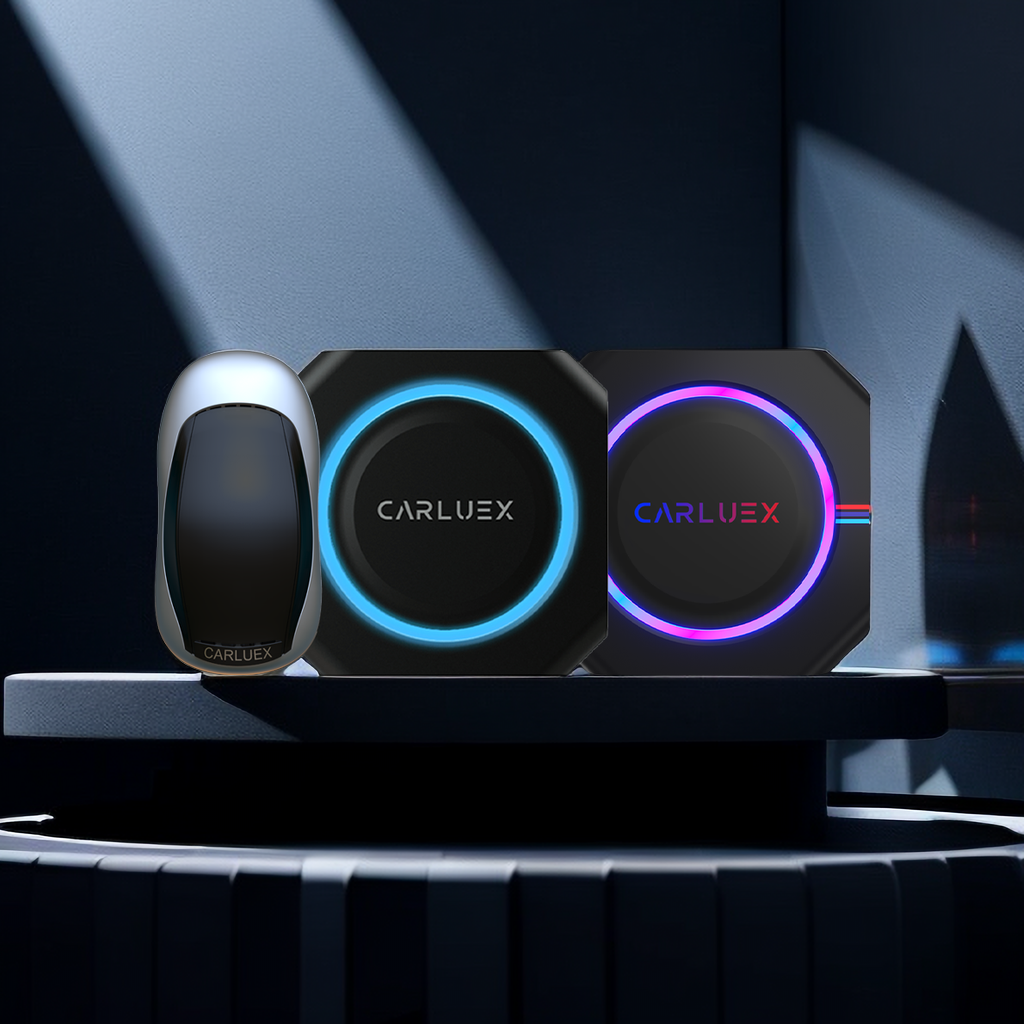
Best Android Auto Wireless Adapter: Top Picks for Hassle-Free Connectivity
The best Android Auto wireless adapter transforms your car from a wired mess into a seamless, cable-free experience. These small devices — like the CARLUEX AIR — plug into your existing USB port an...
How to Make Apple CarPlay Wireless: A Step-by-Step Guide
You can make Apple CarPlay wireless using a small adapter — no dealership visit, no head unit replacement needed. Just plug the adapter into your car's USB port (the same one that runs wired CarPla...
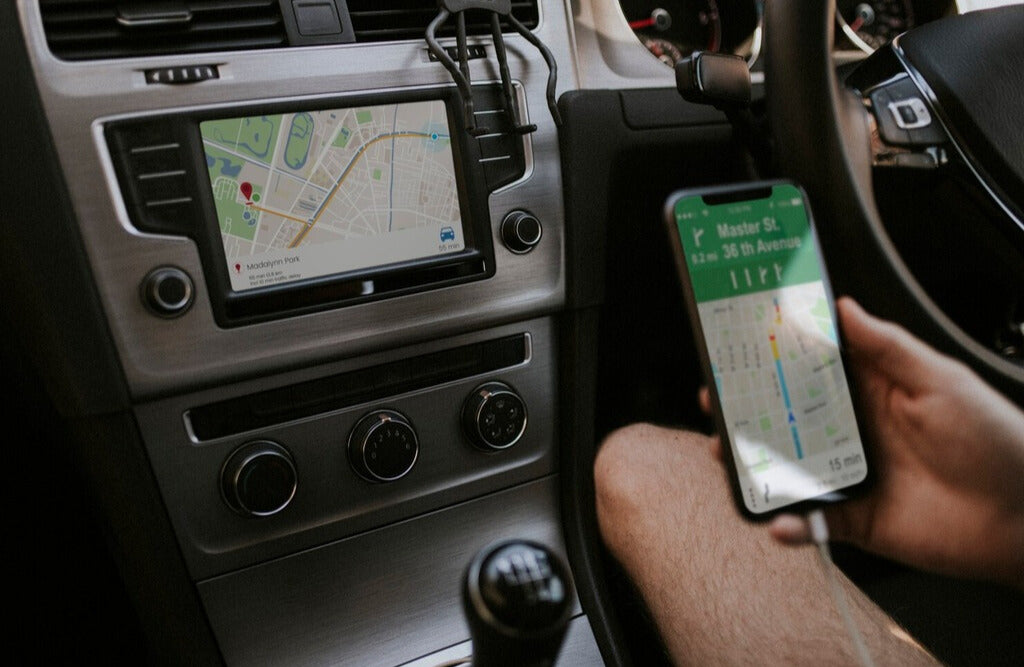
How to Use Apple CarPlay: A Comprehensive Guide
The fastest way to get Apple CarPlay running in your car is to connect your iPhone via a Lightning USB cable to your car's CarPlay-enabled USB port — most vehicles from 2016 onward support this nat...
CarPlay Not Working: Troubleshooting Tips
Discover solutions to fix CarPlay not working issues. Shop our range of products, including compatibility checkers and adapters, to ensure a seamless driving experience.

How to Turn Off CarPlay: An Easy-to-Follow Guide
To turn off CarPlay on your iPhone, go to Settings > General > CarPlay, select your car, and toggle off the CarPlay switch — or tap "Forget This Car" to remove it entirely. You can also disab...
16 CarPlay Apps You Should Try Today
Discover the best CarPlay apps to enhance your driving experience. From navigation to entertainment, find top apps tailored for you. Explore and download now!


