


iOS 26 CarPlay: 12 Game-Changing Features You Need to Try in 2026
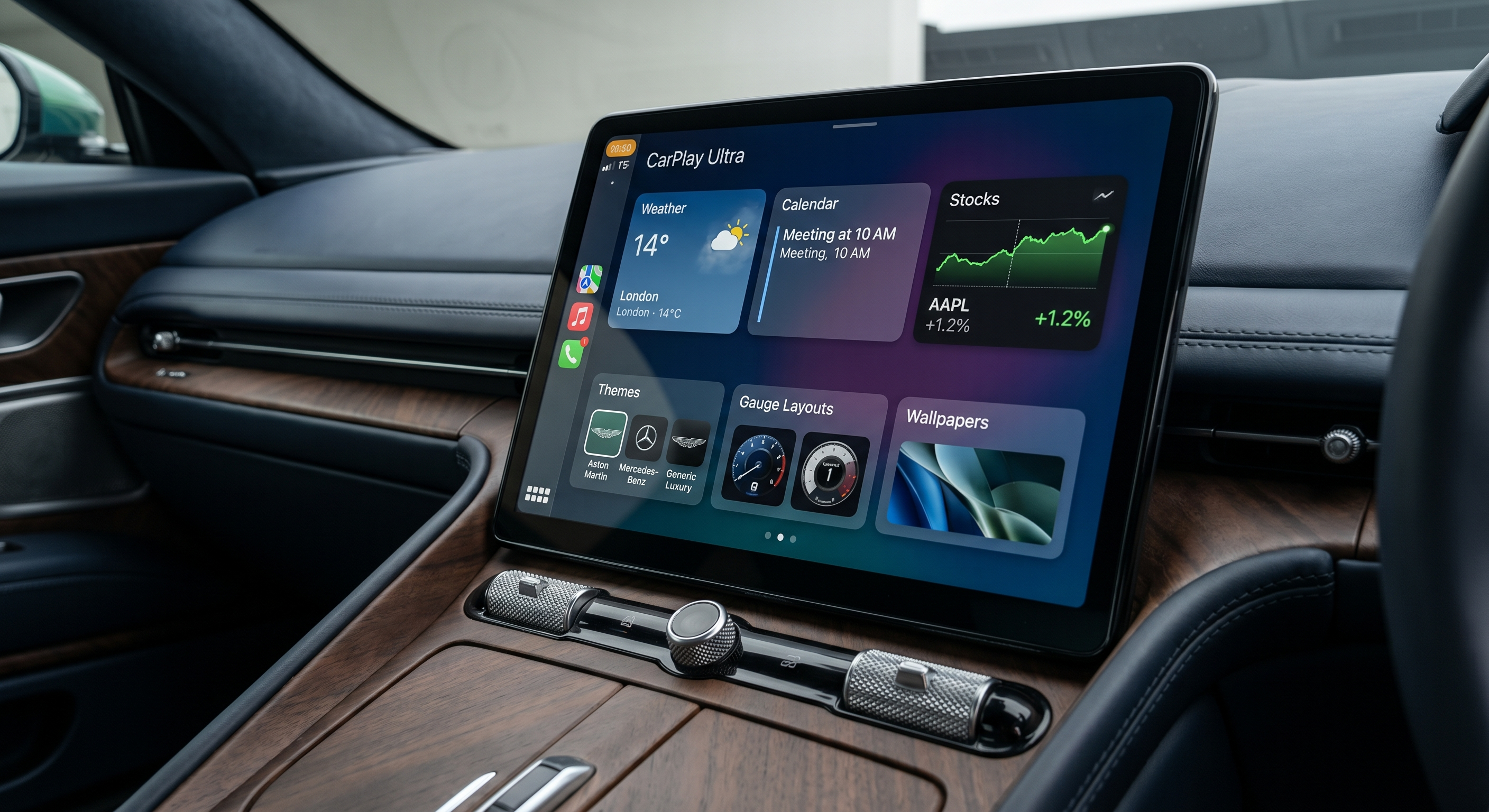
Apple has officially pulled back the curtain on the future of driving. With the release of iOS 26, CarPlay has transformed from a smartphone-mirroring tool into a deeply integrated, highly intelligent operating system for your vehicle. The theme for 2026 is clear: seamless immersion.
If you’ve recently updated your iPhone 18, you’re sitting on a goldmine of features. Here are the 12 game-changing iOS 26 CarPlay updates you need to try right now.

1. The "Liquid Glass" Visual Overhaul
The most immediate change in iOS 26 is the Liquid Glass design language. Icons are now translucent and depth-layered, reacting to the ambient light inside your car. It’s no longer just a flat grid of apps; it feels like a native part of your luxury dashboard.
2. Dynamic Live Activities for Navigation
Building on the success of iPhone lock screens, iOS 26 brings Live Activities to the car dashboard. Now, you can track your Uber Eats delivery, sports scores, or arrival time in a dynamic window that never obscures your main navigation map.

3. Real-Time Lyrics for In-Car Karaoke
Long road trips just got a lot shorter. Apple Music on iOS 26 features a dedicated Karaoke Mode that syncs high-definition lyrics with the driver’s instrument cluster (on Ultra-compatible vehicles) or the main center screen.
4. Biometric Driver Profiles
Your car now knows who is behind the wheel. Via FaceID on your iPhone, iOS 26 automatically adjusts seat positions, climate control, and home screen app layouts the moment you enter the vehicle.

Breaking the Limits with CARLUEX PRO+ 2.0
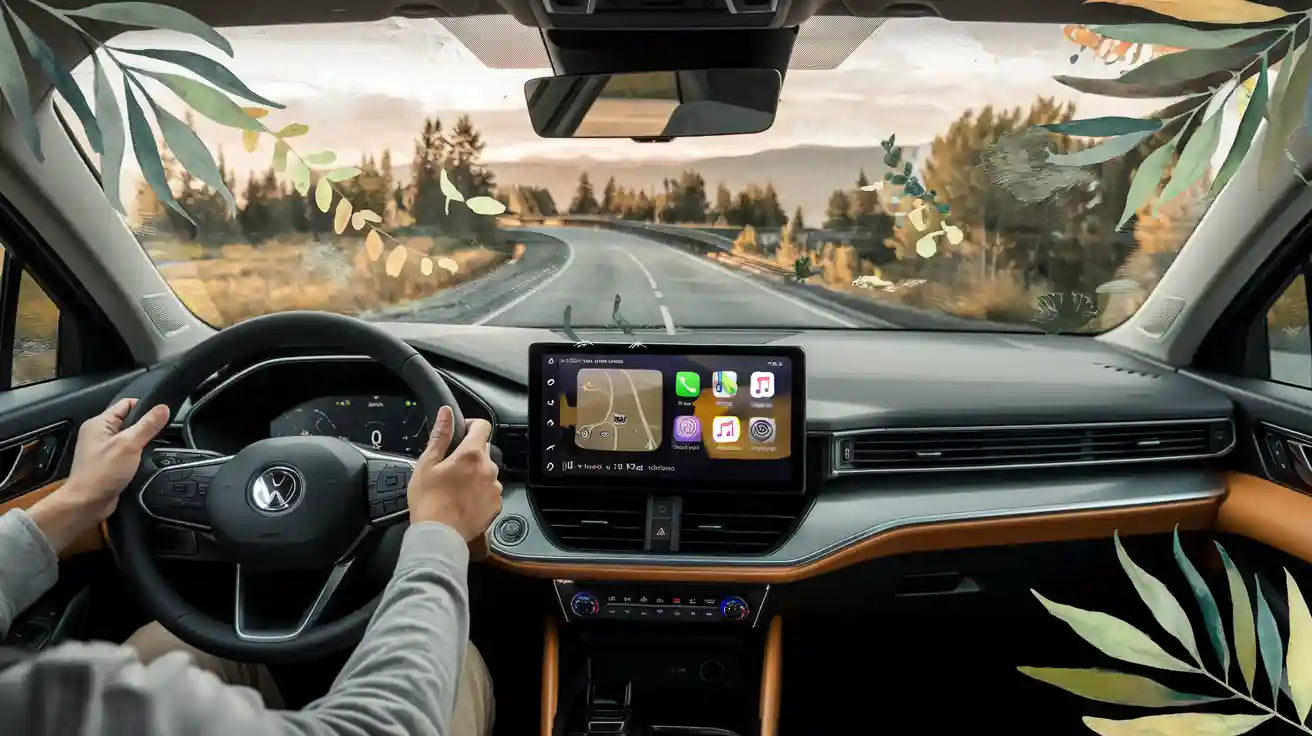
While iOS 26 is groundbreaking, it still carries Apple’s traditional restrictions—specifically regarding video content. To truly experience the Liquid Glass design while enjoying full multimedia freedom, you need a bridge. The CARLUEX PRO+ 2.0 allows you to run the latest iOS 26 environment while enabling YouTube and Netflix in stunning 4K.

Why it Matters for Honda & Toyota Owners
Owners of 2024-2026 Honda and Toyota models will notice significant performance gains. iOS 26 includes a new "Efficiency Mode" that reduces lag on older head units. When paired with the CARLUEX PRO+ 2.0, these vehicles can achieve boot times under 15 seconds.

Frequently Asked Questions
Can I run iOS 26 on a wireless adapter?
Yes, provided your adapter supports the latest 5.8GHz protocols. The CARLUEX PRO+ 2.0 is fully certified for iOS 26 stability.
Does the new design cause glare at night?
No, the Liquid Glass design includes an "Adaptive Dark Mode" that softens the translucency based on your car’s sensor data.

Conclusion: The Future is Here
iOS 26 is more than an update; it’s a lifestyle change for the modern driver. From biometric profiles to the stunning Liquid Glass interface, the future of the dashboard is brighter than ever.

Ready to experience the ultimate iOS 26 setup?


Leave a comment
All comments are moderated before being published.
This site is protected by hCaptcha and the hCaptcha Privacy Policy and Terms of Service apply.