

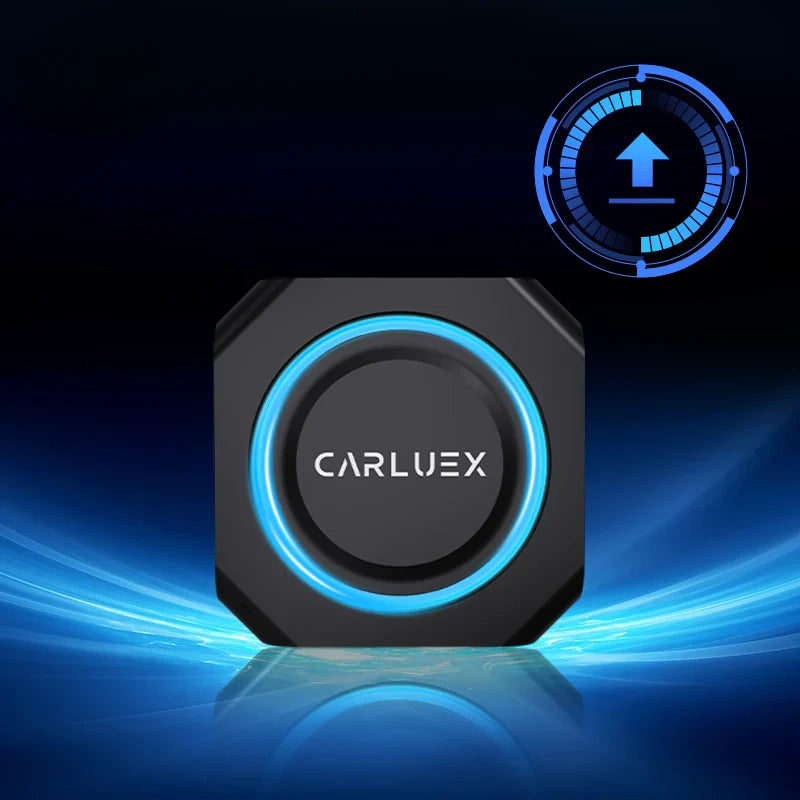
Firmware Update
Software Update:
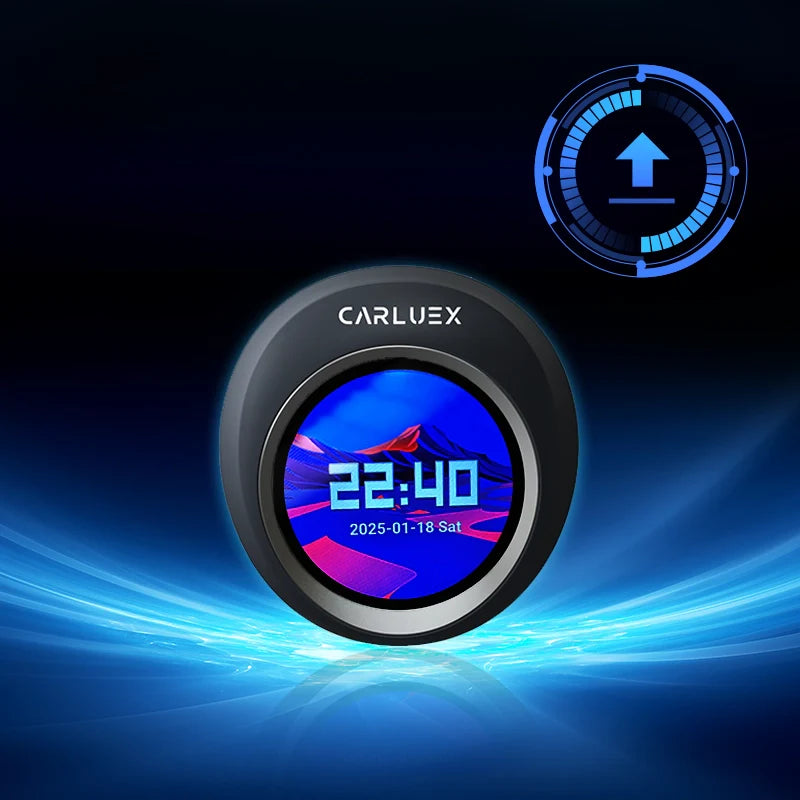
CARLUEX PRO+
Version 20260311
Audio Universal Mode, AA Channel support, and protocol improvements — all in one release.
May 2026
Version 20260311
CARLUEX PRO+
Download Update File
What's new
|
Audio Universal Mode Broader audio compatibility for a wider range of head unit setups. |
AA Channel Function New Android Auto channel support for improved connectivity. |
Protocol Update Under-the-hood improvements to stability and device communication. |
Installation guide
Important notes
- —Do not power off the device during the update
- —Do not touch the device or cables while updating
- —Use a blank TF card only
- —Factory reset after update is strongly recommended


Laisser un commentaire
Tous les commentaires sont modérés avant d'être publiés.
Ce site est protégé par hCaptcha, et la Politique de confidentialité et les Conditions de service de hCaptcha s’appliquent.