
BMW

CARLUEX BMW Version 20260908 Update

CARLUEX BMW Version 20260908 Update
SOFTWARE UPDATE VERSION 20260908
We are pleased to announce the latest software update for the CARLUEX BMW system — Version 20260908. Please follow the guide below carefully to ensure a smooth and successful installation.
⬇ Download Update File
Version 20260908 · CARLUEX BMW · Google Drive
⬇ Download Now

PRIMARY METHOD

🔧 Installation via Vehicle Head Unit

Use this method if your vehicle connects normally to CARLUEX, or if you can borrow a BMW with factory CarPlay that connects properly with CARLUEX.

1
Prepare the update file
Download the software update file and copy it directly onto a blank TF (microSD) card.
⚠ Important: Do not unzip / extract the update file.
2
Connect the device
Connect CARLUEX BMW to the vehicle and make sure the device is powered on, then insert the TF card.
3
Follow the on-screen prompts
Complete the update by following the instructions shown on the head unit display.
4
Perform a factory reset
After the update finishes, we recommend restoring factory settings:
Settings → System → Reset Options → Erase All Data (Factory Reset)
Please wait 1–2 minutes for the reset process to complete.

ALTERNATE METHOD

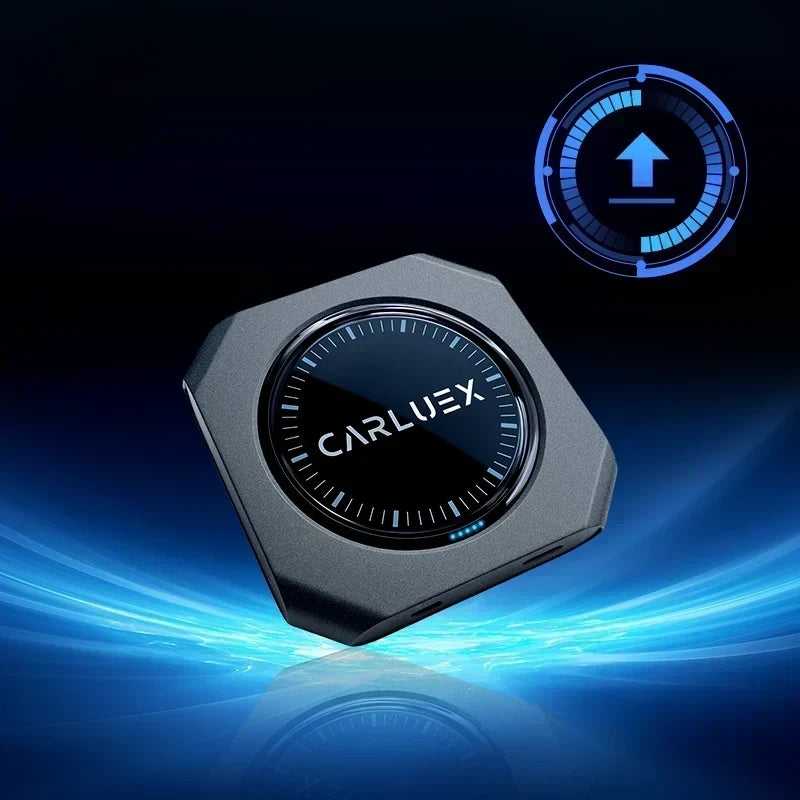
🔌 Installation via External Power

Use this method if your device cannot connect normally to the vehicle.
1
Prepare the update file
Copy the update file onto a TF card.
⚠ Important: Do not unzip / extract the update file.
2
Power the device
Use the original CARLUEX cable to connect CARLUEX BMW to a phone charger, ensuring the device receives stable power.
3
Insert the TF card
When the device's blue LED begins flashing rapidly, insert the TF card.
🔵 Blue LED flashing rapidly → ready for TF card
4
Update begins
The LED will change to flashing red, indicating the update has started.
🔴 Red LED flashing → update in progress
5
Wait for completion
Wait approximately 8–10 minutes. When the LED returns to flashing blue, the update is complete.
🔵 Blue LED flashing again → update complete
6
Remove the update file
Remove the TF card and delete the update file from it to prevent it from automatically reinstalling in the future.

Puede que te interese

CARLUEX PRO+ 2.0 Software Update (Version 20260730)
CARLUEX GO Version 20260403 Update

Dejar un comentario

Todos los comentarios se revisan antes de su publicación.

Este sitio está protegido por hCaptcha y se aplican la Política de privacidad de hCaptcha y los Términos del servicio.

Recommended CARLUEX products

CARLUEX PRO PLUS 2.0 Black Friday 2026

CARLUEX® PRO+ 2.0 Multimedia AI Box

A multimedia AI box that adds wireless CarPlay and Android Auto, 4K playback, app installation, and OTA updates to compatible vehicles.

Precio de ofertaDesde Dhs. 652.00 AED Precio normalDhs. 1,264.00 AED
View product
CARLUEX for BMW Black Friday 2026

CARLUEX Multimedia Streaming Box for BMW

A BMW-focused multimedia box with wireless CarPlay and Android Auto, streaming apps, voice commands, and steering-wheel control.

Precio de ofertaDesde Dhs. 922.00 AED Precio normalDhs. 1,376.00 AED
View product
CARLUEX MORPH Black Friday 2026

CARLUEX MORPH Digital Car Emblem for Select BMW Models

An app-controlled digital BMW emblem that lets you switch designs, images, animations, or text on supported models.

Precio de ofertaDhs. 891.00 AED Precio normalDhs. 1,115.00 AED
View product



