

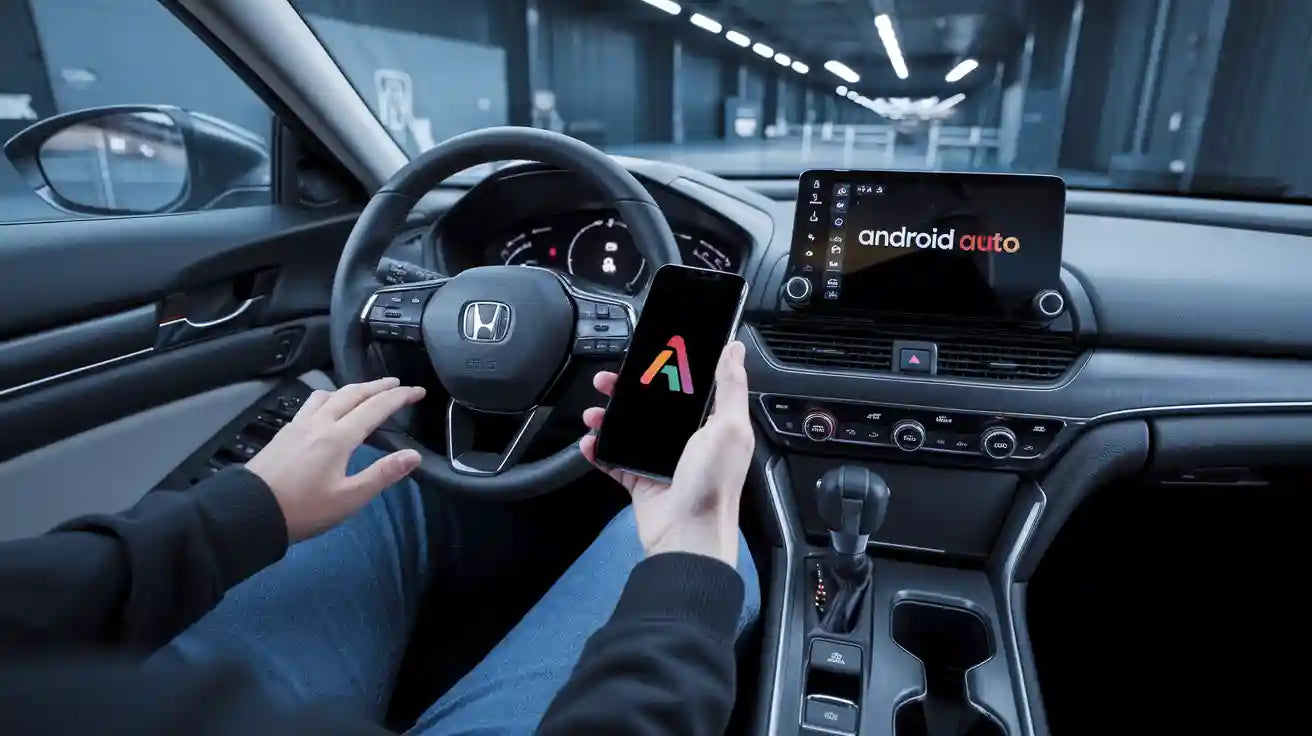
Quick Answer: Can You Use Wireless Android Auto in a Honda Accord?
Possibly, but first identify what your Honda Accord already supports. If Android Auto works when your Android phone is connected to the correct USB data port, a compatible wired-to-wireless adapter may remove the daily phone cable. If wired Android Auto does not launch, a standard wireless adapter will not add the missing vehicle feature or repair the USB system.
Some Accord model years and equipment packages offer native wireless Android Auto, while others use wired Android Auto or may not have Android Auto on the installed infotainment system. Check the exact year, trim, market, owner's manual, and vehicle menu instead of relying on the Accord name alone.
Do the cable test first. A USB port that charges your phone is not automatically an Android Auto data port.
Safety note: Complete pairing, permissions, updates, and troubleshooting only while the vehicle is safely parked. Do not adjust phone or infotainment settings while driving.
Which Honda Accord Android Auto Setup Do You Have?
| What happens now | What it usually means | Best next step |
|---|---|---|
| Android Auto opens without a phone cable | The vehicle may already have native wireless Android Auto. | Use the Honda system and phone pairing instructions; an adapter may be unnecessary. |
| Android Auto opens only with a data cable | The vehicle has the wired protocol needed by a compatible wired-to-wireless adapter. | Confirm the USB connector and adapter requirements before purchase. |
| The phone charges, but Android Auto never opens | The wrong USB port, a charge-only cable, phone settings, unsupported equipment, or a vehicle-side fault may be involved. | Troubleshoot the wired connection before considering an adapter. |
| The Accord has an aftermarket radio | Compatibility depends on that radio rather than only the Honda model year. | Use the head-unit manufacturer's instructions; standard CARLUEX vehicle claims exclude aftermarket units. |
Honda Accord Android Auto Support Varies by Year and Equipment
Honda publishes year-specific Accord feature and specification pages. Its official 2020 Accord specifications identify Android Auto integration, while the 2021 Accord specifications also identify Wireless Android Auto. This illustrates why wired support and native wireless support must be checked separately.
Those pages are year-level references, not proof for every trim, market, replacement radio, or individual vehicle. For a 2018, 2019, 2020, or later Accord, check the owner's manual and infotainment menu for the exact vehicle. If possible, verify the factory head unit and test Android Auto with a known-good data cable.
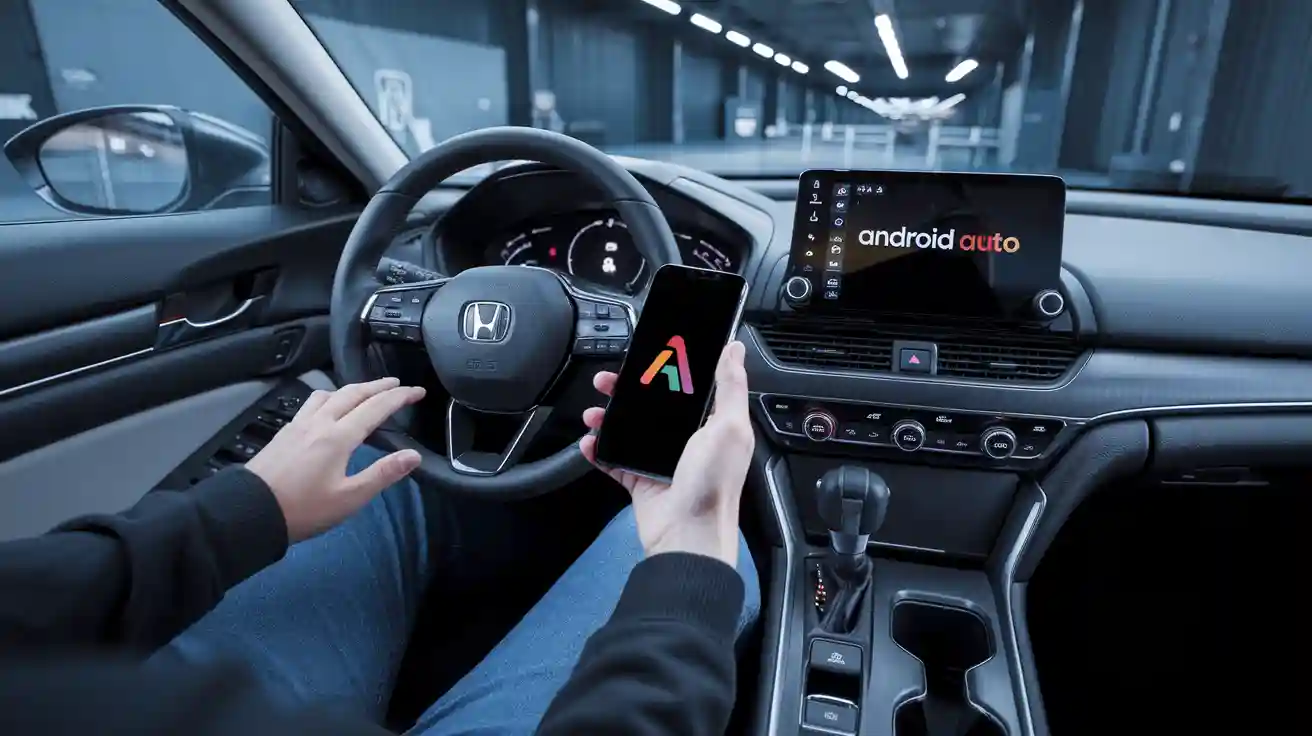
Run This Wired Android Auto Test Before Buying an Adapter
- Park the Accord and start the infotainment system.
- Use a reliable USB data cable that supports both charging and data.
- Connect the phone to the vehicle's smartphone or data USB port, not a charging-only port.
- Unlock the phone and follow the Android Auto and Honda prompts.
- Allow the requested permissions and confirm that Android Auto appears on the vehicle display.
- If it fails, repeat the test with another known-good cable and a compatible phone.
Google's Android Auto setup guidance tells users to confirm compatibility and complete initial setup while parked. Menu names can vary with the phone, Android version, Honda software, and region.
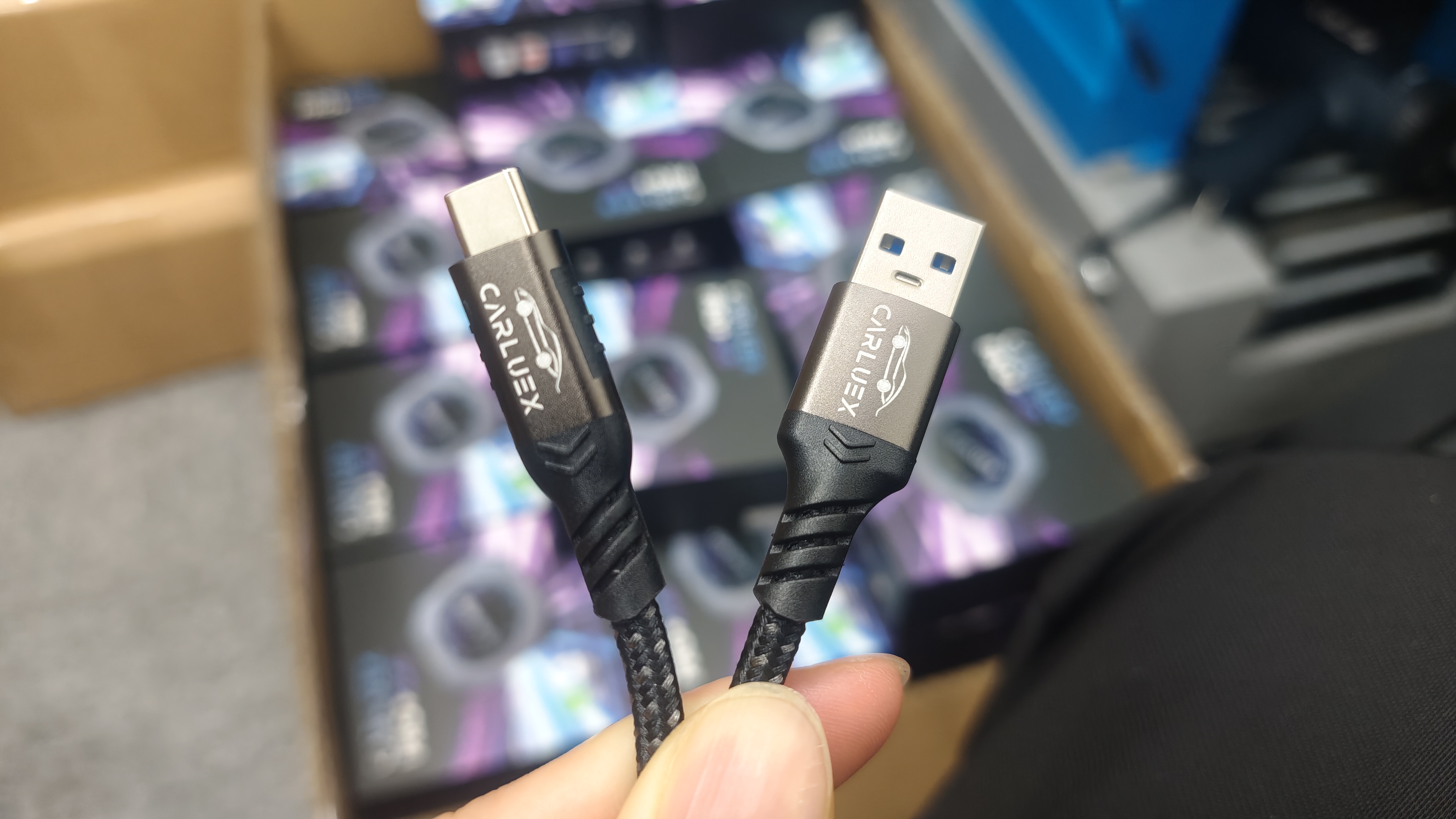
Native Wireless Android Auto vs a Wireless Adapter
Native Wireless Android Auto
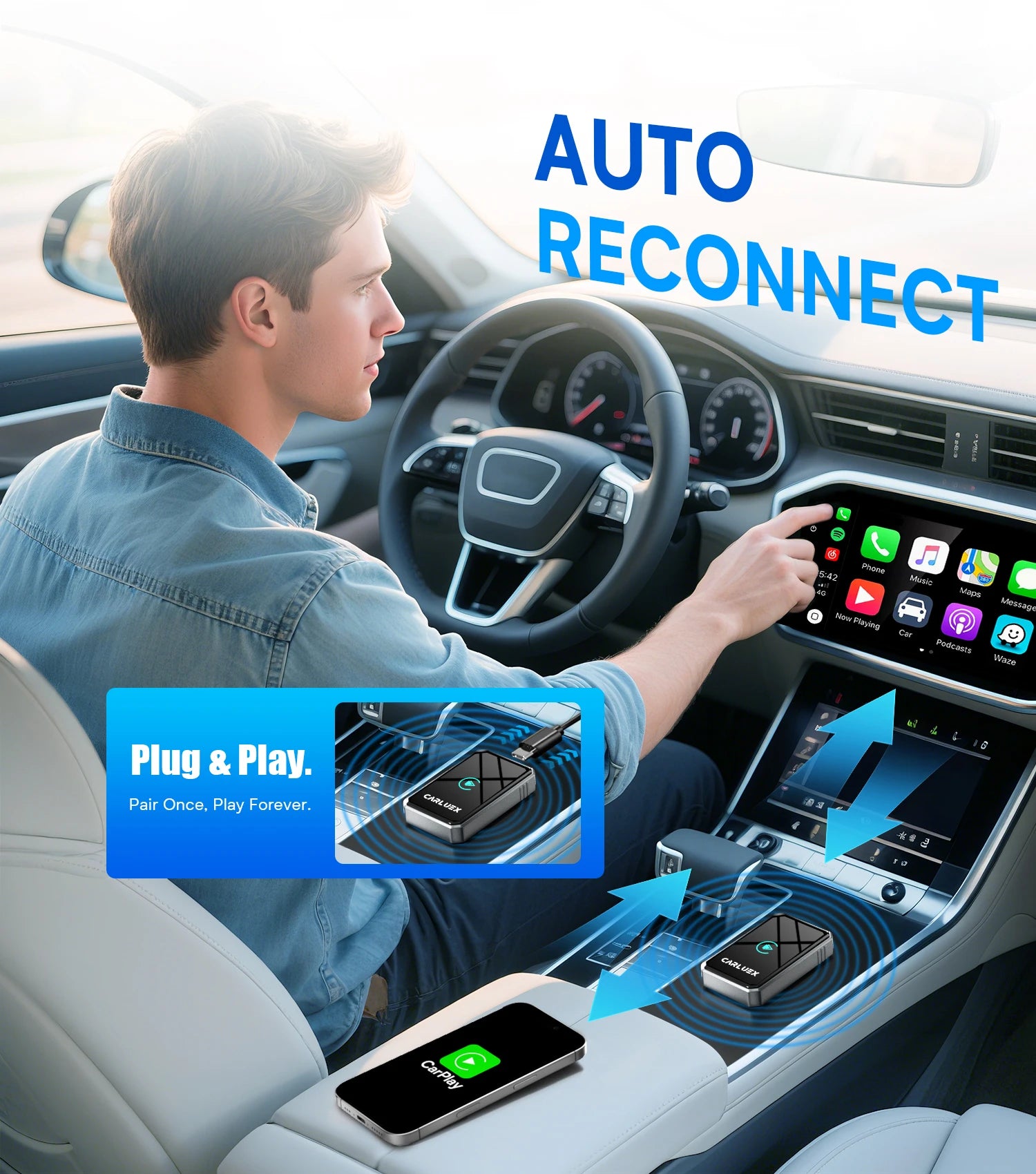
If the exact Accord infotainment system already supports wireless Android Auto, pair the phone using Honda's vehicle instructions. Bluetooth is commonly used to begin pairing, while Wi-Fi carries the Android Auto connection. You do not need a wired-to-wireless adapter merely to duplicate a feature the vehicle already has.
Wired-to-Wireless Android Auto Adapter
This option is for a factory system where wired Android Auto already works. The adapter remains connected to the vehicle by USB, and the phone connects to the adapter wirelessly after setup. It removes the phone cable from daily use; it does not make the entire installation cable-free.
Vehicle Without Working Wired Android Auto
A standard wireless adapter is not the first solution. It cannot activate unsupported Honda hardware, repair a damaged USB port, replace missing vehicle software, or guarantee compatibility with an aftermarket head unit. Diagnose the wired path or consult Honda service information first.
How to Set Up a Wireless Android Auto Adapter in an Eligible Accord
Only continue after the wired cable test succeeds. For example, the CARLUEX LINK wireless Android Auto adapter requires working factory wired Android Auto for its wireless Android Auto path.
- Confirm the adapter supports Android Auto, the vehicle's USB connector, and the Android phone.
- Remove old adapter pairings if the device has been used with another phone.
- With the Accord parked, connect the adapter to the same USB data port that passed the wired test.
- Turn on Bluetooth and Wi-Fi on the phone.
- Follow the adapter's current pairing instructions and approve Android Auto permissions.
- Test maps, music, calls, microphone input, steering-wheel controls, and reconnection after restarting the car.
Do not promise a fixed setup or startup time. Pairing speed can vary with the phone, saved devices, Honda software, USB behavior, wireless interference, and the adapter revision.
Troubleshooting Honda Accord Wireless Android Auto
The Adapter Has No Power
Confirm that it is connected to the correct USB port and that the supplied cable is seated securely. Test the vehicle port with the phone's wired connection. If the port does not power or recognize known-good devices, use Honda service guidance instead of modifying vehicle wiring.
The Adapter Powers On but Android Auto Does Not Open
Disconnect the adapter and repeat the wired test. If factory wired Android Auto does not open, the adapter prerequisite has not been met. Check the phone permissions, USB mode, Honda menu, and whether the exact trim supports Android Auto.
Pairing Loops or Reconnection Fails
Delete old Honda and adapter Bluetooth entries from the phone, remove old phones from the infotainment system, restart both systems, and pair again while parked. Confirm current phone software and the adapter manufacturer's supported update method.
Audio Works but Maps or Voice Commands Do Not
Check microphone, location, notification, media, and Google Assistant permissions on the phone. Android menu labels can change, so search Settings for Android Auto or the missing permission instead of relying on one fixed menu path.
Wireless Performance Is Less Consistent Than the Cable
Compare the same phone on wired Android Auto. Reduce competing Bluetooth and Wi-Fi connections and test again. If reliability matters more than cable-free convenience, the wired connection remains a valid fallback.
Honda Accord Compatibility Checklist Before You Buy
- Record the Accord model year, trim, market, and factory infotainment system.
- Confirm that factory wired Android Auto works with a known-good data cable.
- Identify the vehicle's USB-A or USB-C data-port connection.
- Confirm the adapter supports wireless Android Auto, not only wireless CarPlay.
- Check the Android phone and current operating-system requirements.
- Confirm whether the vehicle already has native wireless Android Auto.
- Do not assume an aftermarket radio is covered by vehicle compatibility claims.
Review the CARLUEX compatible vehicles information and compare the current Android Auto wireless options for Honda before purchasing. Exact fit should still be confirmed for the individual vehicle.
Frequently Asked Questions
Does every Honda Accord support Android Auto?
No. Availability can differ by model year, trim, market, infotainment system, and installed equipment. Check the exact vehicle's documentation and perform a wired cable test.
Can I add wireless Android Auto to a 2018 or 2019 Accord?
If that specific vehicle already launches factory wired Android Auto, a compatible wired-to-wireless adapter may be an option. The year alone is not enough to confirm compatibility.
Can an adapter add Android Auto if the car only has Bluetooth audio?
No. Bluetooth calling or music does not prove that Android Auto is installed. A standard wireless adapter requires the matching factory wired Android Auto protocol to work first.
Why does my phone charge but Android Auto not start?
You may be using a charging-only port or cable, or the phone permissions, USB mode, vehicle software, or infotainment equipment may not support the connection. Test another data cable and verify the exact vehicle setup.
Do I need Bluetooth and Wi-Fi enabled?
Wireless Android Auto generally uses both during pairing and operation. Follow the current Google, Honda, and adapter instructions because behavior can vary by system and software version.
Can I watch video through normal Android Auto?
Normal Android Auto is designed around driving-focused apps such as navigation, calls, messages, and audio. Do not assume a wireless conversion adapter adds video apps. Entertainment features, where separately supported, should only be used while parked or by passengers where legal and safe.
Bottom Line
The fastest safe path is not to assume compatibility—it is to identify the Accord's existing system. If native wireless Android Auto already works, use it. If factory wired Android Auto works, a compatible wireless adapter may remove the daily phone cable. If wired Android Auto does not work, diagnose the vehicle, port, cable, phone, and software before buying an adapter.
This keeps the upgrade decision simple and avoids expecting a USB device to add a vehicle feature that is not already active.


Αφήστε ένα σχόλιο
Αυτή η τοποθεσία προστατεύεται από το hCAPTCHA και ισχύουν η Πολιτική απορρήτου και οι Όροι Παροχής Υπηρεσιών του hCaptcha.