

Bentley Infotainment Upgrade: CarPlay Retrofit Guide
Short answer: Bentley now describes an official Infotainment Upgrade for selected Continental GT and GT Convertible vehicles built from 2012 through 2017 and selected Flying Spur vehicles built from 2014 through 2019. The OEM retrofit combines a 9.7-inch 2K touchscreen with wired and wireless Apple CarPlay and Android Auto. Those build ranges are a starting point, not a guarantee for every car: an authorized Bentley retailer still needs to confirm the VIN, production date, market and existing hardware.
This guide separates what Bentley currently states from what remains vehicle-specific. It does not quote a price, promise an installation time or assume that every trim and factory option will carry over unchanged. Bentley's official U.S. page is the primary evidence for the model ranges and functions described below; the page also says that product and feature availability can vary by region.
The short answer: who the upgrade is for
Bentley lists two model families and two build-year windows on its U.S. Infotainment Upgrade page. “Built from” is important: model year, registration year and production date can differ, so the retailer should identify the exact car rather than relying on the date printed on a title or sales listing.
| Bentley model family | Build range listed by Bentley | What still needs confirmation |
|---|---|---|
| Continental GT and GT Convertible (GTC) | Built from 2012 through 2017 | VIN, exact production date, market, installed audio and vehicle hardware |
| Flying Spur | Built from 2014 through 2019 | VIN, exact production date, market, rear-screen equipment and installed vehicle hardware |
A car that falls inside one of these windows may be a candidate, but the public page is not a VIN-level fitment tool. Use the build range to start a retailer conversation, then ask for written confirmation that the specific car and its current configuration are supported. A generic compatible-vehicles page or compatibility checker from another supplier cannot replace Bentley's vehicle-level inspection.

What the Bentley Infotainment Upgrade adds
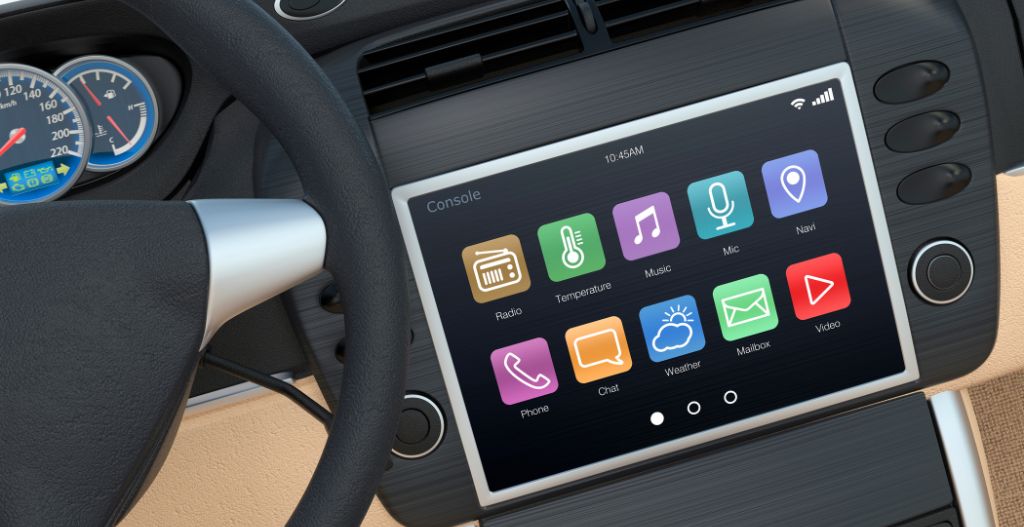
Bentley describes the retrofit as an integrated OEM upgrade rather than a small plug-in wireless adapter. Its centerpiece is a 9.7-inch touchscreen with 2K resolution. The official page says the system brings entertainment, navigation, climate controls and vehicle settings into one interface, while also supporting steering-wheel integration.
Screen, navigation and vehicle integration
The listed navigation functions include 2D and 3D guidance and dynamic speed warnings. Bentley also identifies USB-A for media and charging, USB-C fast charging, and an SXM tuner for the United States and Canada. Rear-passenger touchscreen integration is listed for Flying Spur only, so it should not be generalized to the Continental models.
“Integrated” does not mean that every physical control, amplifier, camera, microphone or optional audio component is automatically preserved in every car. The official page does not publish a universal exception list. Ask the retailer to document how the proposed installation will interact with the equipment already fitted to your vehicle.
Wired and wireless CarPlay and Android Auto
Bentley states that the upgrade supports both wired and wireless Apple CarPlay and Android Auto. That is broader than a wireless-conversion dongle, which normally depends on an existing compatible host system. Phone, operating-system and connection requirements still matter: Apple's official CarPlay setup guidance starts with a compatible car, and Google's official Android Auto guidance likewise requires a compatible phone, car or stereo and a supported connection method.
Do not use Bluetooth pairing by itself as proof that CarPlay or Android Auto will work. Bluetooth audio and calls are different capabilities. Confirm the supported wired and wireless paths for the exact retrofit, then test the phone, cable and steering-wheel functions during vehicle handover.

What to verify before booking the retrofit
A careful pre-installation check prevents a broad build-year statement from turning into an incorrect promise about one car. Give the retailer the VIN and ask for a written response to the questions below before authorizing work.
- Build identity: What is the exact production date, model designation and original market for this VIN?
- Regional availability: Is the official upgrade offered for this vehicle in the country where it will be installed and supported?
- Existing hardware: Which head unit, amplifier, audio option, camera, microphone, steering-wheel controls and rear-seat screens are installed?
- Retained functions: Which existing controls and vehicle settings will remain available after installation, and will their operation change?
- Phone requirements: Which iPhone and Android versions, cables and wireless connection methods will be tested at handover?
- Commercial details: What is the current parts-and-labor quote, expected appointment process and estimated completion window?
- Support details: What coverage applies to the retrofit parts and labor, and could the work affect any existing vehicle coverage?
The last two questions intentionally ask the retailer rather than supplying an online estimate. The bound official evidence for this article does not state a current price, labor charge, installation duration, appointment availability or warranty effect. Those details can change and may depend on the exact vehicle and market.
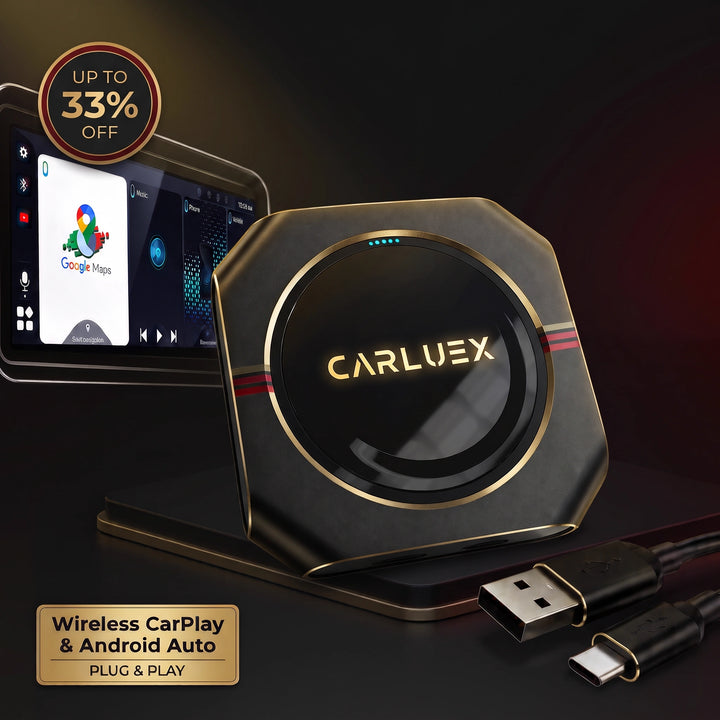
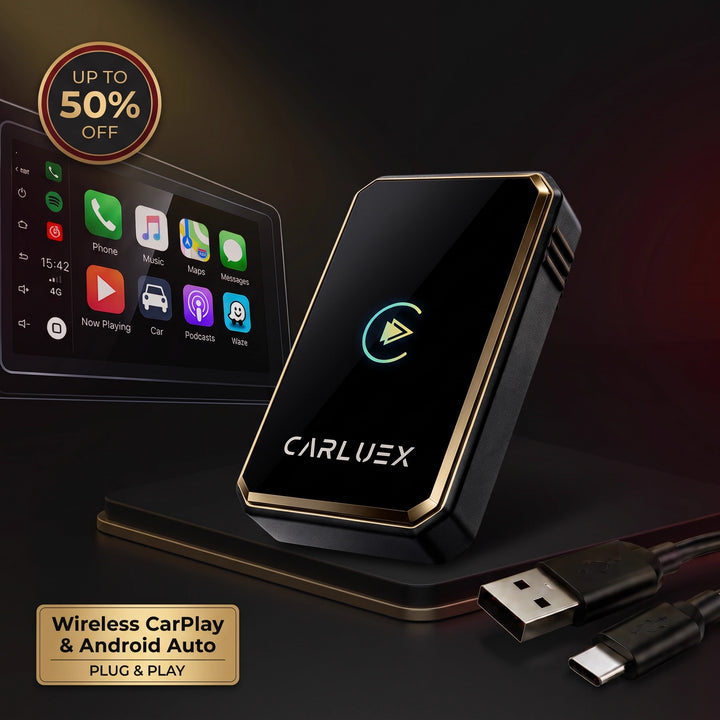
If you are comparing information from several sources, use the CARLUEX FAQ and contact page only as general research resources. They do not establish that a CARLUEX device fits this Bentley application, and they do not override Bentley retailer confirmation.

How to prepare your phone and first parked setup
Before collection, update the phone within your normal support policy, bring a known-good data cable even if you expect to use wireless projection, and make sure you know how to enable Siri or the required Android permissions. Ask the retailer to demonstrate both the connection process and the controls that matter to you.
- Pair and test only while the vehicle is parked.
- Test a wired connection first if the retailer recommends it, then verify the wireless path separately.
- Confirm calls, audio, navigation prompts, steering-wheel buttons and reconnection after a full vehicle restart.
- Check that climate and vehicle settings named in the installation scope are still reachable.
- If the car is a Flying Spur with rear-seat equipment, test the exact rear-passenger integration included in the quote.
NHTSA explains that interacting with navigation and entertainment systems can divert attention from driving in its driver-distraction guidance. Change settings only when the vehicle is parked. Do not adjust phone or infotainment settings while driving.

OEM upgrade versus an add-on adapter
The Bentley program described here is an OEM infotainment retrofit: it replaces or integrates core display and vehicle-control functions and already claims both wired and wireless phone projection. A plug-in wireless adapter is a different category. It usually converts an existing supported connection; it does not reproduce an OEM retrofit's screen, navigation and vehicle-settings integration.
This article does not recommend a CARLUEX product for this Bentley application. Only evaluate a separate adapter for a different vehicle or configuration after factory wired CarPlay is independently confirmed. The Bentley OEM upgrade covered here already provides wireless integration, so the evidence in this article does not establish a need for, or compatibility with, a separate CARLUEX device.
For background on how to verify phone-projection support, see our Apple CarPlay compatibility guide. Our official-update and connection guide explains why software notices do not replace an exact vehicle check, while our car infotainment habits guide covers practical setup discipline. These are related educational resources, not proof of Bentley fitment.
Frequently asked questions
Is every 2012-2017 Bentley Continental GT eligible?
No universal claim is supported. Bentley lists Continental GT and GT Convertible vehicles built from 2012 through 2017, subject to regional applicability. The VIN, production date, market and installed hardware still need retailer confirmation.
Does the Bentley Infotainment Upgrade support wireless CarPlay?
Bentley's current U.S. page says the upgrade supports both wired and wireless Apple CarPlay. Your phone, software and the installed system still need to meet the applicable connection requirements.
Does the upgrade also support Android Auto?
Yes, Bentley states that both wired and wireless Android Auto are supported. Exact phone, software and connection compatibility should be checked during handover.
How much does the Bentley Infotainment Upgrade cost?
The current official evidence bound to this article does not state a price. Ask an authorized Bentley retailer for a vehicle-specific written quote covering parts, labor and any applicable taxes or fees.
Can I install the upgrade myself?
The official page used here does not establish a DIY procedure or installation time. Because the retrofit integrates vehicle settings and model-specific equipment, ask an authorized retailer to explain the required installation process and support terms for the exact car.
Will every original vehicle function remain unchanged?
That is not established as a universal fact. Bentley describes integrated climate controls, vehicle settings, steering-wheel functions and Flying Spur-only rear-passenger touchscreen integration, but the retailer should document what the exact installation retains or changes.
Official Sources Used
- Bentley Motors USA, “Infotainment Upgrade”: https://www.bentleymotors.com/us/en/your-bentley/accessories/infotainment-upgrade.html
- Apple Support: Use CarPlay with your iPhone
- Google Support: Set up Android Auto
- NHTSA: Distracted Driving


Hinterlasse einen Kommentar
Diese Website ist durch hCaptcha geschützt und es gelten die allgemeinen Geschäftsbedingungen und Datenschutzbestimmungen von hCaptcha.