

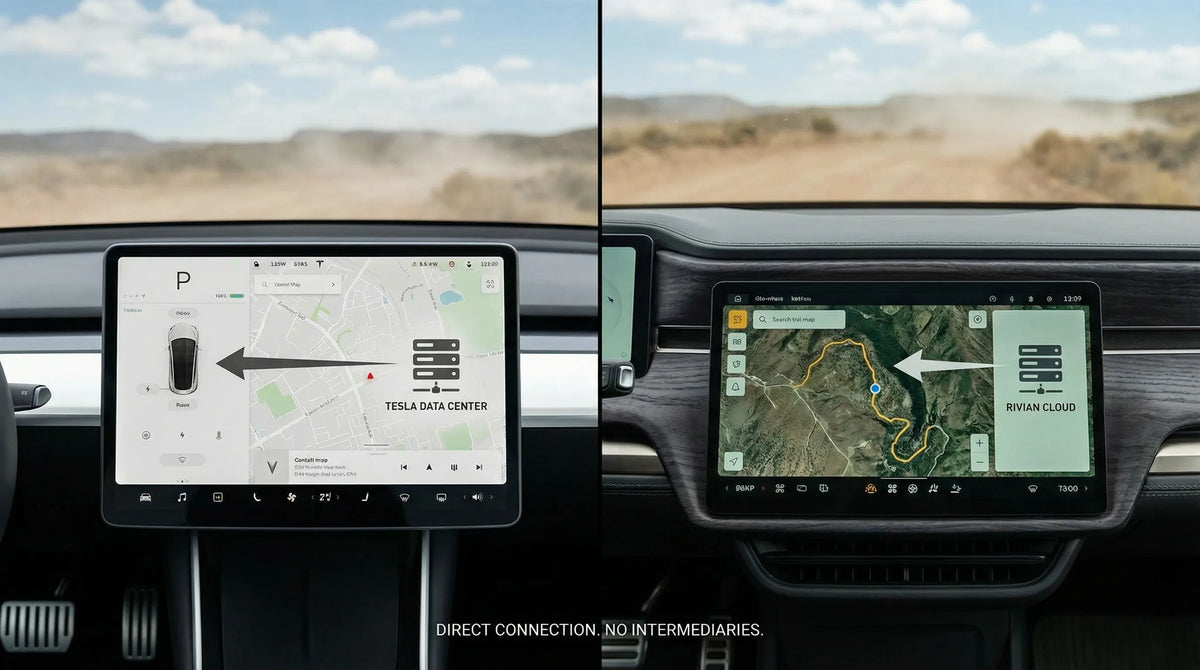
Rivian R2 vs Tesla Model Y: Can a CarPlay Adapter Work?
Not on the evidence currently available for the two configurations reviewed in this article. A current US comparison reported that its tested 2027 Rivian R2 Performance and 2026 Tesla Model Y Performance configurations did not provide phone mirroring. More importantly, a CarPlay adapter cannot create factory CarPlay in a vehicle that does not already support the required CarPlay connection. A USB port, Bluetooth audio or a large center display is not enough.
This is a configuration-specific eligibility check, not a universal claim about every Rivian or Tesla. Hardware, market, trim and vehicle software can change, and future updates could change available features. Before evaluating any adapter, verify the exact vehicle in front of you while it is safely parked.
The short answer: check the factory CarPlay baseline first
The useful question is not simply whether the car can connect to a phone. The question is whether the factory infotainment system can start a working wired Apple CarPlay session through the correct USB data port before any adapter is connected. That baseline separates a wired-to-wireless conversion from an actual retrofit.
| Supported by the current evidence | Not established by the current evidence |
|---|---|
| The two tested Performance configurations did not provide phone mirroring during the comparison. | That every Rivian R2 or Tesla Model Y will always behave the same way. |
| Both vehicles use substantial native infotainment systems. | That a future vehicle-software update could never change feature availability. |
| A USB or Bluetooth connection alone does not prove CarPlay support. | That every USB port has the data path required by a third-party device. |
| A conversion adapter needs a compatible factory host system. | That either tested configuration is eligible for a CARLUEX product. |
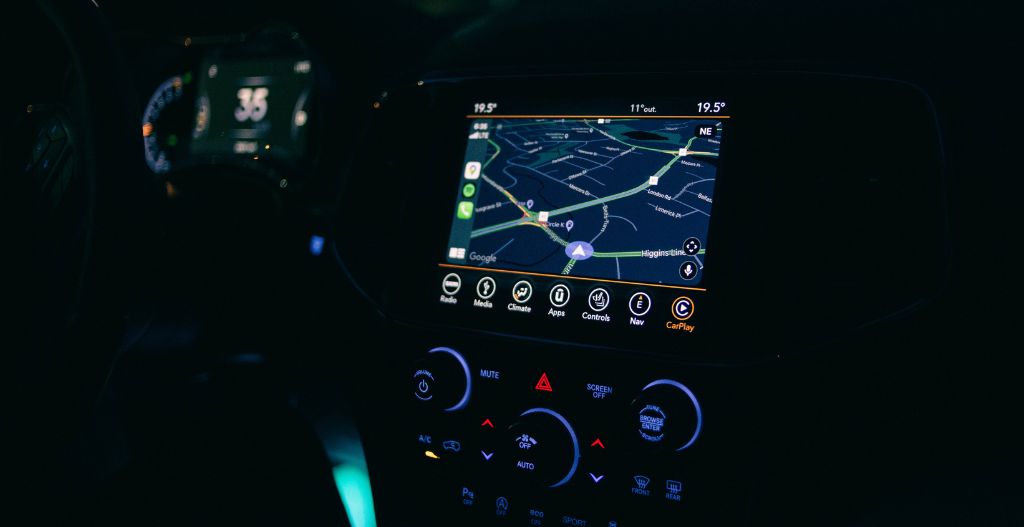
The following image is a generic CARLUEX Shopify Files illustration. It shows a typical wired-connection concept; it is not a Rivian or Tesla interior and does not prove compatibility with either vehicle.

What the Rivian R2 and Tesla Model Y comparison actually found
The November 4, 2026 comparison used for this article evaluated a 2027 Rivian R2 Performance and a 2026 Tesla Model Y Performance in the United States. It reported that those two vehicles did not permit phone mirroring at the time of the test. That observation is useful because it challenges a common assumption: a modern touchscreen and smartphone connectivity do not automatically mean Apple CarPlay or Android Auto is present.
The scope matters. A comparison vehicle represents one trim, one market, one hardware configuration and one observed software state. It does not prove that every R2 or Model Y in every market will have the same feature set forever. It also does not prove that the vehicles lack useful phone connectivity; it establishes only that the tested configurations did not provide the projection path being evaluated.
That distinction prevents two opposite errors. A reader should not assume an adapter will work simply because the car has USB and Bluetooth. A reader also should not turn one dated comparison into a permanent claim about all future vehicles. The reliable action is to test the exact vehicle and current software against the factory wired-CarPlay requirement.
Why USB and Bluetooth do not automatically mean CarPlay
Vehicle connectivity is made of several separate layers. A USB port may provide power only, data for media files, diagnostic access or a phone-projection connection. Bluetooth may support calls and audio streaming without presenting the phone's CarPlay interface on the center display. Native apps can run inside the vehicle even when phone projection is unavailable.
Apple's official CarPlay setup guidance starts with a car that already supports CarPlay. Depending on the vehicle, CarPlay may then connect through a supported USB port or through the vehicle's wireless process. The order matters: the vehicle supplies the CarPlay host, and the phone connects to that host.
This is why plugging an adapter into an unfamiliar USB port is not a reliable test. The port must carry the correct vehicle-side CarPlay session, not merely power a device or recognize storage. Likewise, successful Bluetooth pairing proves only that the documented Bluetooth functions work. Wireless charging proves only that the phone can receive power.
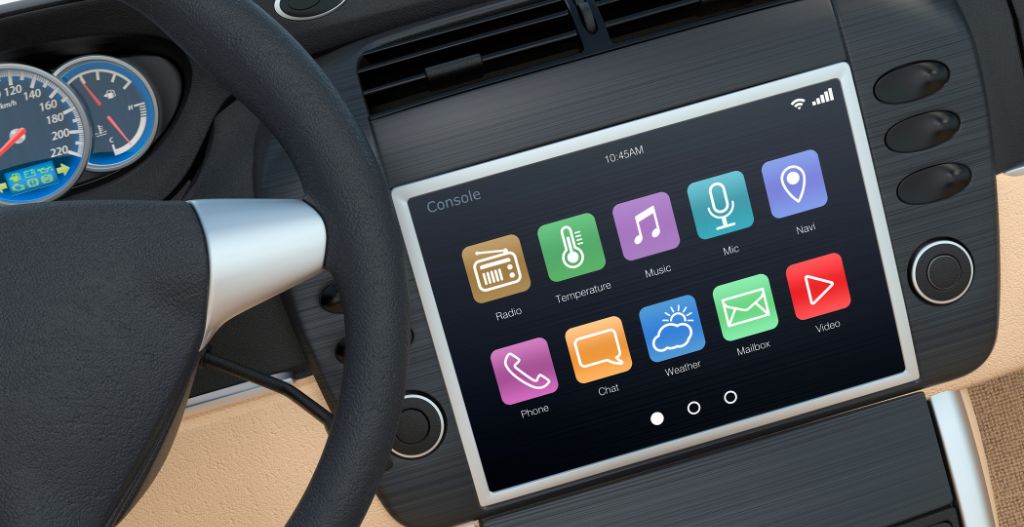
This generic image illustrates the frustration caused by confusing basic phone connectivity with phone projection. It does not depict either vehicle or an actual error screen.

Native infotainment is not the same as phone mirroring
Rivian's current R2 technology material describes RivianOS 2.0 and a 15.6-inch center display used for navigation, infotainment, drive modes and other controls. Those facts establish a substantial native vehicle-computing layer. They do not, by themselves, establish Apple CarPlay, a wired-CarPlay USB host or third-party adapter compatibility.
Tesla's current US Model Y owner's manual describes native media functions, Bluetooth phone pairing and USB-flash-drive playback. The manual also warns that features can vary by market, vehicle configuration and software version. Those documented functions can connect a phone or provide in-car services without becoming Apple CarPlay.
The practical distinction is simple. A vehicle can offer navigation, music, voice functions, phone calls and mobile-app integration through its own software. CarPlay is a separate projection platform that presents supported iPhone functions through a compatible vehicle display and controls. Similar user outcomes do not make the underlying systems interchangeable.
Android Auto is another phone-projection platform rather than a synonym for Bluetooth or native vehicle apps. The official Android Auto overview likewise describes bringing supported phone functions to a compatible car display. The tested no-mirroring observation therefore concerns a distinct interface layer, not every way a phone can interact with the car.
Why a CarPlay adapter cannot create the missing host system
Most wired-to-wireless CarPlay adapters perform a conversion. They stand between an iPhone and a vehicle that already knows how to run wired CarPlay. The adapter changes the phone-to-adapter side of the connection, but it still depends on the vehicle accepting the adapter through the original factory CarPlay host path.
An adapter therefore cannot turn an unsupported screen into a factory CarPlay receiver. It cannot add the missing vehicle integration, display protocol, steering-wheel controls or host software by itself. Apple's CarPlay overview describes the experience as appearing through a compatible vehicle's display and controls.
A retrofit system is a different category. A retrofit may replace or supplement vehicle hardware and software to add a new host system. That is not the same as connecting a small conversion adapter to an existing factory CarPlay port. This article does not evaluate retrofit kits for the Rivian R2 or Tesla Model Y.
The timeline illustration below is generic. It explains the difference between an existing wired-CarPlay baseline and a later wireless conversion; it is not a feature history for Rivian or Tesla.

A parked-vehicle CarPlay eligibility checklist
Complete these checks only while the vehicle is safely parked. The goal is to prove the factory baseline before evaluating any third-party device.
- Look for factory CarPlay without an adapter. Connect a supported iPhone using the vehicle's documented process. A CarPlay tile, prompt or interface should appear through the factory system. Do not treat charging alone as a pass.
- Confirm that the working path is wired CarPlay. If CarPlay works only through the vehicle's own wireless connection, that does not automatically establish a compatible wired USB host. Check the current owner documentation and exact port.
- Identify the data-enabled USB port. Vehicles can have several ports with different functions. Test only the port specified for phone projection, and do not assume a charging port supports data.
- Match the exact configuration. Record the model year, market, trim, infotainment hardware and vehicle software version. Evidence from another trim or an older software build may not apply.
- Check the iPhone baseline. Use a supported iPhone, an appropriate data cable and current settings. If factory CarPlay is documented but does not start, resolve the phone, cable, permission or vehicle-software issue before adding another device.
- Stop if the factory baseline is absent. Do not use an adapter as a repair attempt. A conversion device cannot supply a vehicle-side host that the car does not provide.
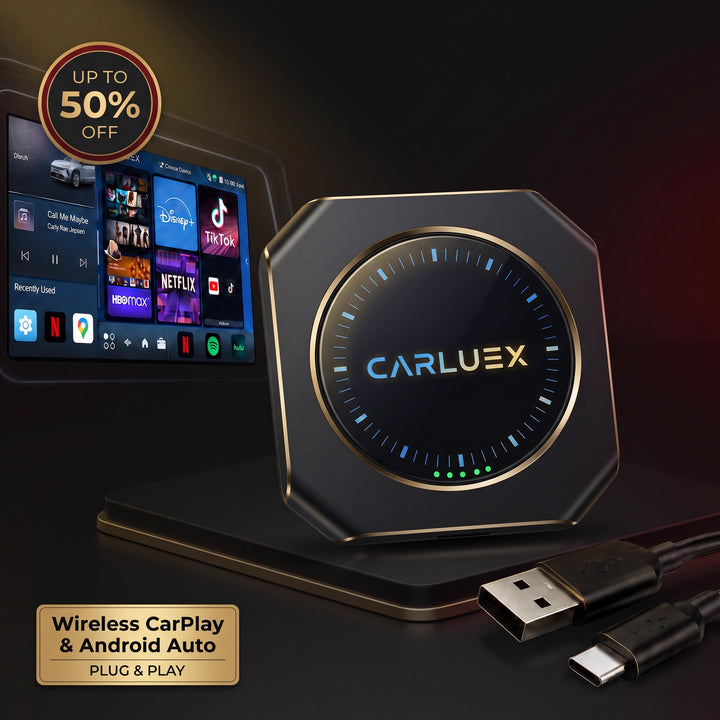
The following hardware image is generic and does not show a Rivian- or Tesla-approved device. It illustrates why the small adapter is only one component in a larger vehicle-host connection.

What drivers can use when phone mirroring is unavailable
A vehicle's native navigation, media, voice assistant and connected services may cover many common tasks. Bluetooth can also support calls or audio where documented. USB may charge the phone or support another approved media function. These are legitimate alternatives, but they are not proof of CarPlay.
Before deciding that a feature is missing, check the current owner documentation, vehicle settings and software-update status for the exact configuration. If a future update adds or changes phone projection, repeat the factory-baseline test before reassessing adapter eligibility. An announcement alone is not enough; the feature must work on the actual vehicle and port.
Drivers should also separate preference from compatibility. Someone may prefer CarPlay because its apps and interface are familiar, while another driver may prefer the native system's deeper access to vehicle functions. An adapter eligibility result answers a technical question; it does not decide which interface is best for everyone.
What this means for the two tested configurations
The current evidence does not support recommending a CarPlay adapter for either tested configuration. The comparison did not establish factory wired CarPlay, and the official vehicle materials reviewed for this article do not supply that missing eligibility proof.
This is not a recommendation for the tested Rivian R2 or Tesla Model Y configurations. Only evaluate a product after factory wired CarPlay already works on the exact vehicle. In that separate situation, the CARLUEX PRO+ 2.0 specification page, compatible-vehicles reference, compatibility-check guidance and CARLUEX FAQ can be used as conditional research inputs. These links are not a CTA and do not prove compatibility with either vehicle.
A wireless adapter may help only after wired CarPlay already works. It does not fix an unsupported vehicle, a missing CarPlay host, a power-only USB port, blocked iPhone settings or vehicle-software problems. If the exact vehicle fails the baseline test, stop at that result rather than guessing from a different model or trim.
Frequently asked questions
Does a USB port mean the vehicle has wired CarPlay?
No. A USB port may provide power, media access or another data function. Wired CarPlay requires the vehicle's compatible CarPlay host and the correct data-enabled port.
Can a wireless CarPlay adapter add CarPlay to a vehicle that never had it?
Not when the device is a wired-to-wireless adapter. That category converts an existing factory wired-CarPlay connection; it does not install the missing vehicle-side CarPlay system.
Does Bluetooth support prove that CarPlay will work?
No. Bluetooth calling or audio streaming can work independently of CarPlay. The factory CarPlay interface must be verified separately.
Does this article say every Rivian R2 and Tesla Model Y lacks CarPlay?
No. It is limited to the configurations and evidence reviewed in this run. Market, trim, hardware and software can vary, and future software may change available features.
Could a future update change adapter eligibility?
Possibly, but eligibility should never be assumed from an update announcement alone. After any relevant update, verify that factory wired CarPlay works on the exact vehicle and port before evaluating an adapter.
What should I do before evaluating an adapter?
Test factory wired CarPlay without the adapter, confirm the exact vehicle and software configuration, identify the correct USB data port, and then compare those facts with the current product requirements and compatibility guidance.
Related CARLUEX guides
- How to check Apple's official CarPlay model list and vehicle compatibility
- What to check before buying a CarPlay AI box
- What official updates can and cannot prove about CarPlay connection issues


Efterlad en kommentar
Denne side er beskyttet af hCaptcha, og hCaptchas Politik om beskyttelse af persondata og Servicevilkår er gældende.