

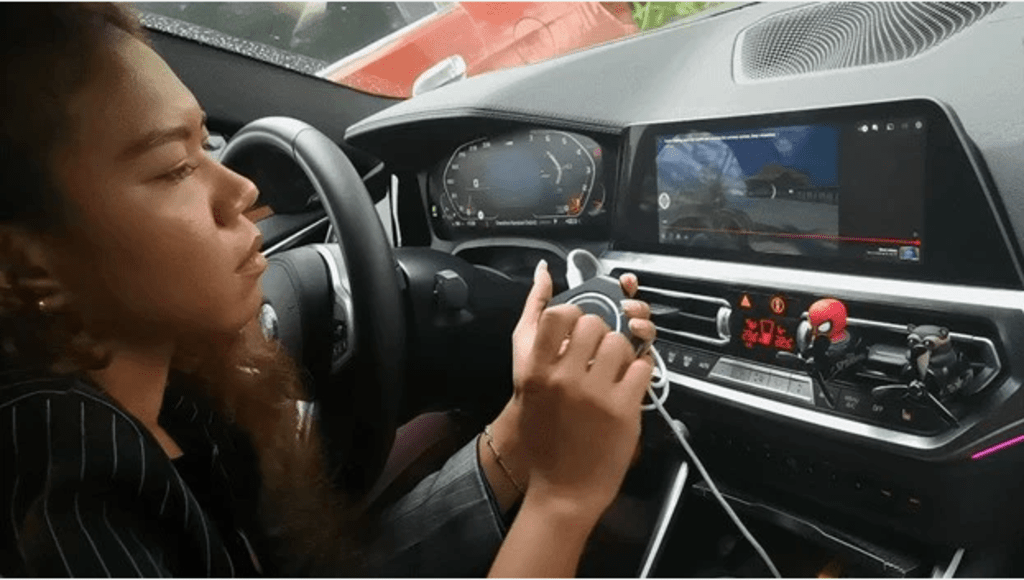
If you own a BMW 5 Series and want Apple CarPlay, the right upgrade depends on what your car already has. A newer 5 Series may already support wireless Apple CarPlay. An older or differently equipped 5 Series may need a BMW-specific CarPlay module, retrofit interface, or multimedia box. Before buying anything, confirm your model year, iDrive system, factory CarPlay status, and whether your screen already supports the features you want.
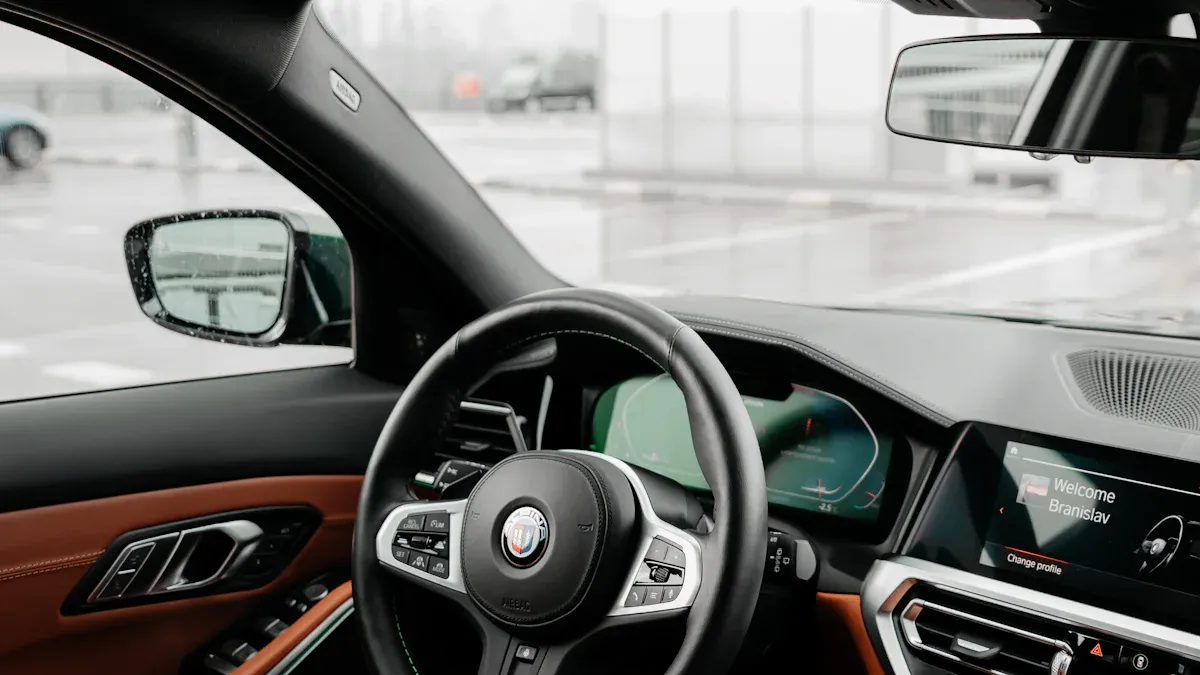
Quick Answer: Which BMW 5 Series CarPlay Upgrade Do You Need?
| BMW 5 Series situation | Best next step | Why it matters |
|---|---|---|
| Your 5 Series already has factory wireless CarPlay | Set it up through BMW/iPhone settings first | A module may be unnecessary if the factory system already works. |
| Your 5 Series has factory CarPlay but it is not connecting | Troubleshoot CarPlay before buying hardware | An adapter is not a repair tool for software, account, Bluetooth, Wi-Fi, or iPhone settings issues. |
| Your 5 Series has factory wired CarPlay only | Check whether a wireless CarPlay adapter is compatible | This is usually a lower-effort path than replacing the infotainment system. |
| Your older 5 Series does not have CarPlay | Confirm iDrive generation and BMW-specific retrofit/module options | Compatibility depends on the head unit, screen, market, and original vehicle configuration. |
| You want streaming apps or Android-based app access on a BMW screen | Review the CARLUEX Multimedia Streaming Box for BMW | BMW models need a BMW-specific product path instead of a generic PRO+ recommendation. |
Does the BMW 5 Series Support Apple CarPlay?
Apple lists the BMW 5 Series among CarPlay-supported models for 2017-2025 on its official available-models page. That does not mean every used BMW 5 Series in every market, trim, and software state will behave the same way. Always check the exact vehicle VIN, iDrive version, and BMW feature availability before treating CarPlay as confirmed.
BMW's current U.S. 5 Series page also says the 2027 BMW 5 Series Sedan includes wireless Apple CarPlay and Android Auto compatibility as standard smart technology. For current models, your first step should be the factory setup path, not an aftermarket module.
For setup, Apple recommends starting the car, making sure Siri is enabled, and then connecting by USB or wireless depending on what the vehicle supports. Apple also notes that CarPlay apps and controls appear on the vehicle display, and that built-in vehicle controls may include a touchscreen, rotary knob, or touchpad.
Factory CarPlay, Wireless Adapter, or BMW Module?
The phrase "CarPlay module" can mean different things, so it helps to separate three upgrade paths.
1. Factory BMW Apple CarPlay
If your BMW 5 Series already includes Apple CarPlay, start with the built-in BMW/iPhone pairing flow. BMW says Apple CarPlay lets iPhone users connect wirelessly for directions, music, calls, and messages with Siri, while BMW ConnectedDrive is not required just to use Apple CarPlay or Android Auto. If factory CarPlay is present but failing, troubleshoot first before buying new hardware.
2. Wireless CarPlay Adapter
A wireless CarPlay adapter is usually for vehicles that already have working wired CarPlay and want a cable-free connection. It should not be described as compatible with every BMW. For BMW vehicles, product choice is more sensitive than for many non-BMW vehicles because the iDrive system, factory CarPlay status, and model year all matter.
3. BMW-Specific Multimedia Box or Retrofit Module
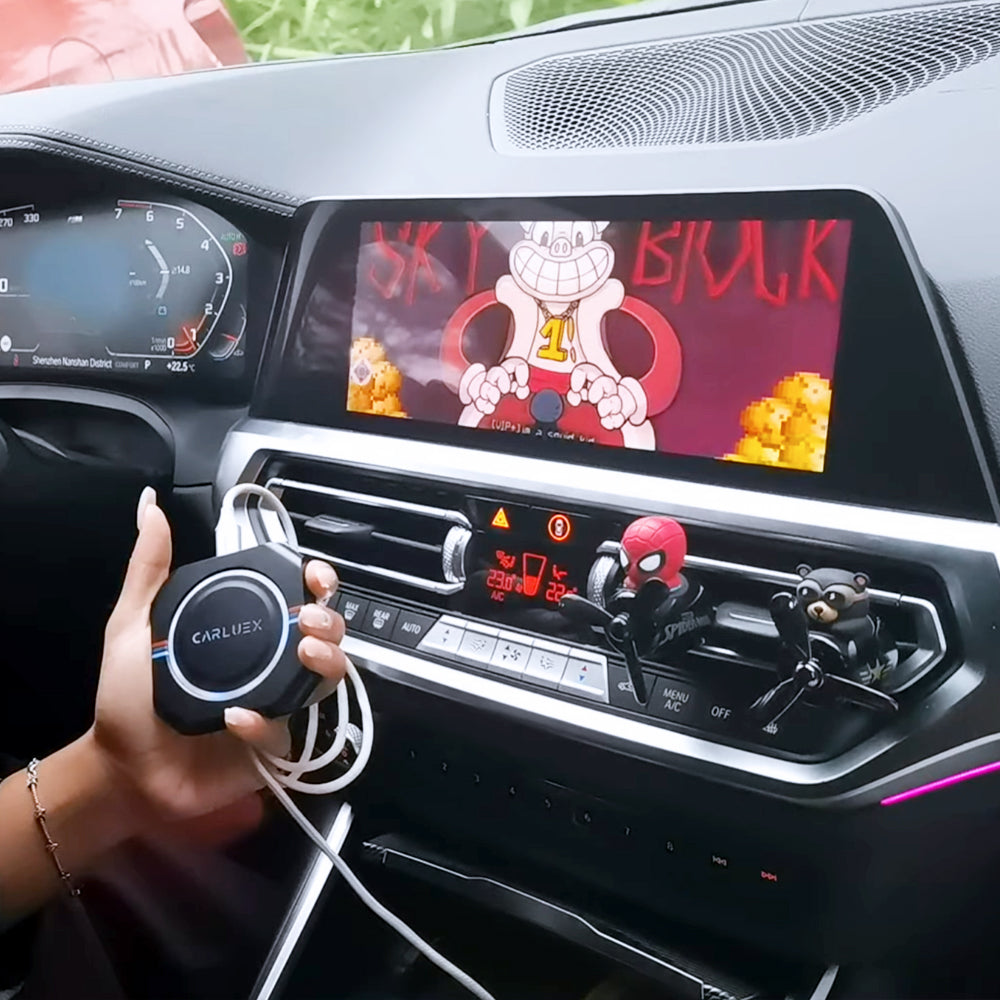
If your goal is to add or expand app access on a BMW screen, use a BMW-specific route. CARLUEX's BMW product page positions the CARLUEX Multimedia Streaming Box for BMW for BMW drivers and describes app access through Google Play or APK installation. Treat this as a product to verify against your exact BMW rather than a universal fit claim.
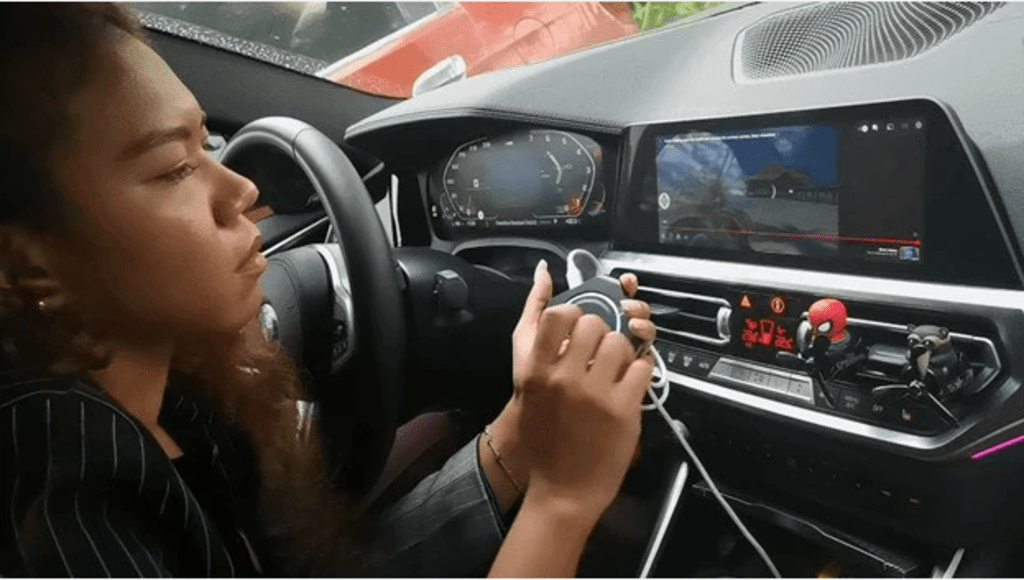
BMW 5 Series Compatibility Checklist Before You Buy
- Model year: Apple lists BMW 5 Series CarPlay support from 2017-2025, but individual trims and markets can vary.
- iDrive system: Confirm whether your car uses CCC, CIC, NBT, EVO, iDrive 7, iDrive 8/8.5, or another system before choosing a module.
- Factory CarPlay status: Know whether your BMW has no CarPlay, wired CarPlay, wireless CarPlay, or a disabled/expired feature state.
- Screen and controls: Check whether you use touchscreen, iDrive controller, steering wheel controls, or voice controls most often.
- Phone type: Apple CarPlay is for iPhone. If Android Auto matters, confirm Android support separately.
- Product fit: Use the CARLUEX compatible vehicles page and the target product page before purchase.
How to Set Up CarPlay in a BMW 5 Series
If your BMW already supports CarPlay, follow the factory setup first:
- Park safely and start the vehicle.
- Make sure Siri, Bluetooth, and Wi-Fi are enabled on the iPhone.
- Use the BMW iDrive or mobile device menu to start pairing.
- On the iPhone, go to Settings > General > CarPlay and select the BMW when it appears.
- Confirm the pairing prompts on both the iPhone and BMW screen.
- Test Maps, calls, messages, and music while parked before relying on the setup during a drive.
If the vehicle supports CarPlay only through USB, use the vehicle's CarPlay-labeled or smartphone-labeled USB port. If the vehicle supports wireless CarPlay, Apple says the pairing path can involve the steering-wheel voice command button, Wi-Fi, Bluetooth, and the CarPlay settings page on iPhone.
When a CARLUEX BMW Solution Makes Sense
A BMW-specific CARLUEX product can make sense when you have confirmed that your BMW 5 Series is compatible and you want more than basic phone projection. For BMW content, do not send readers to CARLUEX PRO+ 2.0 as the default answer. The safer path is to review the CARLUEX Multimedia Streaming Box for BMW, then confirm the exact vehicle through compatibility support.
Use a cautious buying flow:
- Confirm your BMW model year and iDrive generation.
- Check whether your car already has factory CarPlay or Android Auto.
- Decide whether you need basic CarPlay, wireless convenience, or multimedia app access.
- Review the BMW product page and compatible vehicles page.
- Ask support before purchase if your BMW 5 Series configuration is unclear.
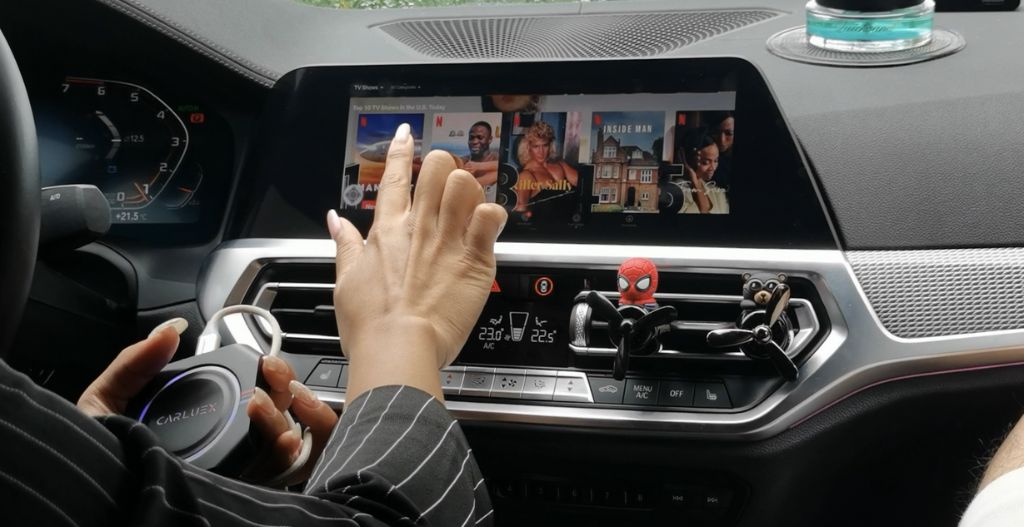
Troubleshooting: If CarPlay Still Does Not Work
- Update first: Keep your iPhone and BMW system software current where updates are available.
- Check restrictions: Apple recommends confirming that CarPlay is not restricted in Screen Time settings if the iPhone is not detected.
- Forget and reconnect: Remove the car from iPhone CarPlay settings, then pair again.
- Check Wi-Fi and Bluetooth: Wireless CarPlay depends on both being available during setup.
- Confirm BMW feature status: Some BMW features can depend on vehicle configuration, market, and account setup.
- Do not use an adapter as a repair shortcut: If factory CarPlay is broken, fix the base connection before adding an adapter or module.
Related CARLUEX Guides
- BMW CarPlay guide
- CARLUEX Multimedia Streaming Box for BMW
- CARLUEX compatible vehicles
- BMW CarPlay adapter collection
- CarPlay module for BMW 5 Series collection
Official Sources Used
- Apple CarPlay available models
- Apple Support: Use CarPlay with your iPhone
- BMW USA ConnectedDrive
- BMW USA 5 Series Sedan overview
FAQ
Can I add Apple CarPlay to an older BMW 5 Series?
Possibly, but it depends on the exact model year, iDrive generation, screen, and vehicle configuration. Do not buy a generic module until you confirm compatibility.
Does every BMW 5 Series have wireless Apple CarPlay?
No. Apple lists BMW 5 Series CarPlay support for 2017-2025, and current BMW USA 5 Series materials mention wireless Apple CarPlay for the 2027 model, but used vehicles can vary by year, market, trim, and software.
Should BMW 5 Series owners buy CARLUEX PRO+ 2.0?
Not as the default BMW recommendation. For BMW vehicles, review the BMW-specific CARLUEX product path first and confirm compatibility before purchase.
Will a CarPlay adapter fix BMW CarPlay connection problems?
Not necessarily. If your factory CarPlay connection is failing, troubleshoot iPhone settings, BMW pairing, Wi-Fi, Bluetooth, software, and feature status before adding hardware.
Can I use Android Auto in a BMW 5 Series?
Some BMW systems support Android Auto, and current BMW USA materials mention Android Auto compatibility for new 5 Series models. For older vehicles or add-on products, confirm Android Auto support separately before purchase.


Efterlad en kommentar
Denne side er beskyttet af hCaptcha, og hCaptchas Politik om beskyttelse af persondata og Servicevilkår er gældende.