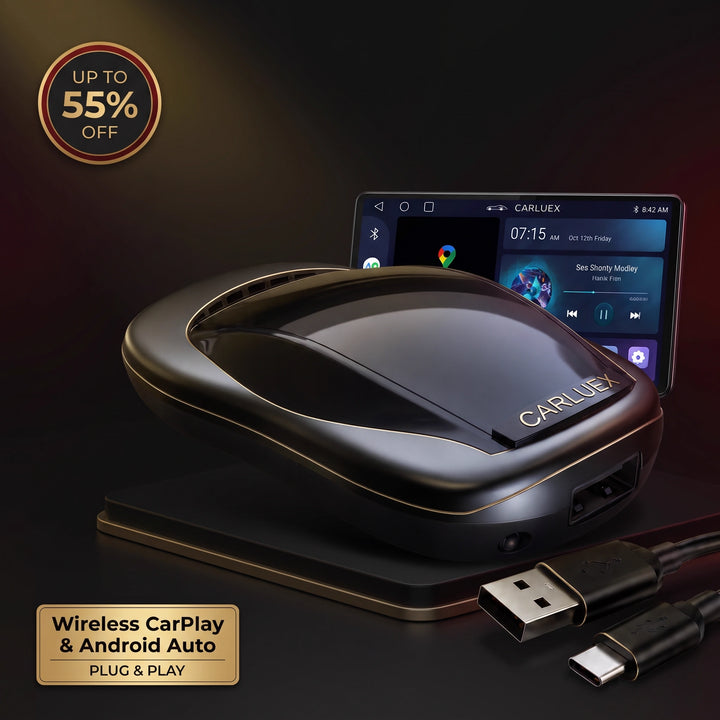
PRO PLUS

How to Set the Time Zone on CARLUEX PRO+?

To set the time zone on CARLUEX PRO+, follow these steps:

  1. Access the "Settings" menu.
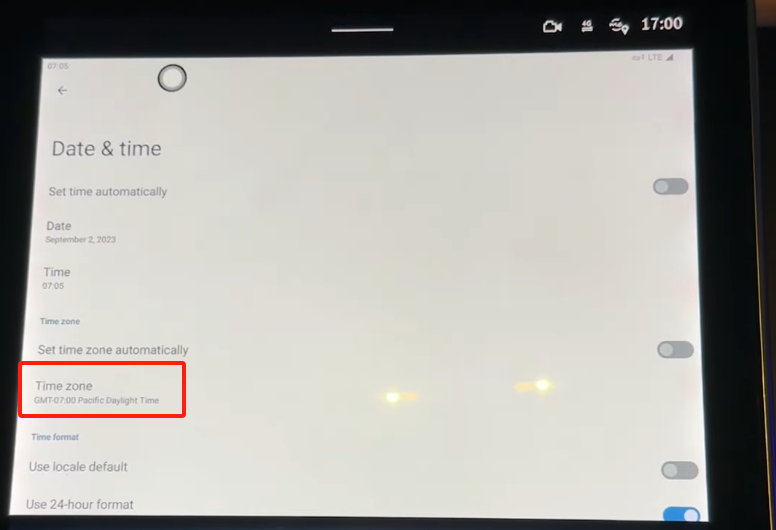
  2. Scroll up to enter the "System" section, where you'll find the "Date & time" area. Click to enter it.
  3. Click on the "Time zone" section, search for the time zone you want, and then click to confirm the setting.

For a visual guide, you can also refer to this video tutorial: Time Zone Setting Tutorial for CARLUEX PRO+
Zobrazit další

Napsat komentář

Tento web je chráněn službou hCaptcha a vztahují se na něj Zásady ochrany osobních údajů a Podmínky služby společnosti hCaptcha.

Recommended CARLUEX products

CARLUEX PRO PLUS 2.0 Black Friday 2026

CARLUEX® PRO+ 2.0 Multimedia AI Box

A multimedia AI box that adds wireless CarPlay and Android Auto, 4K playback, app installation, and OTA updates to compatible vehicles.

Prodejní cenaOd $174.85 USD Běžná cena$339.00 USD
View product
CARLUEX for BMW Black Friday 2026

CARLUEX Multimedia Streaming Box for BMW

A BMW-focused multimedia box with wireless CarPlay and Android Auto, streaming apps, voice commands, and steering-wheel control.

Prodejní cenaOd $247.20 USD Běžná cena$369.00 USD
View product
CARLUEX AIR Black Friday 2026

CARLUEX AIR Wireless CarPlay/Android Auto Adapter

A plug-and-play entertainment adapter that adds wireless CarPlay, Android Auto, built-in apps, and USB media playback to compatible vehicles.

Prodejní cenaOd $62.55 USD Běžná cena$139.00 USD
View product