BMW

How to Play Local Videos?

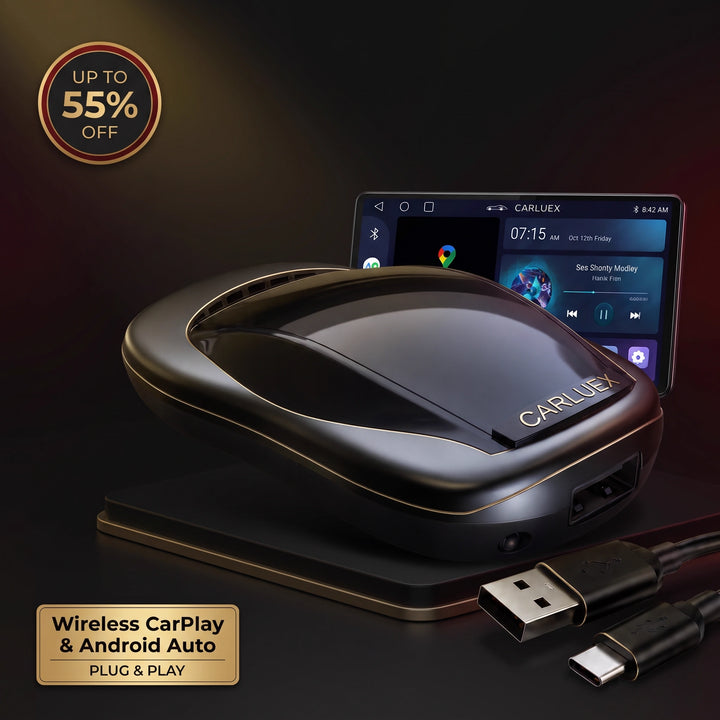
To play videos that you've downloaded, follow these steps: CARLUEX PRO works out of the box — no wiring or tools needed. Browse CARLUEX wireless adapters to find the right fit for your car.

  1. Save the downloaded videos from your computer onto a micro-SD card. Please note that we max support micro-SD cards up to 128GB in size.
  2. Insert your micro-SD card into the product, ensuring that the chip on the card is facing upward.
  3. Bring the micro-SD card with your videos into your car.
  4. Use the "File" app or VLC media player to play your downloaded videos.

This allows you to enjoy your local videos on your CARLUEX for BMW product while in your car.

Zobrazit další

Napsat komentář

Tento web je chráněn službou hCaptcha a vztahují se na něj Zásady ochrany osobních údajů a Podmínky služby společnosti hCaptcha.

Recommended CARLUEX products

CARLUEX PRO PLUS 2.0 Black Friday 2026

CARLUEX® PRO+ 2.0 Multimedia AI Box

A multimedia AI box that adds wireless CarPlay and Android Auto, 4K playback, app installation, and OTA updates to compatible vehicles.

Prodejní cenaOd $174.85 USD Běžná cena$339.00 USD
View product
CARLUEX for BMW Black Friday 2026

CARLUEX Multimedia Streaming Box for BMW

A BMW-focused multimedia box with wireless CarPlay and Android Auto, streaming apps, voice commands, and steering-wheel control.

Prodejní cenaOd $247.20 USD Běžná cena$369.00 USD
View product
CARLUEX AIR Black Friday 2026

CARLUEX AIR Wireless CarPlay/Android Auto Adapter

A plug-and-play entertainment adapter that adds wireless CarPlay, Android Auto, built-in apps, and USB media playback to compatible vehicles.

Prodejní cenaOd $62.55 USD Běžná cena$139.00 USD
View product