BMW

How Can I Set the Time Zone for My CARLUEX for BMW?

To set the time zone for your CARLUEX for BMW product, follow these steps: CARLUEX PRO+ 2.0 adds wireless CarPlay and Android Auto to How-equipped vehicles. Browse CARLUEX wireless adapters to find the right fit for your car.

  1. Access the "Settings" menu.
  2. Click on "System Settings."
  3. Navigate to the "Auxiliary Settings" section.
  4. Click on "Time Zone Setting."
  5. Choose your desired time zone from the available options.

For a visual guide, you can also refer to this video tutorial.

Zobrazit další

Napsat komentář

Tento web je chráněn službou hCaptcha a vztahují se na něj Zásady ochrany osobních údajů a Podmínky služby společnosti hCaptcha.

Recommended CARLUEX products

CARLUEX PRO PLUS 2.0 Black Friday 2026

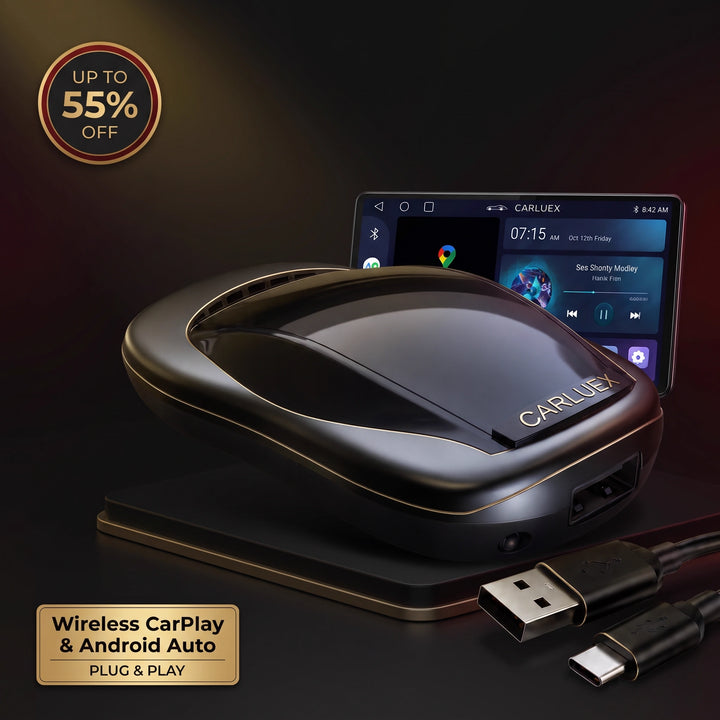
CARLUEX® PRO+ 2.0 Multimedia AI Box

A multimedia AI box that adds wireless CarPlay and Android Auto, 4K playback, app installation, and OTA updates to compatible vehicles.

Prodejní cenaOd $174.85 USD Běžná cena$339.00 USD
View product
CARLUEX for BMW Black Friday 2026

CARLUEX Multimedia Streaming Box for BMW

A BMW-focused multimedia box with wireless CarPlay and Android Auto, streaming apps, voice commands, and steering-wheel control.

Prodejní cenaOd $247.20 USD Běžná cena$369.00 USD
View product
CARLUEX AIR Black Friday 2026

CARLUEX AIR Wireless CarPlay/Android Auto Adapter

A plug-and-play entertainment adapter that adds wireless CarPlay, Android Auto, built-in apps, and USB media playback to compatible vehicles.

Prodejní cenaOd $62.55 USD Běžná cena$139.00 USD
View product