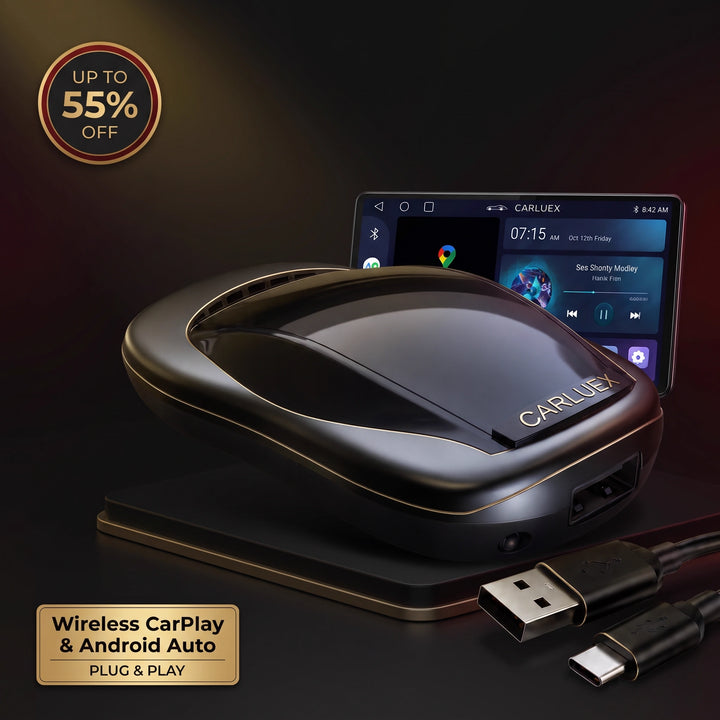
PRO+2.0

How to play downloaded videos on CARLUEX PRO+2.0

To watch downloaded video files on CARLUEX PRO+ 2.0, follow these steps:

  1. Save the downloaded video files from your computer onto a micro-SD card.
  2. Insert the micro-SD card into the device, making sure the chip side is facing up.
  3. Bring the micro-SD card into your car and insert it into the CARLUEX PRO+ 2.0.
  4. Open the File app or use a media player like VLC to browse and play your downloaded videos.

This allows you to enjoy your personal video content conveniently in your car using CARLUEX PRO+ 2.0.

📺 For a visual demonstration, watch the tutorial video:
https://youtube.com/shorts/uwxig4bWXzg?si=mUZSy3E5jLiggaFo


Zobrazit další

Napsat komentář

Tento web je chráněn službou hCaptcha a vztahují se na něj Zásady ochrany osobních údajů a Podmínky služby společnosti hCaptcha.

Recommended CARLUEX products

CARLUEX PRO PLUS 2.0 Black Friday 2026

CARLUEX® PRO+ 2.0 Multimedia AI Box

A multimedia AI box that adds wireless CarPlay and Android Auto, 4K playback, app installation, and OTA updates to compatible vehicles.

Prodejní cenaOd $174.85 USD Běžná cena$339.00 USD
View product
CARLUEX for BMW Black Friday 2026

CARLUEX Multimedia Streaming Box for BMW

A BMW-focused multimedia box with wireless CarPlay and Android Auto, streaming apps, voice commands, and steering-wheel control.

Prodejní cenaOd $247.20 USD Běžná cena$369.00 USD
View product
CARLUEX AIR Black Friday 2026

CARLUEX AIR Wireless CarPlay/Android Auto Adapter

A plug-and-play entertainment adapter that adds wireless CarPlay, Android Auto, built-in apps, and USB media playback to compatible vehicles.

Prodejní cenaOd $62.55 USD Běžná cena$139.00 USD
View product