

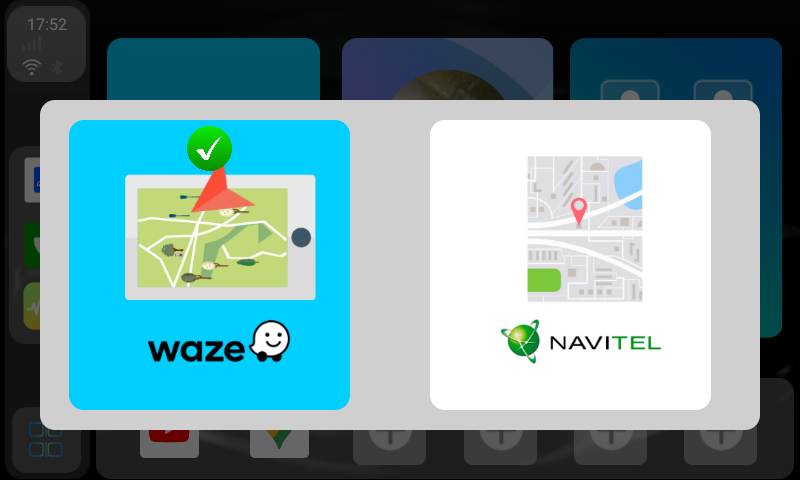
To customize the navigation app on your CARLUEX PRO+ home screen, follow these steps:
- Long-press the navigation panel on the home screen.
- Select your preferred navigation app from the options available.
This allows you to set your favorite navigation app as the default choice on your CARLUEX PRO+ home screen, making it more convenient for quick access.
You can also check out the tutorial video here ⇒ https://youtube.com/shorts/he-Rnc2f6eE?feature=share






Napsat komentář
Tento web je chráněn službou hCaptcha a vztahují se na něj Zásady ochrany osobních údajů a Podmínky služby společnosti hCaptcha.