

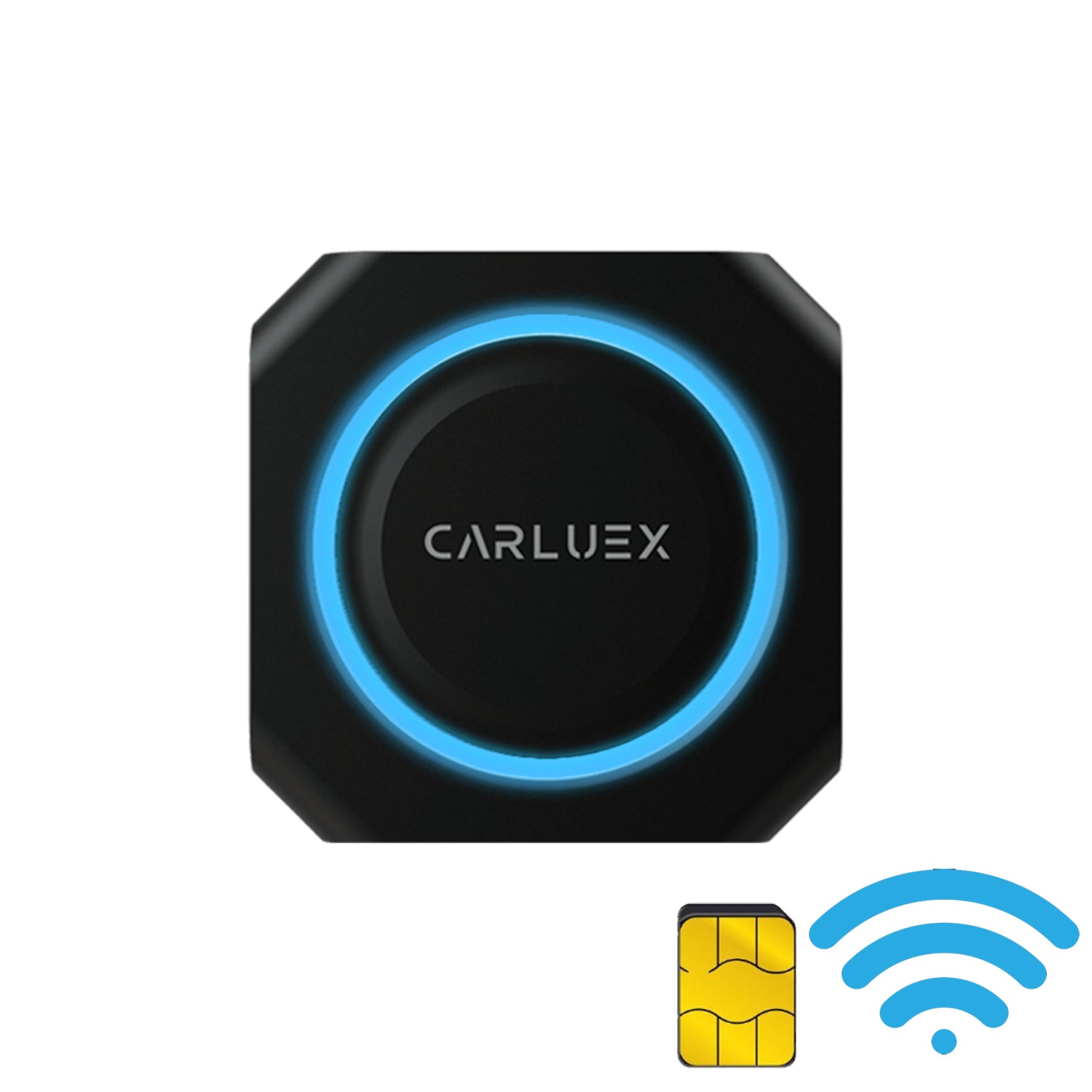
CARLUEX PRO+ requires an internet connection for navigation, streaming, and real-time features. This guide explains how to connect your device to the internet using WiFi hotspot or a SIM card, including important information about network compatibility.
Connection Options Overview
CARLUEX PRO+ offers two methods for internet connectivity:
- WiFi Hotspot: Uses your phone's mobile data or a dedicated hotspot device. Best for occasional use and when you have unlimited data plans.
- SIM Card: Dedicated 4G/LTE or 5G data connection. Best for consistent connectivity and when you don't want to drain your phone battery.
Method 1: Connect via WiFi
Using WiFi allows CARLUEX PRO+ to share your phone's mobile data connection:
- Access the Settings menu on your CARLUEX PRO+
- Select Network or WiFi option
- Ensure your phone's Mobile Hotspot is turned on
- From the available WiFi networks list, select your phone's hotspot name
- Enter the hotspot password if prompted
- Connection status will show "Connected" once successful
Tips for WiFi Connection:
- Keep your phone within 3 meters of CARLUEX PRO+ for stable signal
- Use 5GHz hotspot for faster speeds if your phone supports it
- Be aware of your mobile data limits when streaming music or video
Method 2: Connect via SIM Card
A dedicated SIM card provides independent internet access for CARLUEX PRO+:
SIM Card Compatibility:
- Size: Standard SIM, Micro SIM, or Nano SIM (depending on your CARLUEX model)
- Network: 4G/LTE or 5G (check your device specifications)
- Data Plans: Use any carrier with compatible network bands
Installing the SIM Card:
- Power off CARLUEX PRO+ completely
- Locate the SIM card slot (usually on the side of the device)
- Use the SIM ejector tool to gently open the slot
- Insert the SIM card with the gold contacts facing down
- Push the slot back in until it clicks
- Power on the device
Configuring SIM Internet:
- Go to Settings > Network
- Select SIM Card or Mobile Data
- Enable mobile data if not already on
- CARLUEX PRO+ will automatically detect and connect to the carrier network
- For some carriers, you may need to enter APN settings manually
Common APN Settings (if required):
- APN: Your carrier's APN name (e.g., "internet", "broadband", etc.)
- Username: Usually "user" or your carrier-specific username
- Password: Your carrier-specific password
WiFi vs SIM: Which to Choose?
| Feature | WiFi Hotspot | SIM Card |
|---|---|---|
| Setup | Quick and easy | Requires SIM installation |
| Phone battery | Drains phone battery | No impact on phone |
| Stability | Dependent on phone signal | Stable dedicated connection |
| Data cost | Uses phone data plan | Requires separate data plan |
| Best for | Occasional use, travel | Daily use, multiple users |
Important Network Information
Current Recommendations: For the best experience, use 4G/LTE or 5G networks. 2G and 3G connections are still supported but offer significantly slower speeds. Most modern SIM cards and carriers provide 4G or 5G connectivity by default.
Troubleshooting
SIM card not recognized
- Ensure the SIM card is properly inserted
- Check that the SIM card is not damaged
- Try a different SIM card to rule out device issues
- Verify your CARLUEX model supports your SIM card size
No internet connection despite being connected
- Restart CARLUEX PRO+ and the SIM (if applicable)
- Check that your data plan has available data
- Verify APN settings are correct (for SIM)
- Move to an area with better network coverage
Data connection keeps dropping
- Check for network congestion or outages in your area
- Switch between WiFi and SIM to find the more stable connection
- For SIM: try removing and reinserting the card
- For WiFi: move closer to the hotspot source
Data Usage Tips
- Navigation apps like Google Maps typically use 5-10MB per hour
- Streaming music uses approximately 50-150MB per hour at standard quality
- Video streaming is not recommended due to high data consumption
- Consider unlimited data plans for heavy usage
Frequently Asked Questions
Does CARLUEX PRO+ support 5G SIM cards?
Check your specific model specifications. Many CARLUEX PRO+ models support 4G/LTE, with some newer models supporting 5G connectivity.
Can I use my phone SIM card?
Yes, you can use any activated SIM card from a compatible carrier, including your existing phone SIM if your carrier allows multiple device connections.
Will using SIM data affect my phone plan?
No, a dedicated SIM card has its own data plan separate from your phone. This can actually save your phone battery since it doesn't need to run a hotspot.
What's the difference between 4G and 5G for CARLUEX?
5G offers faster speeds and lower latency, but 4G/LTE is sufficient for most in-car applications like navigation and music streaming.


5 من التعليقات
https://d-change.net/
Do you mind if I quote a few of your articles as long as I provide credit and sources back to your
site? My blog site is in the exact same niche as yours and my visitors would truly benefit from some of the information you provide here.
Please let me know if this ok with you. Many thanks!
d-change.Net
Its not my first time to visit this web site, i am browsing this web
page dailly and take pleasant facts from here daily.
D Change
Awesome post.
D Change
When someone writes an piece of writing he/she retains the idea
of a user in his/her brain that how a user can be aware of it.
Thus that’s why this article is perfect. Thanks!
https://d-change.net
Just wish to say your article is as amazing.
The clarity in your post is simply cool and i can assume you’re an expert on this subject.
Fine with your permission let me to grab your feed to keep up to date with
forthcoming post. Thanks a million and please carry on the enjoyable work.
اترك تعليقًا
تخضع جميع التعليقات للإشراف قبل نشرها.
This site is protected by hCaptcha and the hCaptcha Privacy Policy and Terms of Service apply.