

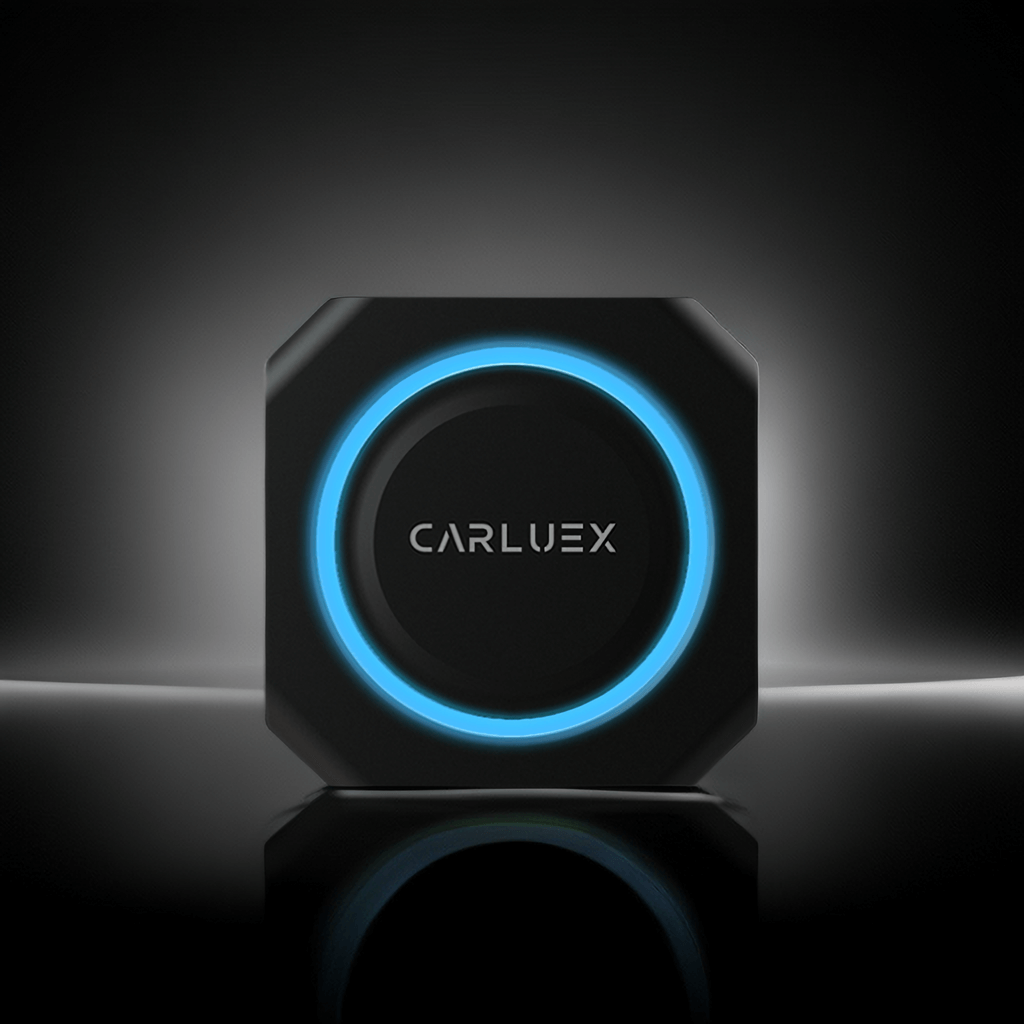
What You'll Need Before Starting
Before setting up your CARLUEX PRO+, make sure you have the following:
- CARLUEX PRO+ adapter
- USB-A or USB-C cable (adapter included)
- Vehicle with Apple CarPlay support (2016-2024 models)
- iPhone with iOS 12 or higher
Step 1 - Locate Your Vehicle's USB Port
Find your vehicle's USB port. Depending on your car model, it may be located:
- In the center console
- Below the infotainment screen
- In the glove compartment
Step 2 - Enable Apple CarPlay
Navigate to your vehicle's Apple CarPlay section. Depending on your vehicle, this section may be located within one of the areas on your Streaming Apps board. Add a new device and select the one that starts with CARLUEX-XXXX.
Step 3 - Pair the Device
When prompted, select "Pair" on the vehicle screen. Your iPhone may ask for Bluetooth pairing confirmation - tap "Accept" to proceed.
Step 4 - Verify the Connection
Wait for the product to establish an automatic connection. Most users complete this process in under 5 minutes. Once connected, you should see the CARLUEX interface on your vehicle's display screen.
Troubleshooting Common Connection Issues
If your CARLUEX PRO+ isn't connecting, try these steps:
- Ensure your vehicle supports Apple CarPlay
- Restart your iPhone and try again
- Check that your iPhone is running iOS 12 or higher
- Try a different USB port if available
- Reset the CARLUEX device by unplugging and replugging
Compatible with 800+ vehicle models. For the full compatibility list, contact our support team.
You can also check out the tutorial video here.
Frequently Asked Questions
Q: How long does it take to connect CARLUEX PRO+?
A: Most users complete the setup in under 5 minutes.
Q: My CARLUEX PRO+ won't connect, what should I do?
A: First, ensure your vehicle supports Apple CarPlay. Then restart your iPhone and try again. If the issue persists, contact our support team.
Q: Which iPhone models are supported?
A: iPhone 5s and newer with iOS 12 or higher.
Q: Can I use wireless CarPlay with CARLUEX PRO+?
A: CARLUEX PRO+ requires a USB connection for initial setup. For wireless solutions, check out our CARLUEX PRO+ product page.
Q: Does CARLUEX PRO+ work with Android Auto?
A: CARLUEX PRO+ is designed for Apple CarPlay. For Android Auto support, please visit our product page for compatible options.
Ready to get started? Shop CARLUEX PRO+ on carluex.store



تعليق واحد
Edgar Batista Rodrigues
Gostaria de adquirir um
اترك تعليقًا
تخضع جميع التعليقات للإشراف قبل نشرها.
This site is protected by hCaptcha and the hCaptcha Privacy Policy and Terms of Service apply.